
radiance-theming-extras
The extras module contains additional functionality that builds on top of the core Radiance module.
Additional palette seeds are available under the org.pushingpixels.radiance.theming.extras.api.paletteseedspack package. See the full list here.
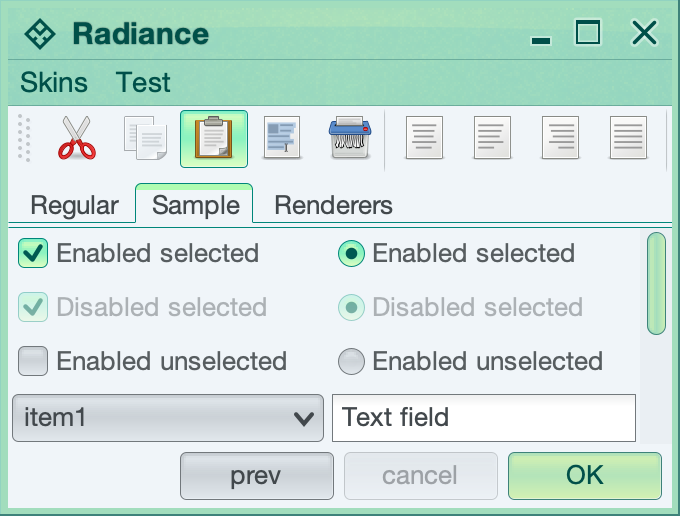
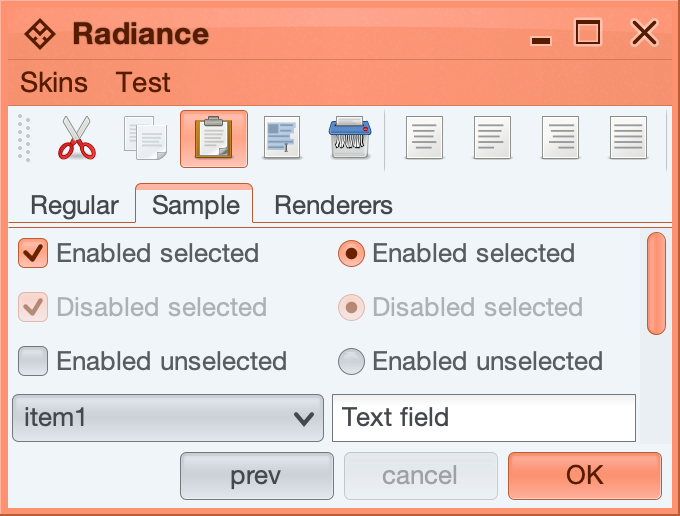
Additional surface and decoration painters are available under the org.pushingpixels.radiance.theming.extras.api.painterpack package.
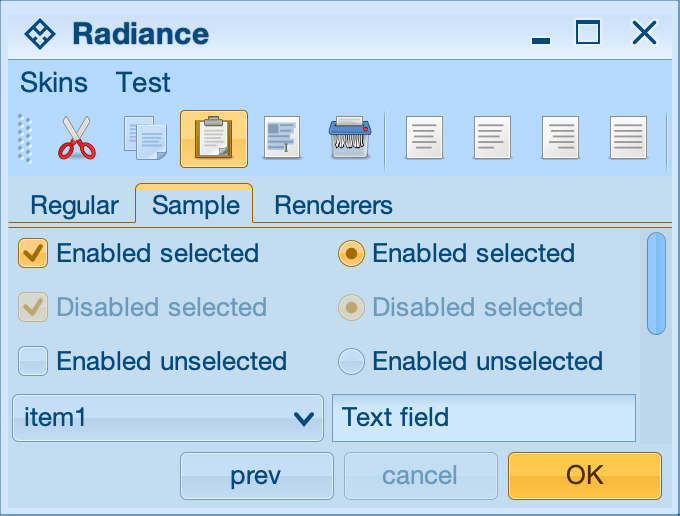
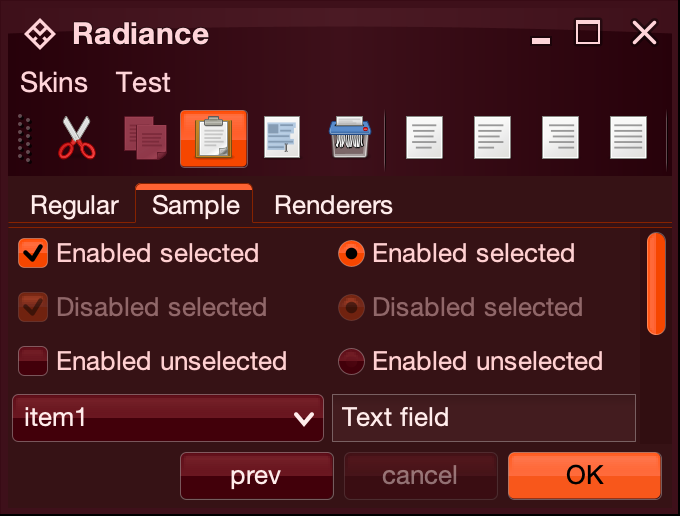
Additional skins are available under the org.pushingpixels.radiance.theming.extras.api.skinpack package.
The org.pushingpixels.radiance.theming.extras.api.tabbed package provides three widgets that can be enabled for on JTabbedPanes in your application.
TabHoverPreviewWidget- will display a small thumbnail preview of tab contents when the mouse is hovering over the tabTabOverviewDialogWidget- will display a button that brings an overview dialog with all the tab previewsTabPagerWidget- will display a floating 3-pane tab pager on Ctrl+Right and Ctrl+Left keystrokes
To enable a specific widget, use RadianceThemingCortex.GlobalScope.registerWidget API:
RadianceThemingCortex.GlobalScope.registerWidget(
     "org.pushingpixels.radiance.theming.extras.api.tabbed.TabHoverPreviewWidget",
     JTabbedPane.class, false)
As a result of this call, all JTabbedPane containers in your application (including those of classes that extend JTabbedPane - which is enabled by passing false as the last parameter) will display a small tab preview popup when the mouse hovers over one of the tabs.
Use RadianceExtrasCortex.ComponentScope.setTabPanePreviewPainter to configure the painter to be used to render preview thumbnails of tabs for the specific JTabbedPane. You can use DefaultTabPreviewPainter as is, or extend some of its functionality as required by your application.