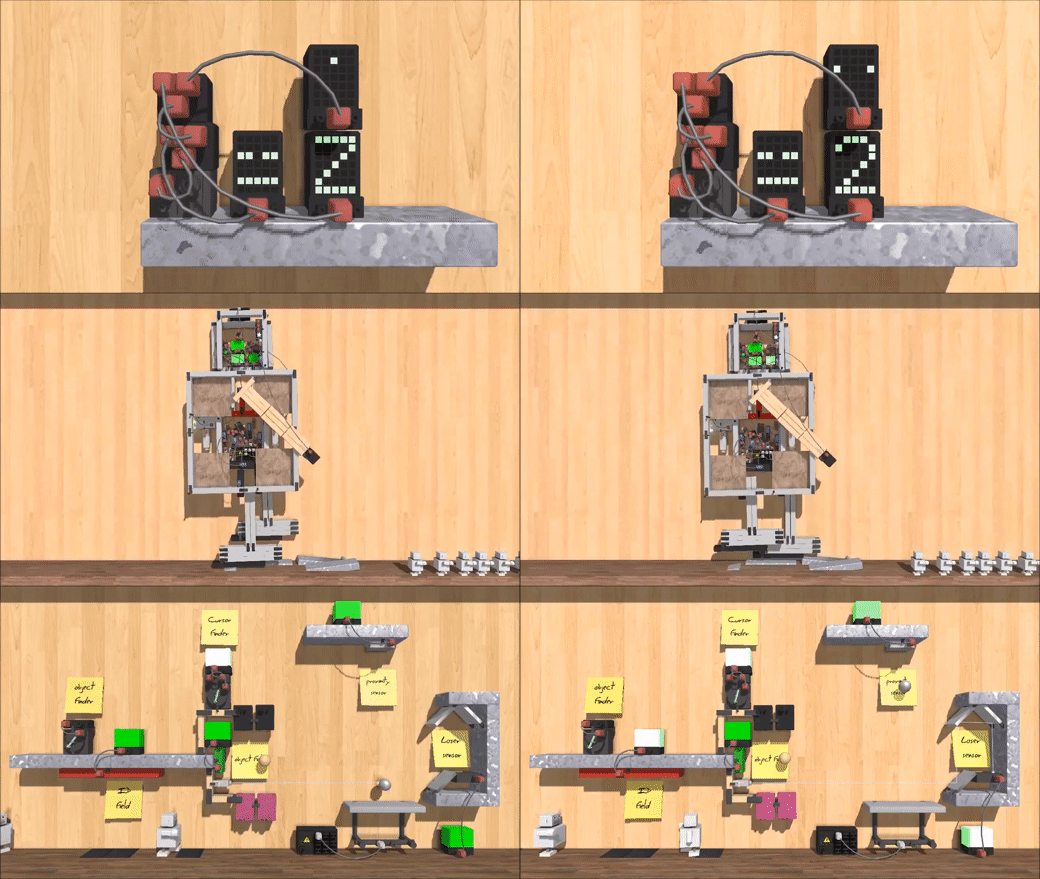
Principia is a sandbox physics game originally released in November 2013. It is the successor to the 2011 Android hit game "Apparatus". In August of 2022 Principia was released as open source, and is now being developed as an open source project.
Principia runs on anything with a recent enough version of Windows, Linux or Android. There exists code to compile for iOS, but is currently not functional. (See #85)
-
New community site: https://principia-web.se
-
Download: https://principia-web.se/download
-
Old community site archive: https://archive.principia-web.se
-
Discord server: https://principia-web.se/discord
-
Matrix room: https://principia-web.se/matrix
Every now and then new beta builds for 1.5.2 are made whenever things are stable enough on the master branch. These are available for download on the principia-web downloads page.
There are also nightly build artifacts for Windows and Android that get automatically built by GitHub CI on each commit, see Actions. Keep in mind these may be broken at times during development, and you are recommended to use the beta builds instead.
Feel free to fork this project and send in your pull requests. This is a community project and the community decides how the project evolves.
Most of our discussion and development happens in the #development channel of the Principia Discord server (also bridged to Matrix), make sure to join it if you want to discuss and participate in the development of the game.
Also be sure to follow @Bithack on Twitter for more updates about the project.
Below are instructions to build Principia on Windows, Linux and Android from source. See also this Wiki page for notes on running Principia on particular platforms. (e.g. Chrome OS or a Raspberry Pi)
If you have issues building Principia, then please ask in the #development channel on Discord.
The game engine behind Principia (TMS) is written in the C99 standard of C. Unfortunately, the Visual Studio C compiler does not support the C99 standard. Principia must therefore be compiled using the MSYS2 MINGW64 toolchain, as described below.
Please find the latest version of the 64-bit MSYS2 here: https://www.msys2.org/
After installation, a terminal opens. Run the following command to update the environment:
pacman -SyuThe terminal will then ask you to close it when done. Proceed with doing so, and then go to the start menu and run MSYS Mingw32 64-bit. It is important that you run the "MINGW64 64-Bit" version and not the "MSYS2 MSYS" or "MINGW64 32-Bit". Run the commands below to install the necessary dependencies.
pacman -S base-devel autotools mingw-w64-x86_64-{toolchain,curl,gtk3,gtksourceview4,libpng,libjpeg-turbo,freetype,SDL2,SDL2_image,SDL2_mixer,SDL2_ttf}Then navigate to the build-windows folder inside of where you cloned Principia, for example:
cd /c/Users/<username>/Documents/Principia/build-windowsAnd start the building process:
./autogen.sh
./configure
./go
Principia will launch if the compilation was successful. Keep in mind that the built executable can only be run inside of the MINGW terminal, to make a release build see below to build the installer:
The Windows installer uses NSIS, which must be installed first before building:
pacman -S mingw-w64-x86_64-nsisFor making Windows release builds you would run the make_release.sh script, which will bundle necessary DLLs and other files to make the game run, and builds the installer.
If you just want to play Principia on Linux, there are packages available for Arch-based and Debian-based distros as well as NixOS. See the principia-web downloads page for more info.
Install dependencies.
Debian-based distros:
sudo apt-get install cmake ninja-build libgtk-3-dev libgtksourceview-4-dev libgl-dev libglew-dev libxss-dev libxxf86vm-dev libasound2-dev libudev-dev libcurl4-openssl-dev libpng-dev libjpeg-dev libfreetype6-dev libsdl2-dev libsdl2-image-dev libsdl2-ttf-dev libsdl2-mixer-devFor Arch-based distros:
sudo pacman -S cmake ninja glew gtk3 gtksourceview4 curl freetype2 libpng libjpeg sdl2 sdl2_image sdl2_mixer sdl2_ttfFor Fedora:
sudo dnf install @development-tools cmake ninja gcc-c++ freetype-devel libcurl-devel libpng-devel libjpeg-turbo-devel gtk3-devel gtksourceview4-devel SDL2-devel SDL2_image-devel SDL2_ttf-devel SDL2_mixer-devel libXxf86vm-devel glew-devel mesa-libGLU-devel alsa-lib-devel systemd-develFor NixOS, Follow the instructions here.
We are working on switching our build system to CMake. Currently it should work to compile on Linux without any issues.
mkdir build; cd build
cmake .. -G Ninja
ninjaOn Linux Principia will attempt to load data from the following directories:
./(data directories are next to the executable)../(data directories are one directory up relative to the executable)/usr/share/principia/
When doing ninja install, the data folders will be installed to share/principia. For packaging, you would want to pass -DCMAKE_INSTALL_PREFIX=/usr to CMake which when installed will put data where it can get loaded from.
These instructions assume a Linux system but can likely be easily adapted to build for Android on any platform.
Download Android Studio from here: https://developer.android.com/studio
Untar the archive and run studio.sh:
tar xzf android-studio-*-linux.tar.gz
cd bin; ./studio.sh
Choose Custom in the Installer, click Next a bunch of times. Android Studio will download components for a while. Once finished, in the "Welcome to Android Studio" dialog, choose "Customize" in the left menu and then click "All Settings..." at the bottom center. Open Appearance -> System Settings -> Android SDK. Click the SDK Tools tab and check the following items:
- NDK (Side by side)
- Android SDK Command-line tools
Click Apply and wait for the components to download. Close Android Studio forever.
Open a terminal and run the build scripts:
cd build-android
export ANDROID_HOME=/home/EXAMPLE/Android/Sdk
./gradlew build
ANDROID_HOME should be set to the location where Android Studio installed the SDK (which you chose during setup). You might want to put that export line in your .bashrc file.
Finally, to install the game on your device:
./gradew installSee LICENSE.md