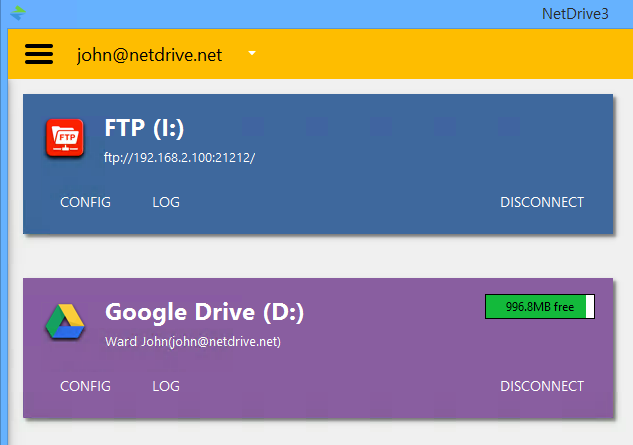
- Access remote files as local files
- File Browser
- Background uploading
- Team Drive
- File Lock
- Multi-user file lock for Microsoft Office files.
- Mount your storage without login on Windows
- Force refresh folder
- Amazon Webservices
- Amazon Drive
- Azure Blob Storage
- Azure File Storage
- BACKBLAZE
- box
- Cloud Storage
- Dropbox / Dropbox Business
- filebase
- FTP / SFTP
- Google Drive
- Google Cloud Storage
- Google Photos
- hubic
- MEGA
- OneDrive / OneDrive for Business
- openstack
- ownCloud
- pCloud
- SharePoint
- ucloud biz
- wasabi
- WebDAV
- Yandex Disk
Managing your favorite cloud storage services could not be easier. Simply provide login information, and all your cloud storage will automatically appear as a virtual drive every time you start your PC.
You can connect to NAS servers by WebDAV or FTP. Many NAS vendors recommend NetDrive as a standard way to mount their NAS products. Share your NAS easily with anyone as virtual drive.
NetDrive supports secure file transfer by SFTP (SSH File Transfer protocol) . Unlike standard File Transfer Protocol (FTP), SFTP encrypt both commands and data, preventing passwords and sensitive information from being transmitted in clear text over a network.
Microsoft Windows 10, Windows 8, Windows 8.1, Windows 7, Windows Vista, Windows Server 2008/2012/2016.
You can freely download and install NetDrive on your computer for evaluation during the 7-day trial period.
To use choco:// protocol URLs, install (unofficial) choco:// Protocol support
If this package isn't up-to-date for some days, Create an issue
Support the package maintainer and