Patch to enable pixelated image scaling, and modifies the "double" scaling mode to be a general integer scaling mode.
This is based on the original patch by Idearum (and uses their patching script), but it differs in several key ways:
- No additional settings. This keeps your saves 100% compatible with unmodded versions. The "Double" scale mode is replaced with "Integer" only when the mod is active. Otherwise it reverts to the default "Double" behavior.
- Pixelated scaling. This keeps the image crisp whether you use integer scaling or not, and works on any resolution.
At 2560x1440, 1x pixel size. (Click link for full image.)
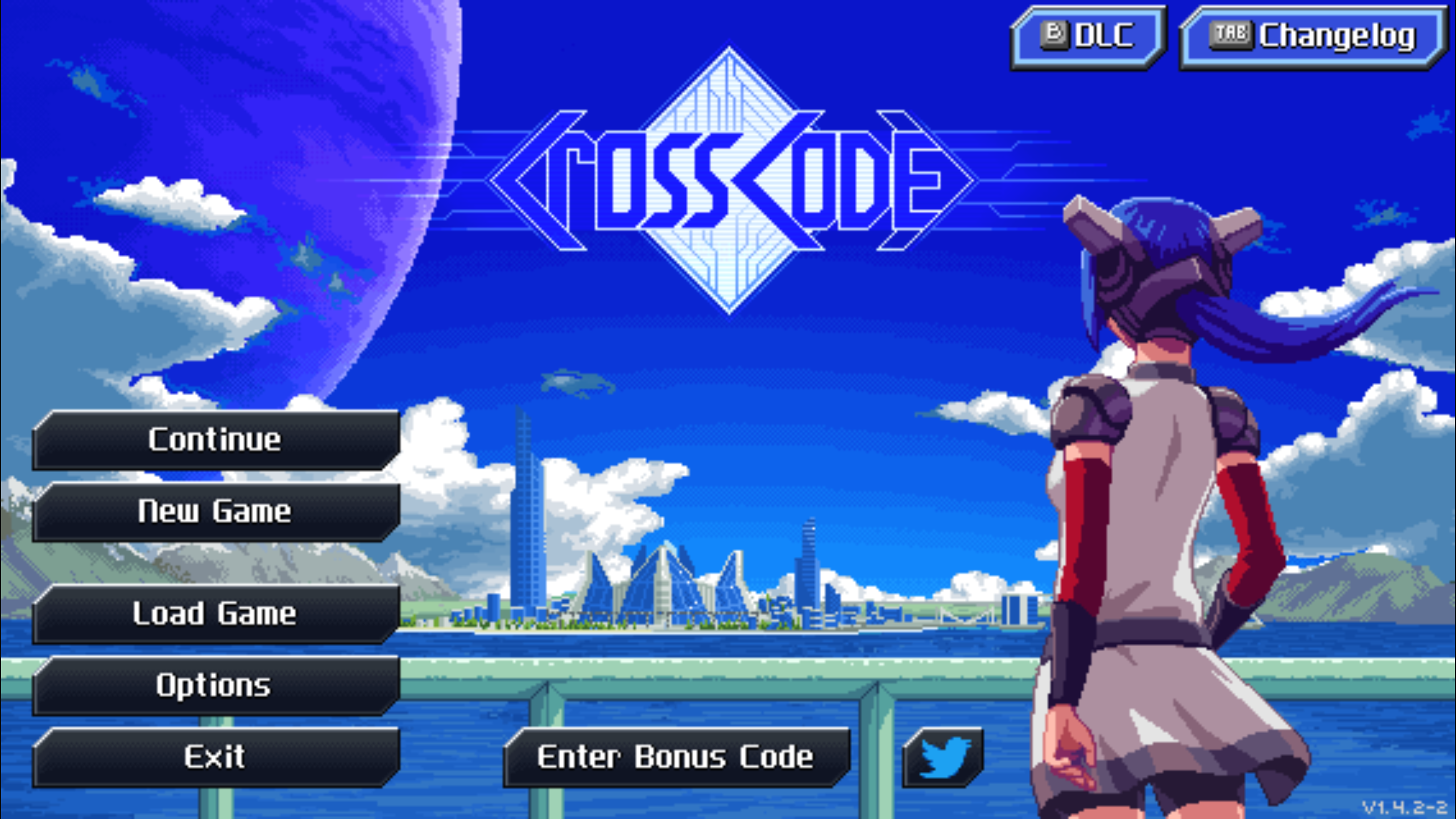
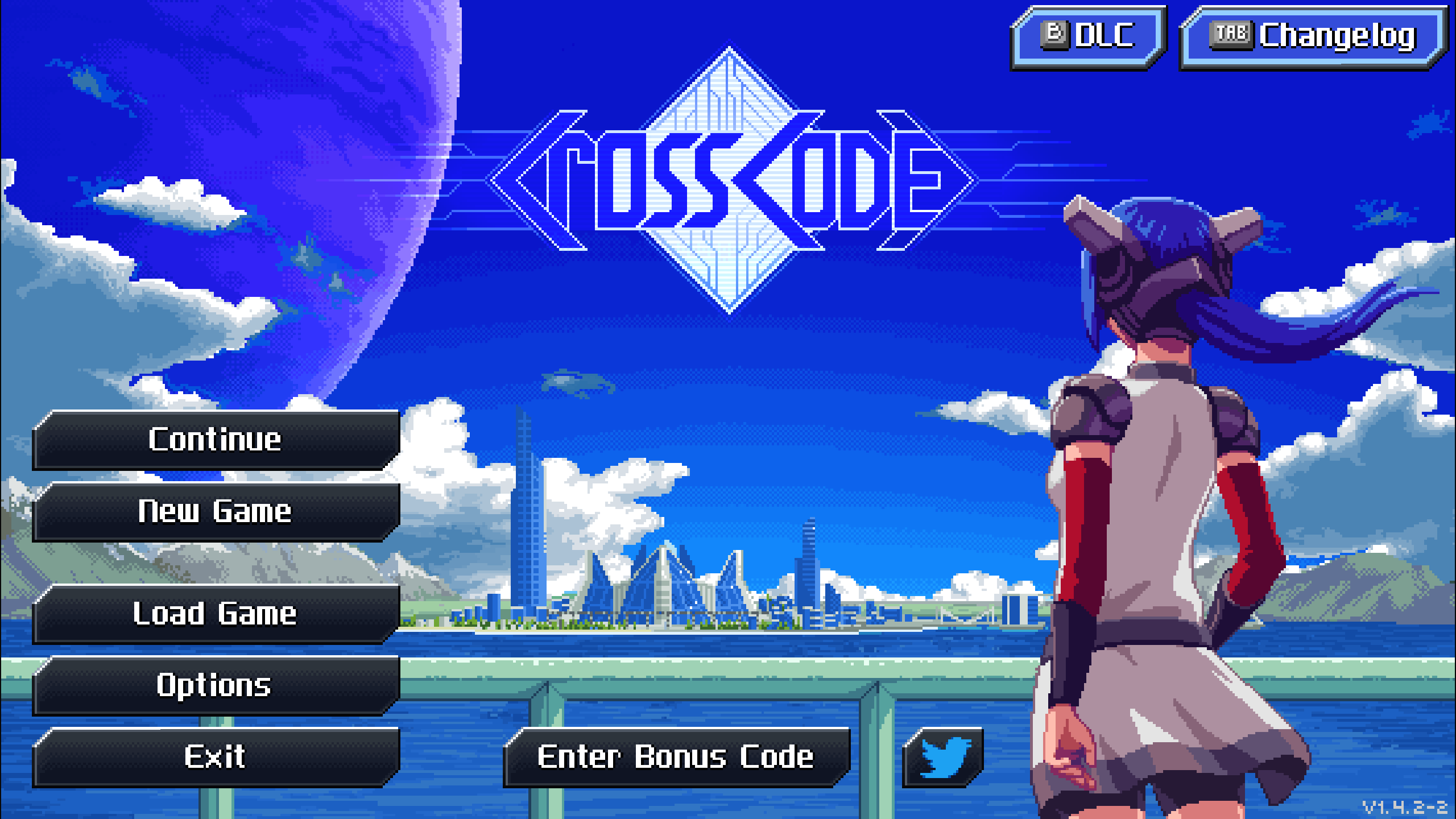
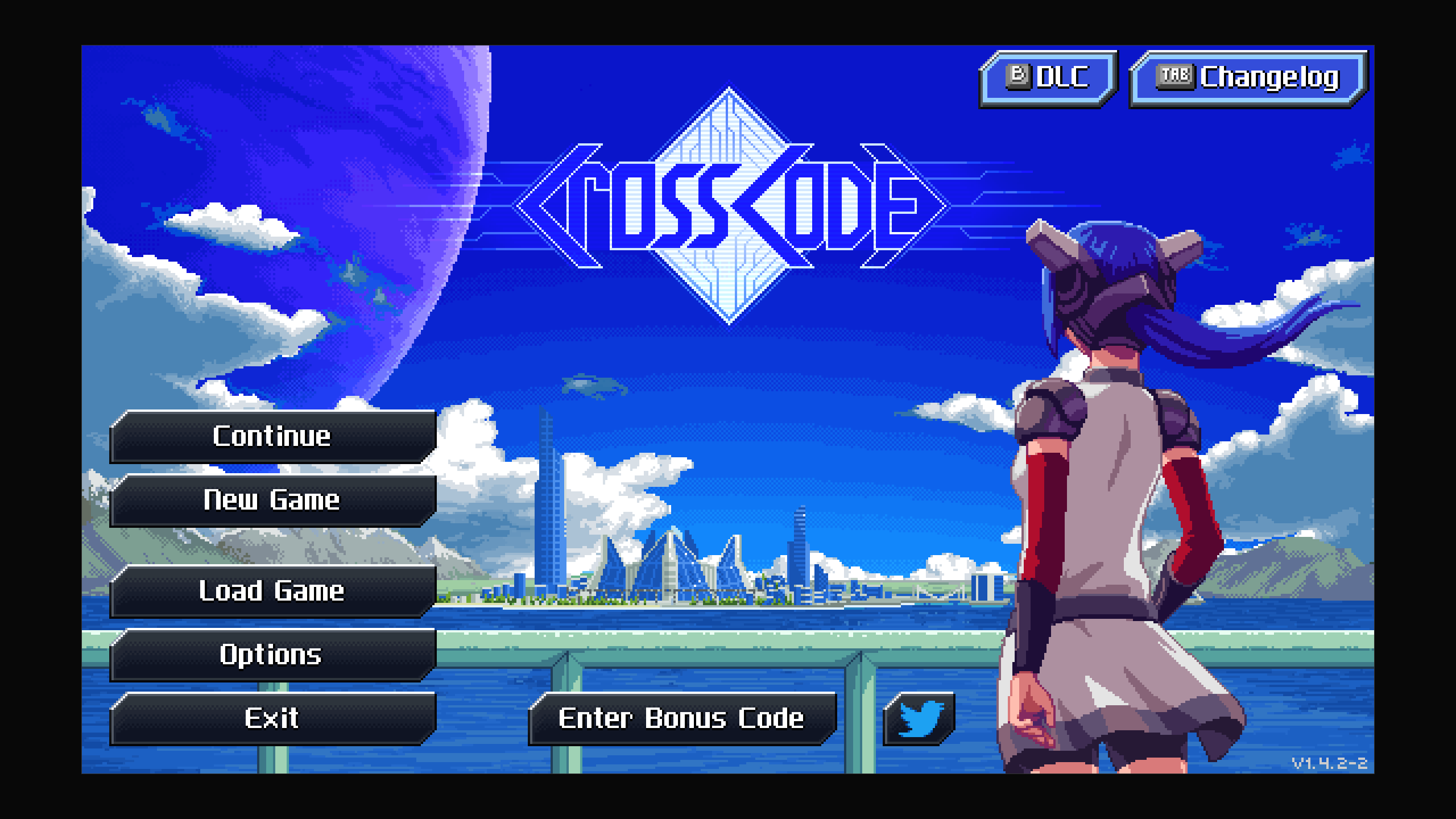
* The game comes with a hack to make it less blurry, by rendering at a higher resolution. This makes the problem less severe, but it doesn't solve it.
Confirmed working with build ID 11438847 on Steam, Windows (10th of June 2023). May or may not work with copies on other platforms.
-
Download the Install-ScalingFix.ps1 script file and place it in the game folder.
-
Right click it and select Run with PowerShell.
-
If you want to uninstall at some point, you can run Uninstall-ScalingFix.ps1. Alternatively, you can validate files on Steam, which will undo any modifications made to the game.