


- GUI on Mac
- macOS Alarm sound
- Keyboard Check
- Record the screen
- identify the signal box
- control the mouse
- Download and install the latest Python3 installer from Python Downloads Page
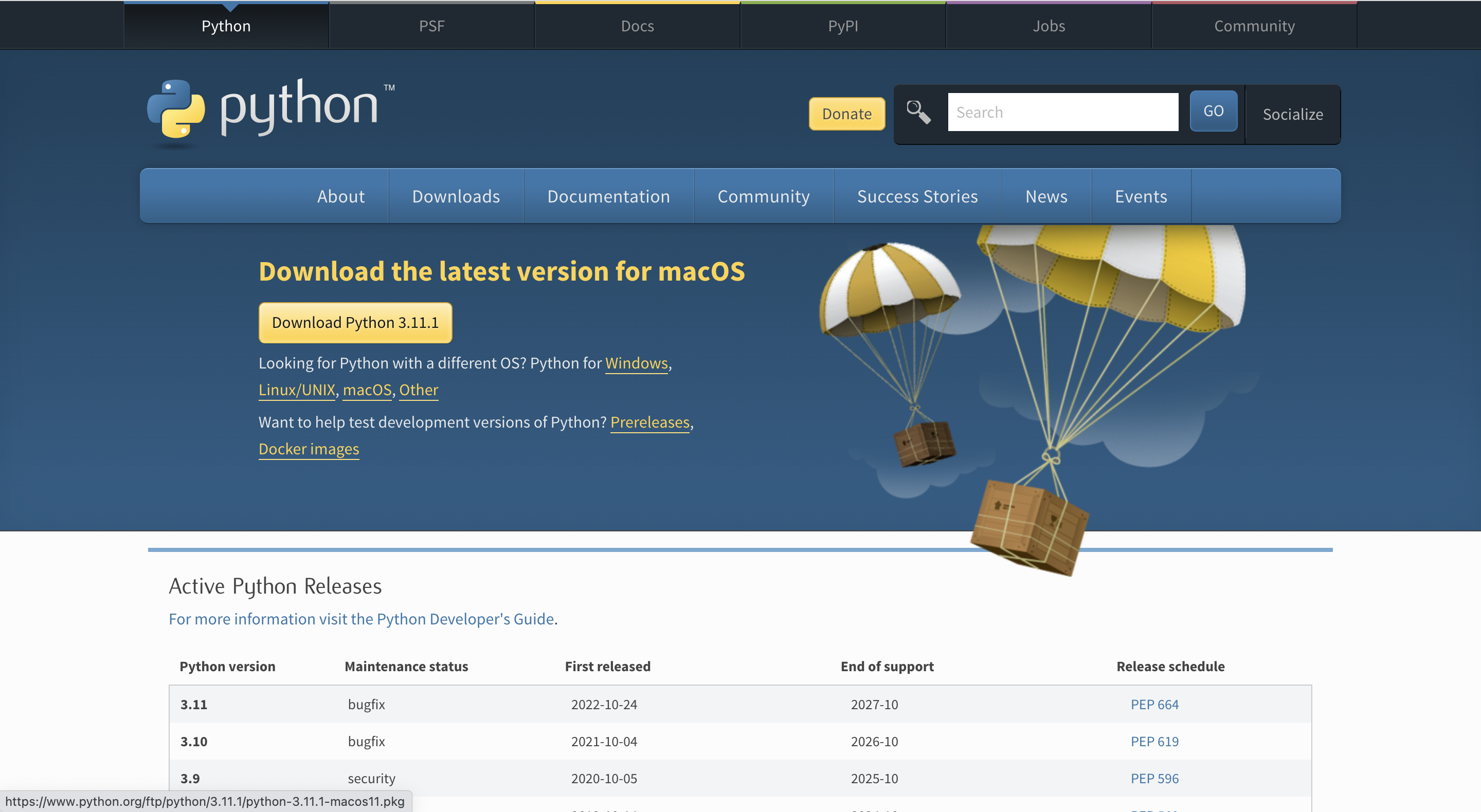

-
Download the SG+0.4 for Mac Download Link.
-
Extract the folder to your desired location. Unzip the zip file.

- Open the Terminal
/System/Applications/Utilities/Terminal.app. In the Terminal, typepip3 install -r. Frag therequirements.txtto the Terminal window in the folder where the script and images are stored, then press Enter.
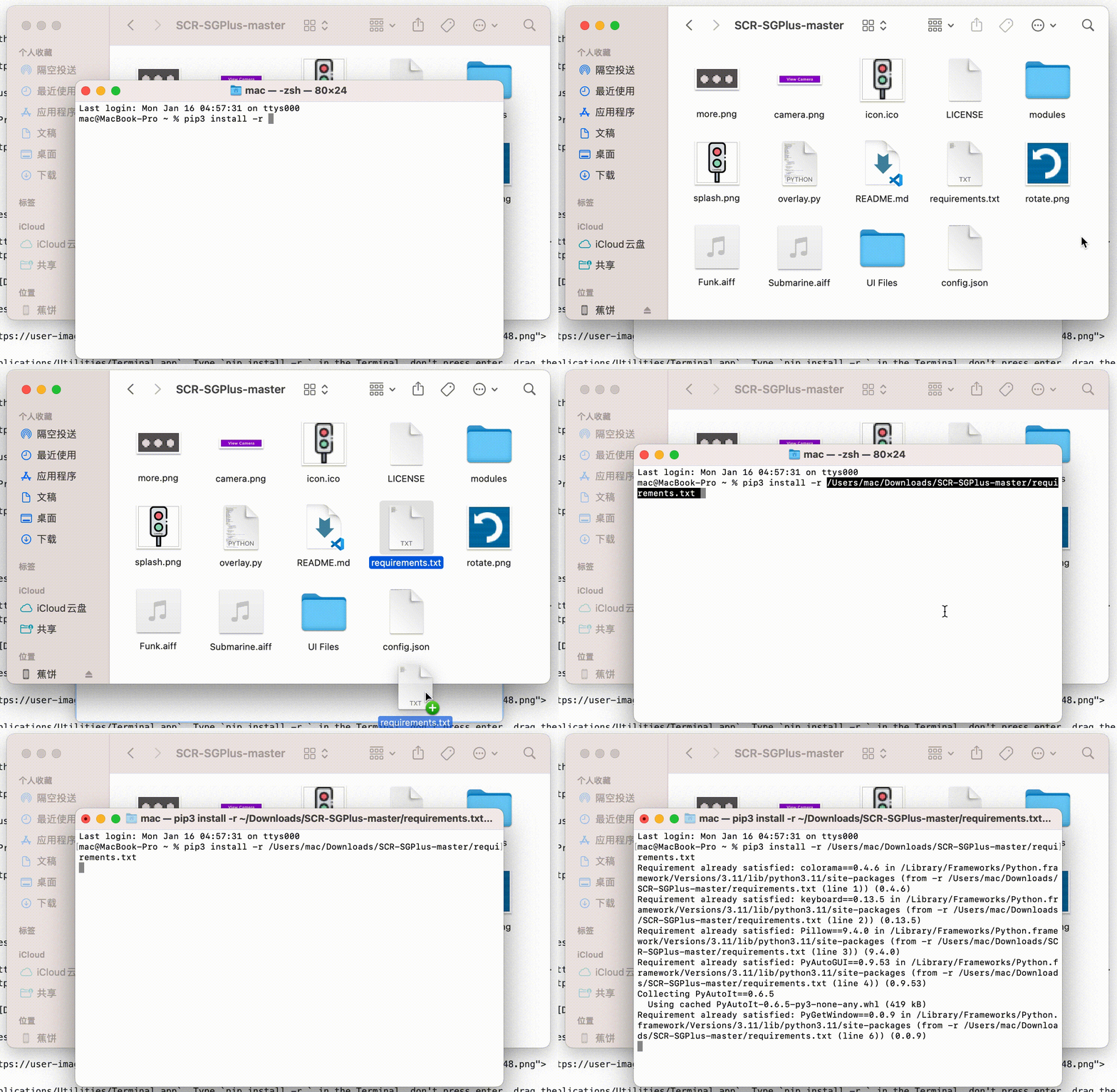
You should get something like this:

- After the installation has completed, run the
overlay.pyfile to open the script. Pressfn+F5to start the script.
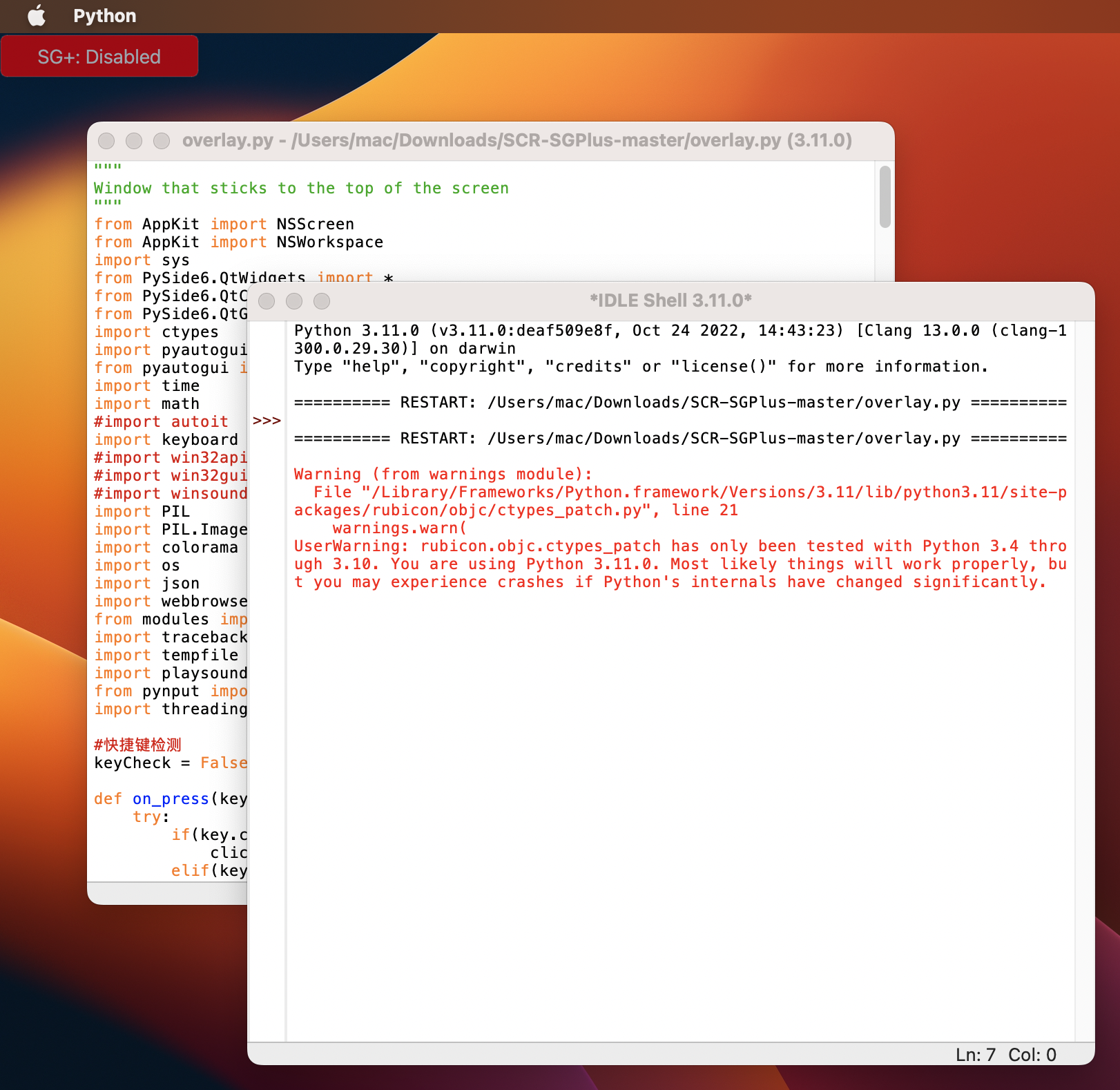
- If you run the script and Start the SG+ in the menu, you may see something like this:

Which means you have to able the screen record for Python
Check out Settings>Security & Privacy>Screen Record and allow "Python"
