1.x QuickStart
設定ファイルを作成し、beez-foundation コマンドを使用して、Server を起動します。
起動ディレクトリ(pwd) をWeb共有するモードです。
スタンドアローンモードでは、シンプルなWeb共有を行うことが可能ですが、モックサーバや各種機能が制限されます。
$ cd {Web共有したいディレクトリ}
$ beez-foundation -s

## Mode: [Stand-alone]

##
## Start
## 		Beez Foundation Servers!!
##
##
## 	Mock Server [ off ]
##
## 	Express server listening on port:1109
## 		Static Server start [ success ]
## 		compress: [on]
## 		Please try to access.
## 			http://0.0.0.0:1109
##
今回は、設定ファイル - example を使用します。
js/JSON 別の設定がありますので、利用しやす方を使ってください。
$ tree example/
example/
├── js
│   ├── local
│   │   ├── develop.js
│   │   └── release.js
│   ├── local.js # foundation server の設定ファイル
│   └── mockdata # Mock Server の設定
│       ├── home.js # URI別の設定ファイル
│       └── tracking.js # URI別の設定ファイル
└── json
    ├── local
    │   ├── develop.json
    │   └── release.json
    ├── local.json # foundation server の設定ファイル
    └── mockdata # Mock Server の設定
        ├── home.json # URI別の設定ファイル
        └── tracking.json # URI別の設定ファイル

6 directories, 10 files
jsで記述された設定ファイルです。
JSで記述できるため柔軟な設定が可能になります。
jsonで記述された設定ファイルです。
JSONであるため、シンプルな設定が可能になります。
JSON設定を使って起動します。
$ beez-foundation -c ./example/js/local.js
##
## Start
## Beez Foundation Servers!!
##
##
## Express server listening on port:1109
## Static Server start [ success ]
## compress: [on]
## Please try to access.
## http://0.0.0.0:1109
##
## Express server listening on port:1121
## Mock Server start [ success ]
## compress: [on]
## Please try to access.
## http://0.0.0.0:1121
##
Access URL : http://0.0.0.0:1109
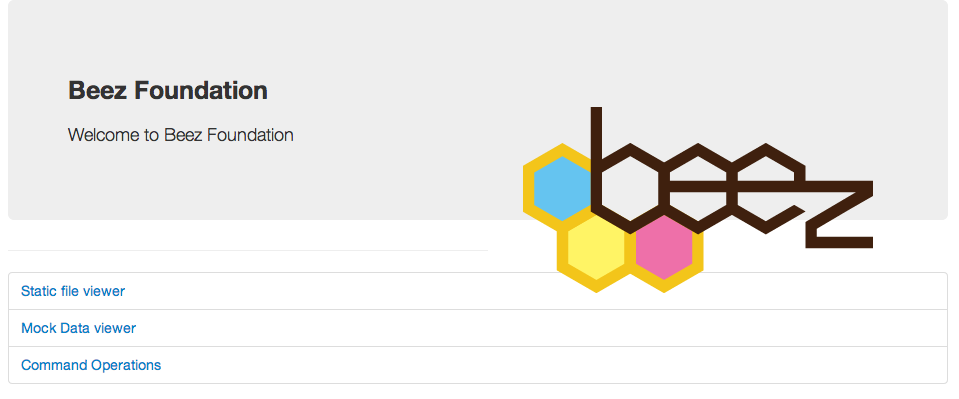
====
local.json の stats section で設定したフォルダをブラウザ(HTTP) で閲覧することが出来ます。

beez で作成されたプロジェクトファイルで起動している場合のみ有効です。
~/Desktop/example/mockdata/now.json に作成したモックデータにアクセスします。
Access URL : http://0.0.0.0:1121/now

example/json/mockdata/home.json を説明します。
{
    "/": { // URI
        "get": { // key: HTTP Method, value: HTTP Response data
            "title": "Beez Foundation / Home",
            "time": "Date: <%= Date.now() %>"
        }
    }
}
// $ telnet localhost 1121
// Trying ::1...
// telnet: connect to address ::1: Connection refused
// Trying 127.0.0.1...
// Connected to localhost.
// Escape character is '^]'.
// GET / HTTP/1.1
//
// HTTP/1.1 200 OK
// X-Powered-By: Express
// Vary: Accept-Encoding
// Content-Type: application/json; charset=utf-8
// Content-Length: 56
// Date: Fri, 03 May 2013 10:55:40 GMT
// Connection: keep-alive
//
// {
//   "title": "Beez Foundation / Home",
//   "time": "Date: 1367578540978"
// }
mockdataディレクトリ配下のディレクトリ・ファイルは、再帰的に取得されます。mockdata/hoge/foo/bar.jsonと言った階層も可能です。
ブラウザから、管理されているモックデータのURI別のファイル内容を確認することが出来ます。
モックデータ一覧

モックデータ詳細

$ beez-foundation -h

  Usage: beez-foundation [options]

  Options:

    -h, --help            output usage information
    -V, --version         output the version number
    -c --config <path>    server config path(format: json)
    -d --debug            debug mode.
-a --addmods <value> I want to add a "/ m" module. It is more than one can be specified, separated by commas. format) -a dirname:absdirpath:from,... example) -a hoge:/tmp/hoge:設定ファイルにはない、ディレクトリを static file viewer に設定する場合は、-a オプションを利用します。
{名前}:{設定したいフォルダパス}:{絶対パスでない場合のresolvパス}
注意: {名前}と{設定したいフォルダパス}の
basenameは一致している必要があります。 例: hoge:/tmp/hoge: