If you haven’t already, check out our contributing guidelines for onboarding and email contributors@expensify.com to request to join our Slack channel!
Action Performed:
Launch App on device A
Send money request to any chat from device B
IOU badge icon appeared on the selected chat on device A
Log out and log in again on device A
Expected Result:
The IOU badge icon still shows up in the correct chat
Actual Result:
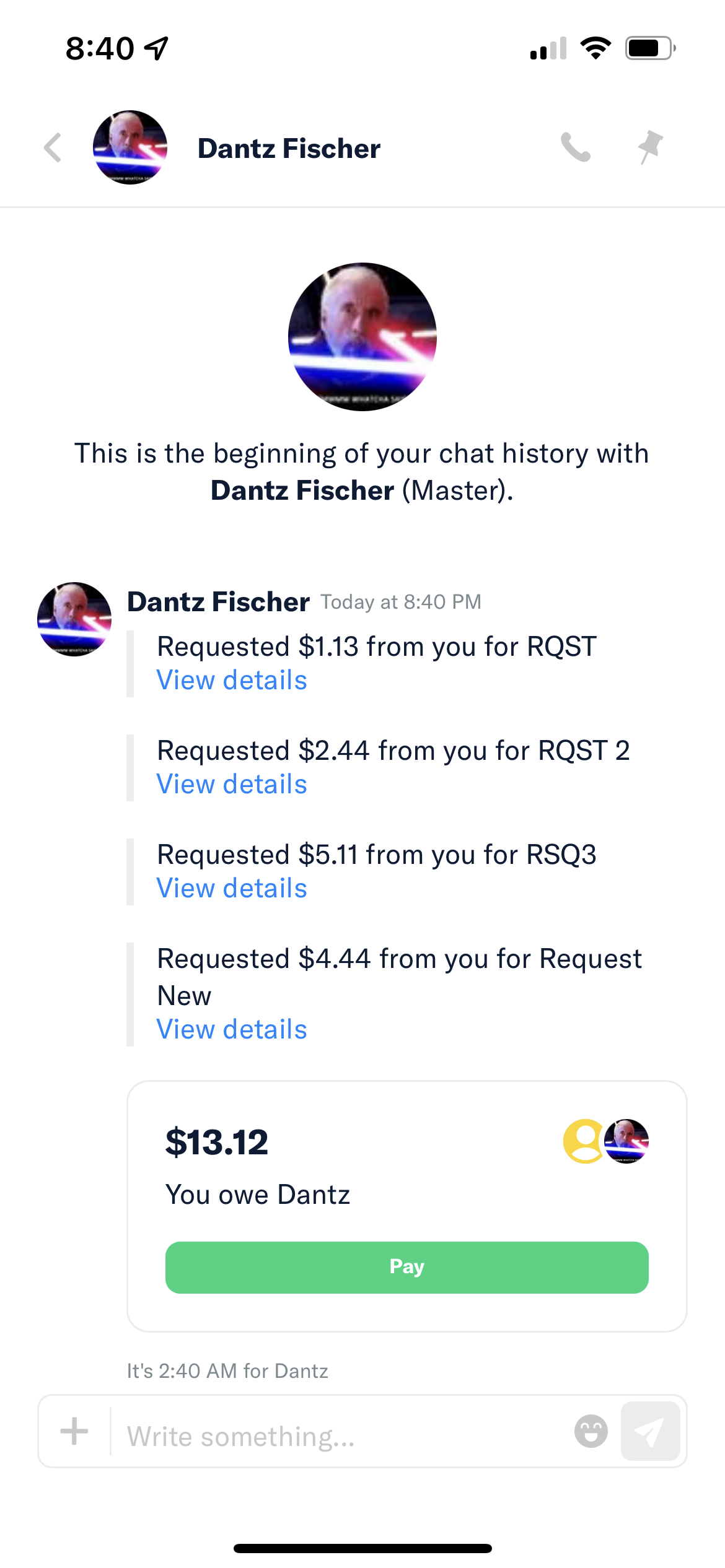
The IOU badge icon has disappeared and is no longer visible. The Pay button is still present.
Workaround:
Unknown
Platform:
Where is this issue occurring?
Version Number: 1.1.88-13Reproducible in staging?: YReproducible in production?: NoEmail or phone of affected tester (no customers): fischer9966+081622s@gmail.com / Qwerty123Logs: https://stackoverflow.com/c/expensify/questions/4856 Notes/Photos/Videos:
Bug5691840_IOU-badge-disappear.mp4
Expensify/Expensify Issue URL: Issue reported by: Applause internal teamSlack conversation:
View all open jobs on GitHub


If you haven’t already, check out our contributing guidelines for onboarding and email contributors@expensify.com to request to join our Slack channel!
Action Performed:
Expected Result:
The IOU badge icon still shows up in the correct chat
Actual Result:
The IOU badge icon has disappeared and is no longer visible. The Pay button is still present.
Workaround:
Unknown
Platform:
Where is this issue occurring?
Version Number: 1.1.88-13
Reproducible in staging?: Y
Reproducible in production?: No
Email or phone of affected tester (no customers): fischer9966+081622s@gmail.com / Qwerty123
Logs: https://stackoverflow.com/c/expensify/questions/4856
Notes/Photos/Videos:
Bug5691840_IOU-badge-disappear.mp4
Expensify/Expensify Issue URL:
Issue reported by: Applause internal team
Slack conversation:
View all open jobs on GitHub