You signed in with another tab or window. Reload to refresh your session.You signed out in another tab or window. Reload to refresh your session.You switched accounts on another tab or window. Reload to refresh your session.Dismiss alert
Pre:
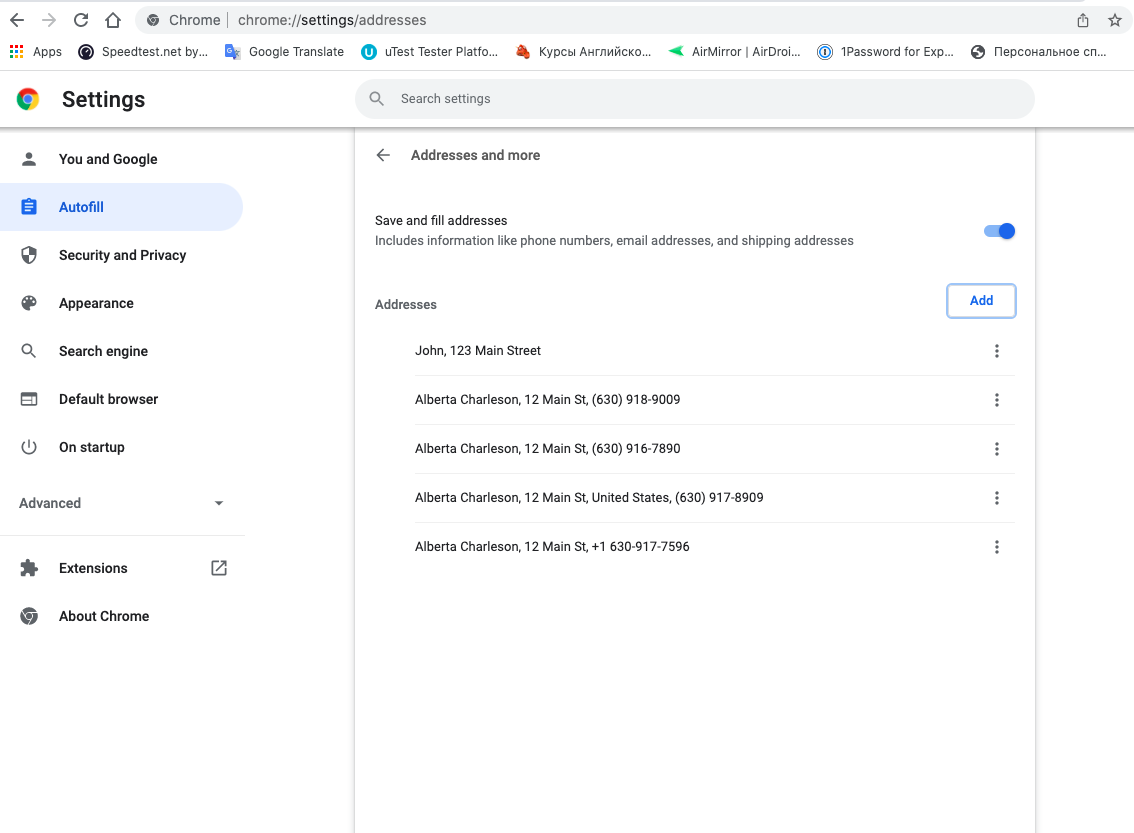
For Chrome go to chrome://settings/addresses
Add an address and enter a first and last name in the name field. Add a phone number including a country code (e.g, +1-945-881-9540).
Create a new account on new expensify.
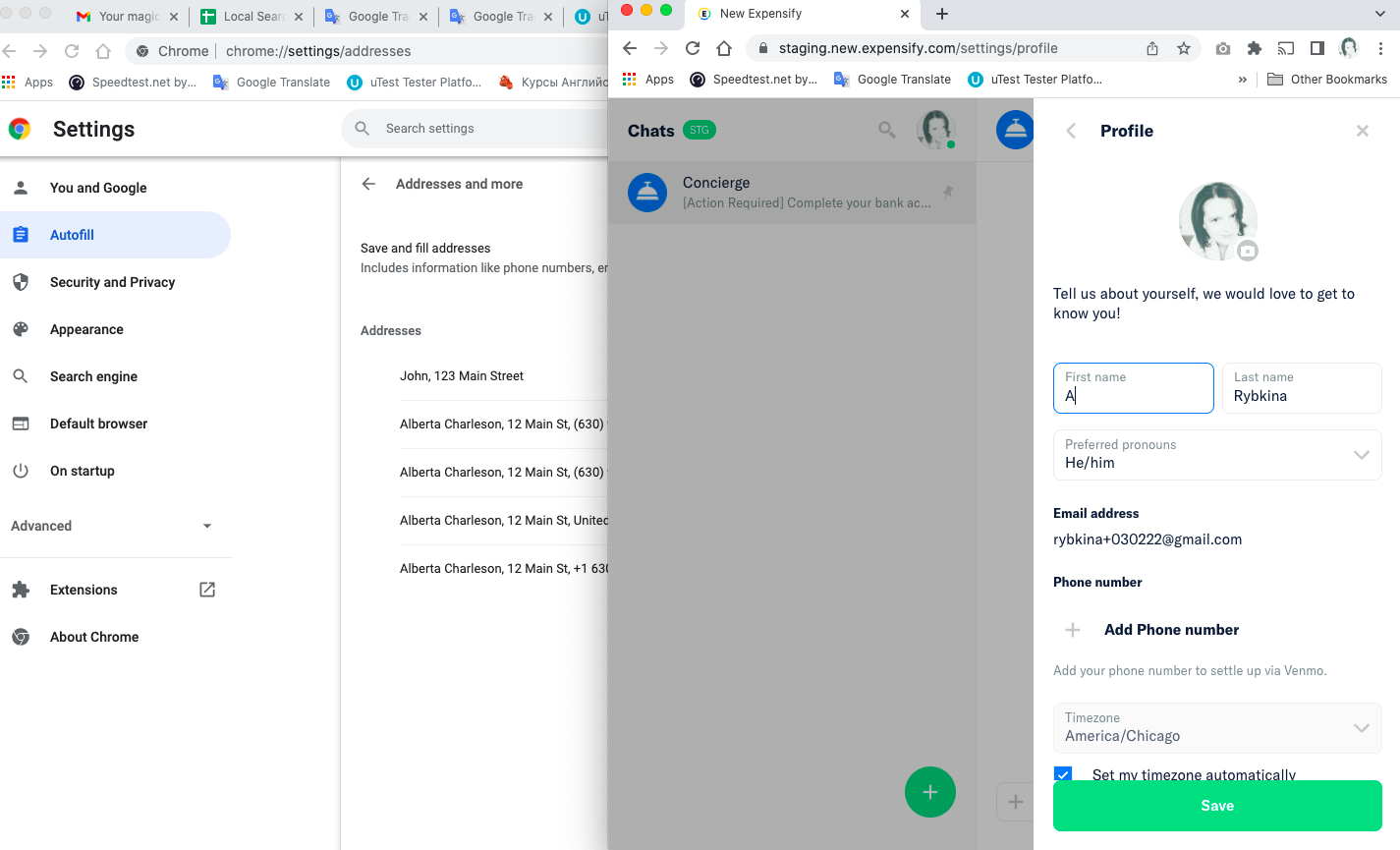
Go to Settings > Profile.
Click into the first name field.
Expected Result:
An autofill prompt should be appeared.
Actual Result:
An autofill prompt doesn't appear.
Issue not reproduced on OldDot autofill prompt is appeared when enter data to Bank Account.
Workaround:
Unknown
Platform:
Where is this issue occurring?
Web
Mobile Web
Version Number: v1.1.41-1 Reproducible in staging?: Y Reproducible in production?: Y (New feature) Email or phone of affected tester (no customers): Logs:https://stackoverflow.com/c/expensify/questions/4856 Notes/Photos/Videos:


If you haven’t already, check out our contributing guidelines for onboarding and email contributors@expensify.com to request to join our Slack channel!
Issue was found when executing #7879
Action Performed:
Pre:
For Chrome go to chrome://settings/addresses
Add an address and enter a first and last name in the name field. Add a phone number including a country code (e.g, +1-945-881-9540).
Expected Result:
An autofill prompt should be appeared.
Actual Result:
An autofill prompt doesn't appear.
Issue not reproduced on OldDot autofill prompt is appeared when enter data to Bank Account.
Workaround:
Unknown
Platform:
Where is this issue occurring?
Version Number: v1.1.41-1
Reproducible in staging?: Y
Reproducible in production?: Y (New feature)
Email or phone of affected tester (no customers):
Logs: https://stackoverflow.com/c/expensify/questions/4856
Notes/Photos/Videos:
Bug5475752_drop.mp4
Expensify/Expensify Issue URL:
Issue reported by: Applause
Slack conversation:
View all open jobs on GitHub