Script error #263

Description

Installed product versions
- Visual Studio: 2022 x64 17.1.6
- This extension: 1.1.173 (fcc-f339fe606-9d51-4fca-895c-d50375137b62)
Description
Replace this text with a short description
Steps to recreate
- Open Project
- Open Test-Explorer
- Open FCC window undocked
- Run Tests
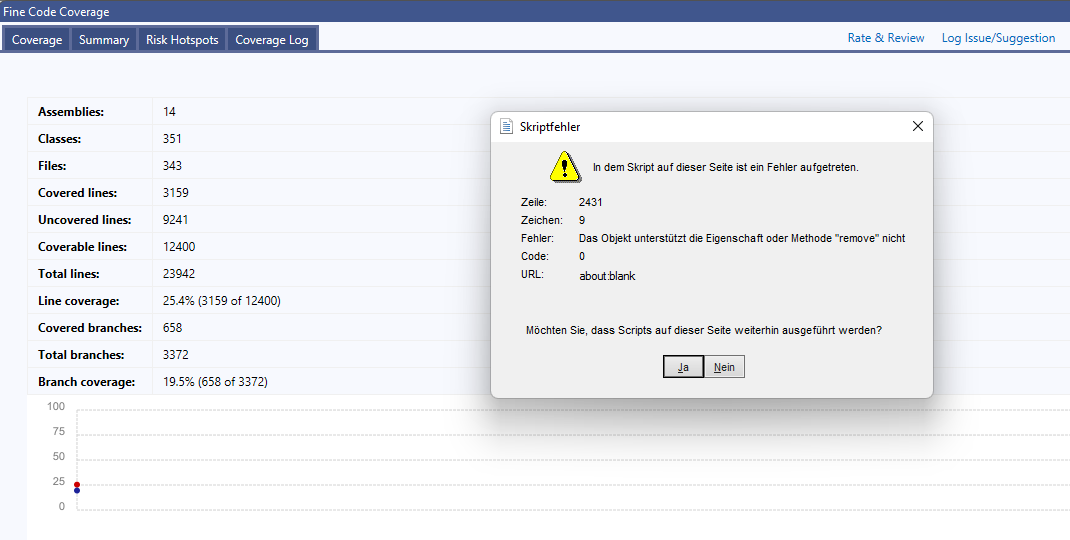
- Internet Explorer script error occures and click on coverage file fails
Current behavior
FCC window isn't working after running all tests.
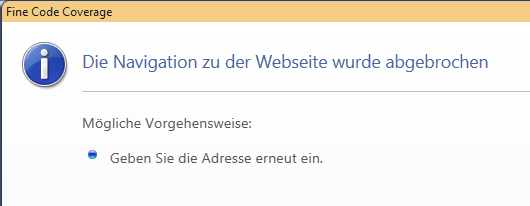
When continue and then clicking on a file to see coverage it shows the following page.
Expected behavior
It should simply work.
Side Notes
It shouln't use the old internet explorer webview. Instead it should use the new Edge webview or an alternate Chromium / Gecko based webview.
https://docs.microsoft.com/en-us/microsoft-edge/webview2/get-started/wpf