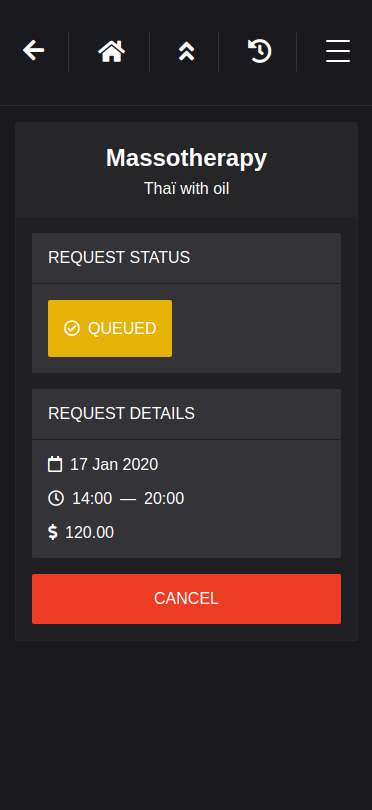
Pingr is a Service Matchmaker that matches a user's demands for professional services with businesses that provide them. Users are able to specify certain criteria such as their availability and the price they're willing to pay for the service and send out requests. Businesses can then match requests that fit their schedule.




- Install dependencies using the
npm installcommand from the pingr directory as well as the client directory. - Open 2 terminals.
- Run the Client using the
npm startcommand from the client directory. - Run the Server using the
npm run devornpm startcommand from the pingr directory. - Go to http://localhost:8000/ in your browser to see the app.
- If you wanna see the app's full potential, you can create a business account from the hamburger menu at the top right, and have two tabs open, one on business side, one on user side.
- If you want to use twilio, you will need to create an account and uncomment the twilio code in put_requests.js
- Enjoy!
- React
- Node.js
- Express
- Json Web Token
- WebSockets
- Twilio