A powerful VSCode extension for seamless image management, powered by PicList.




vs-piclist is a feature-rich VSCode extension for effortless image uploading and management. Upload images to remote hosting services and automatically insert the generated URLs into your files.
Unlike other solutions, vs-piclist offers advanced features such as image compression, watermarking, and flexible image processing.
Install PicList desktop app or PicList-Core before using this extension.
While alternatives like vs-picgo exist (based on PicGo-Core), vs-piclist provides a broader set of features for comprehensive image management.
- Easy Uploads: Upload images to your preferred hosting service in just a few clicks.
- Drag-and-Drop Support: Drag images from your file explorer directly into your editor to upload.
- Upload All Images: Upload every image in the current file.
- Upload Selected Images: Right-click to upload only selected images.
- Auto URL Insertion: Automatically insert image URLs into your file after upload.
- Image Management: Delete images from your remote hosting service directly within VSCode.
- Advanced Processing: Supports image compression, watermarking, and more.
- Remote Server Mode: Upload via PicList or PicList-Core running on a remote server.
Upload from clipboard
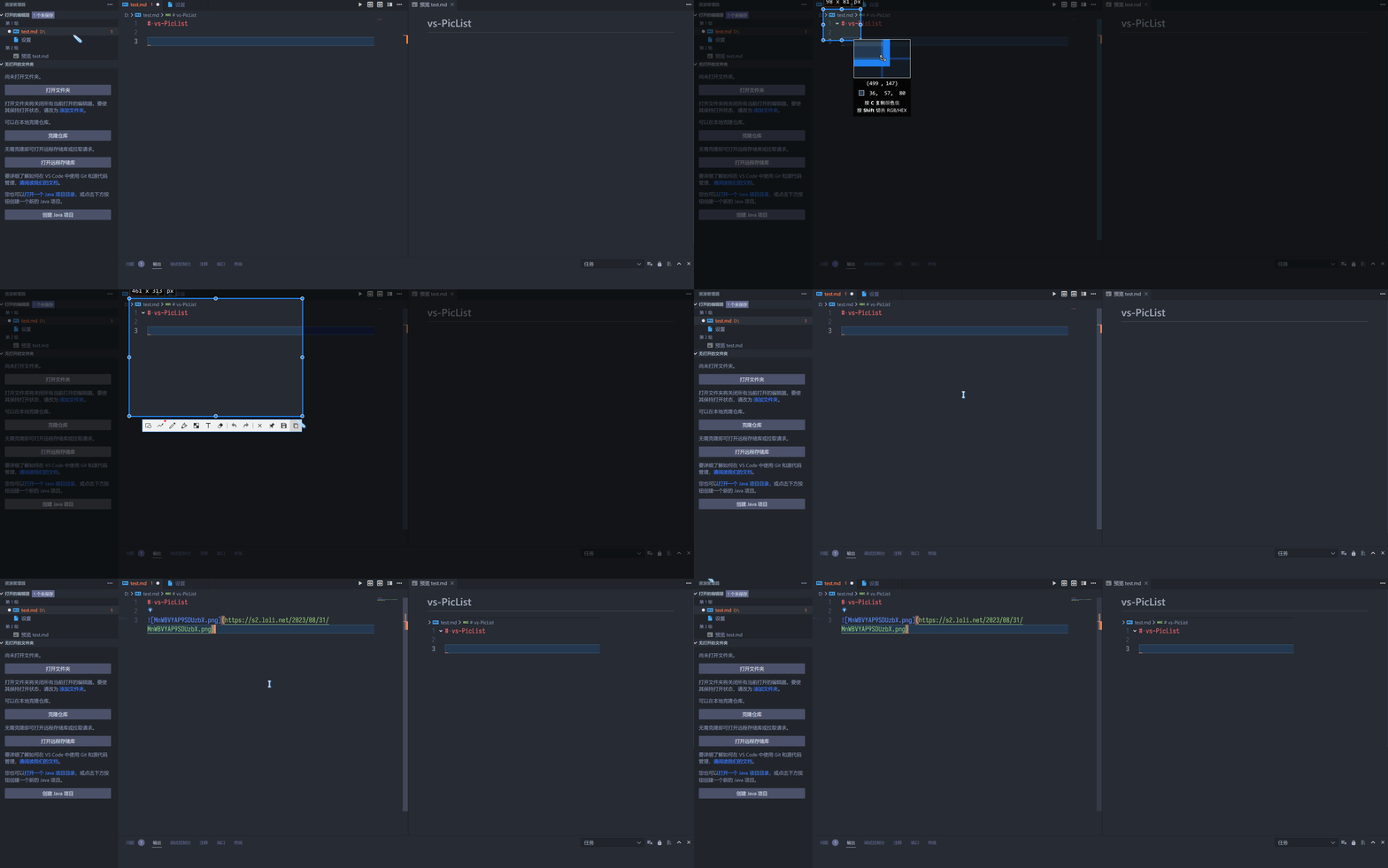
Upload from explorer
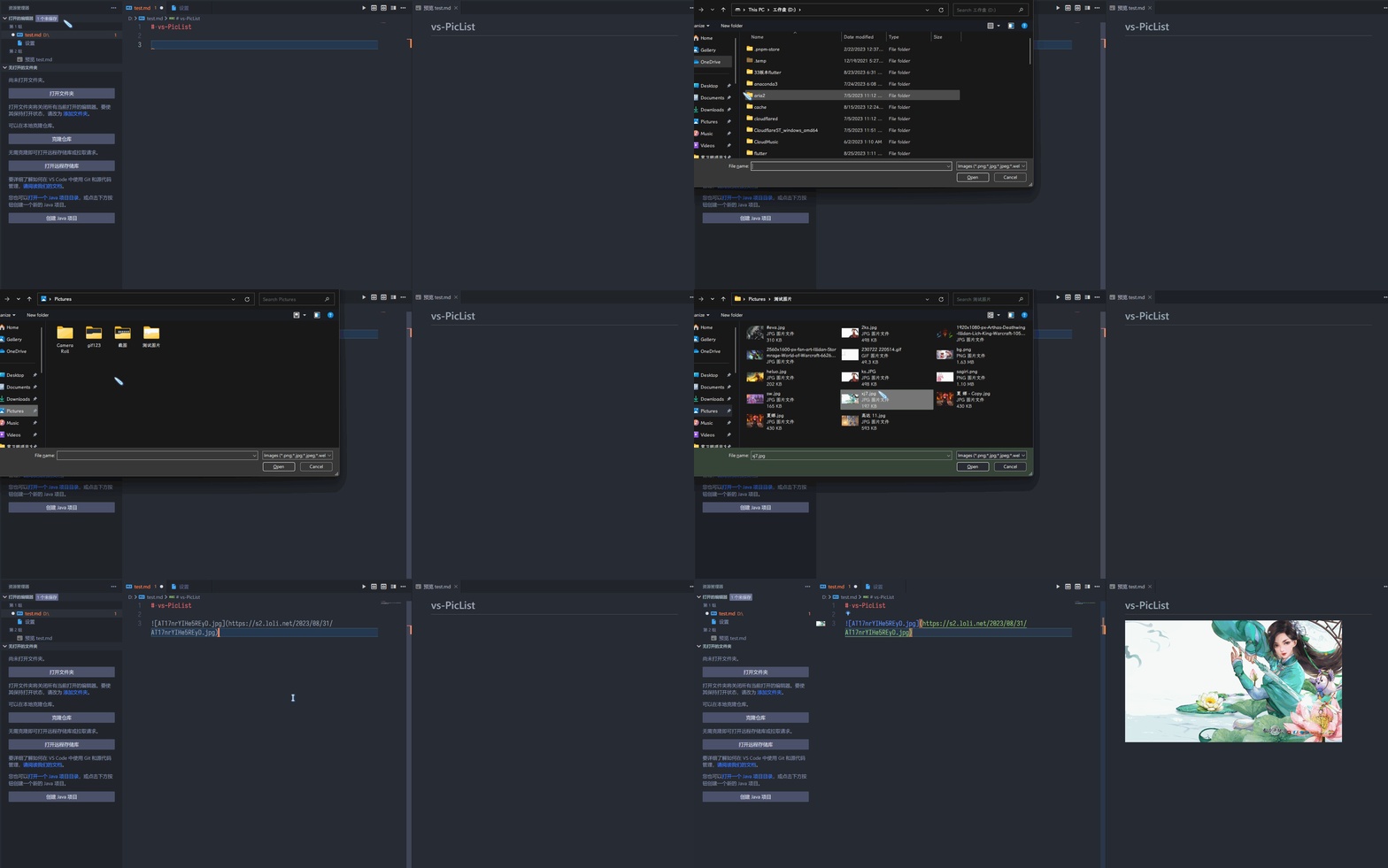
Upload from local path or URL
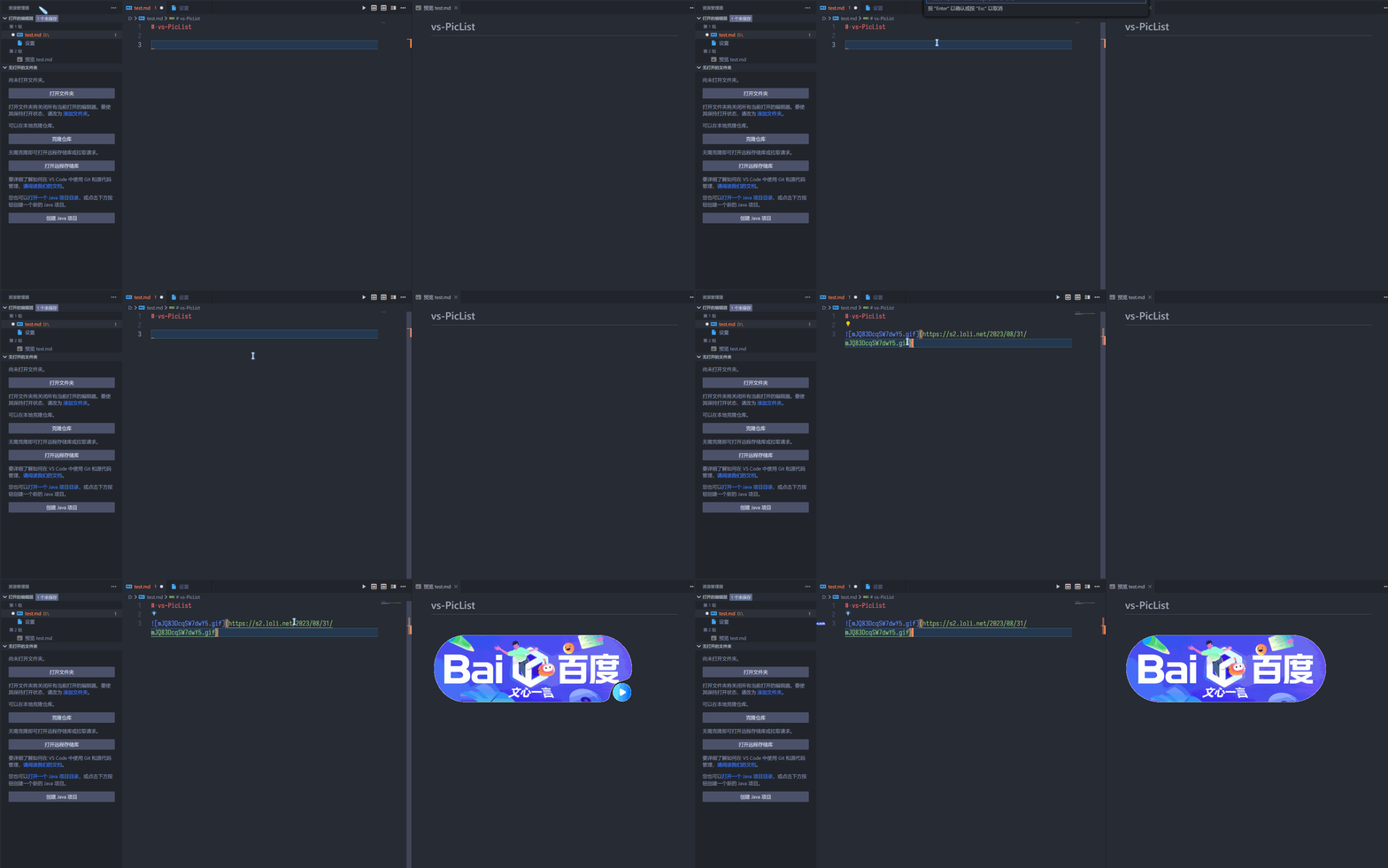
Drag-and-drop upload
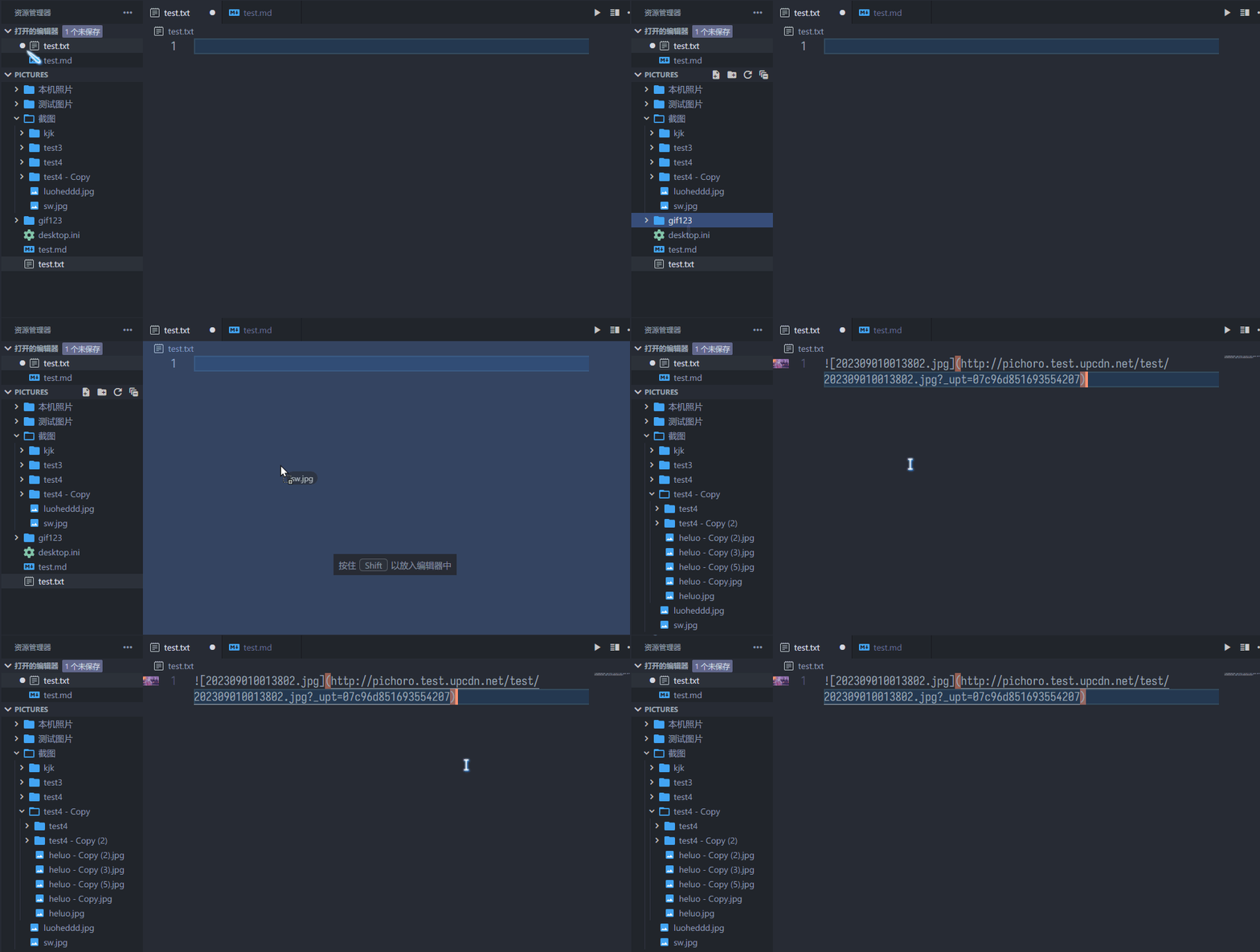
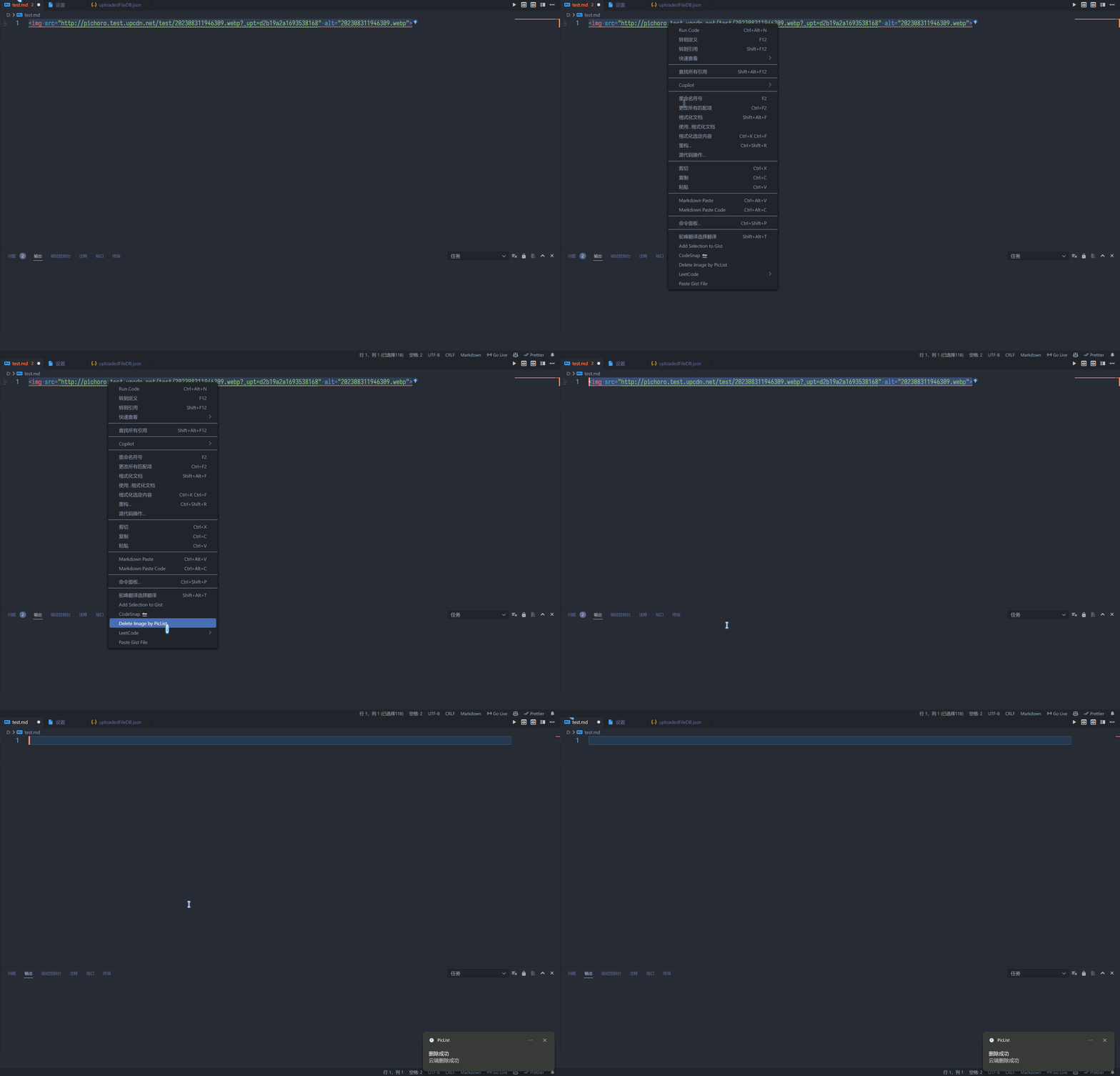
Delete images from remote hosting
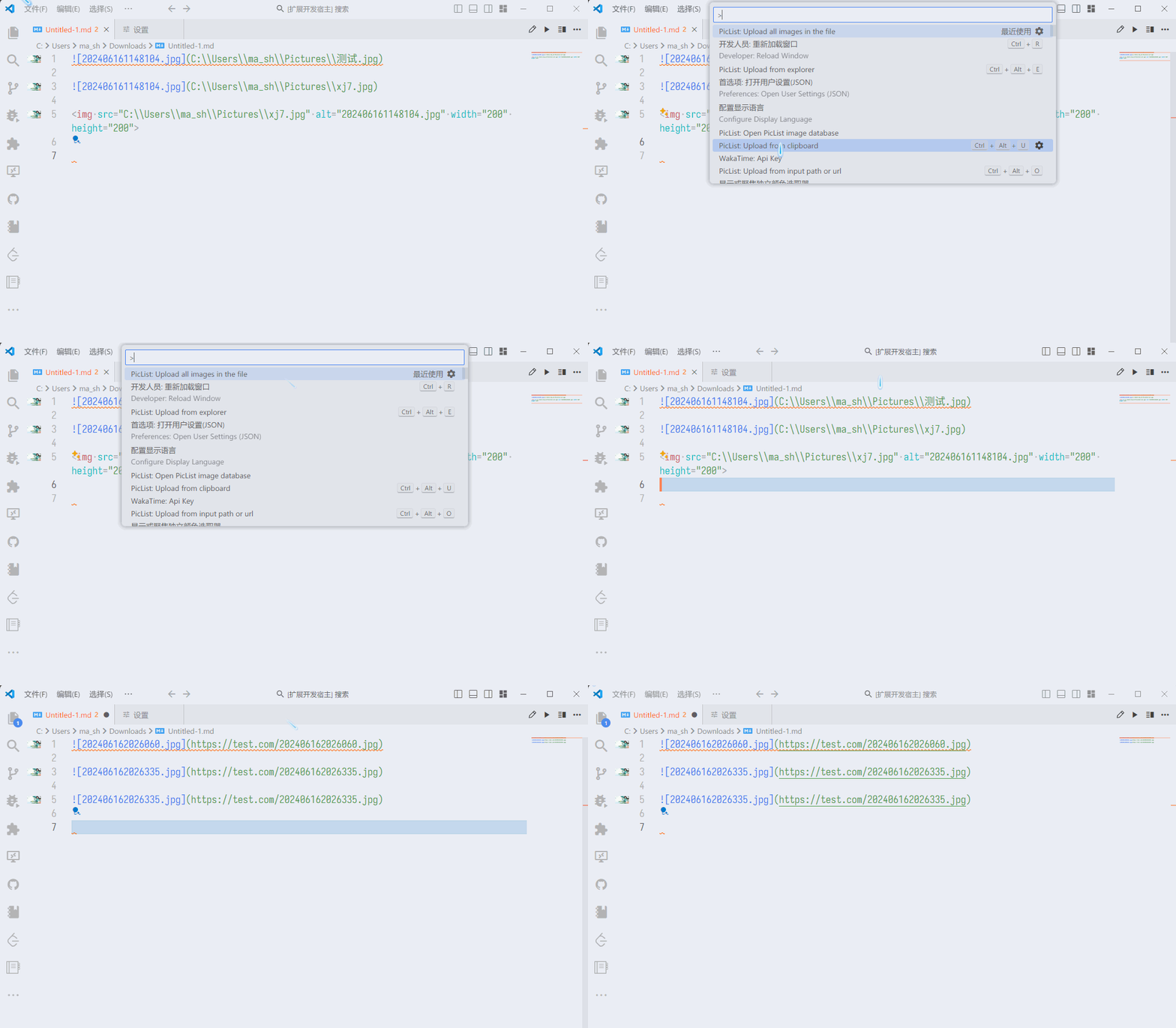
Upload all images in a file
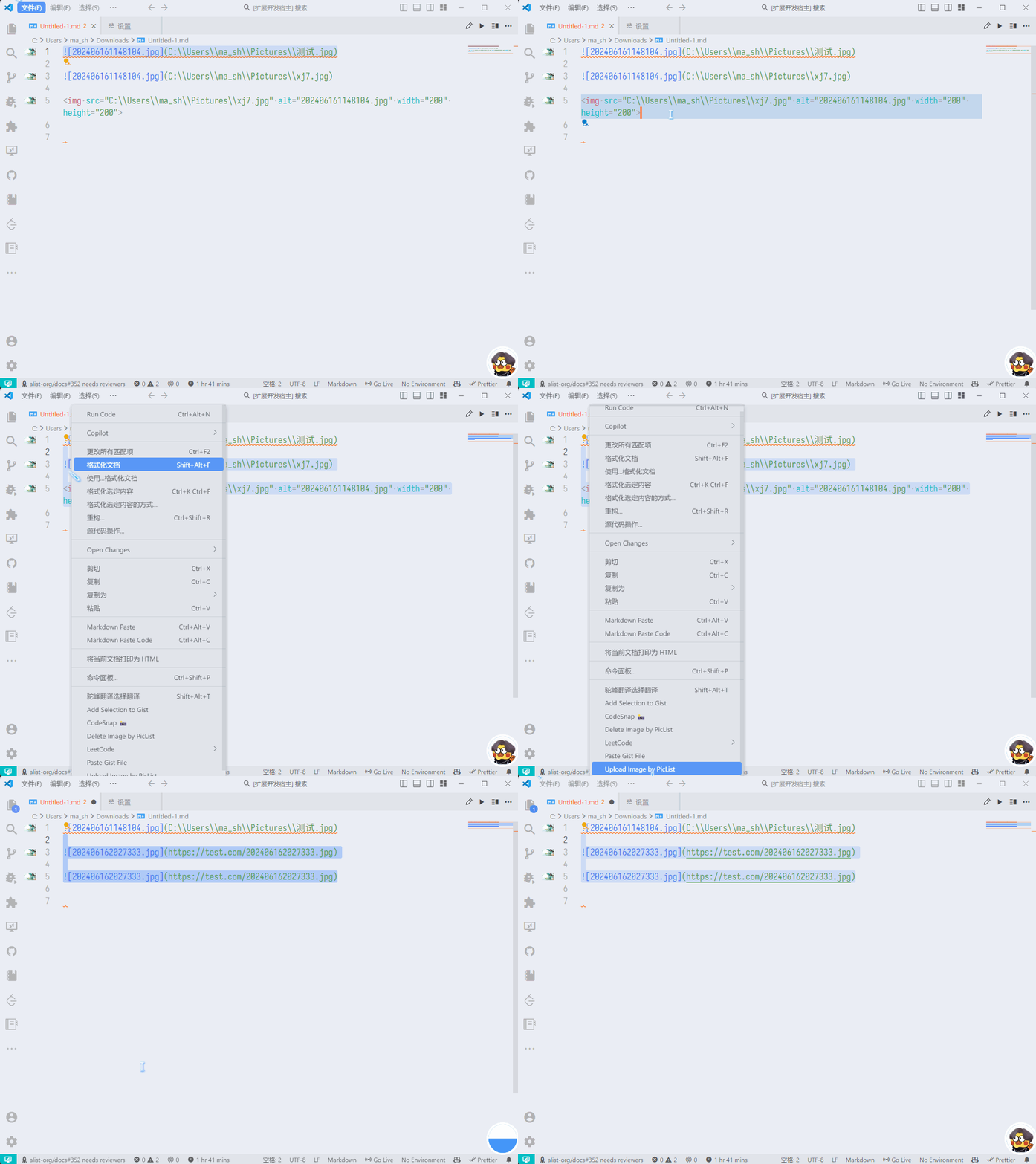
Upload selected images by right-click
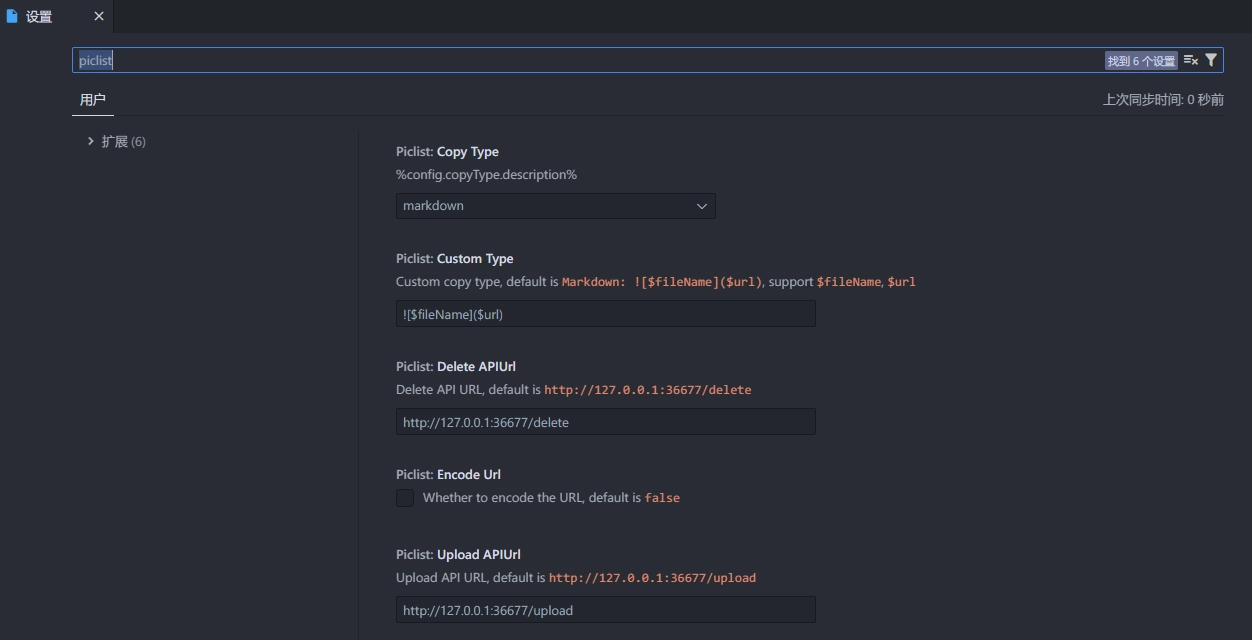

The PicList upload API endpoint. Default: http://127.0.0.1:36677/upload. See PicList Server.
The PicList delete API endpoint. Default: http://127.0.0.1:36677/delete. See PicList Server.
Default: markdown.
| Type | Format |
|---|---|
| url | url |
| markdown |  |
| html | <img src=url alt=alt> |
| ubb | [img]url[/img] |
| custom | custom |
Default: .
Whether to encode the URL when inserting text. Default: false.
Enable or disable upload on drag-and-drop. Default: true.
Enable when using PicList or PicList-Core on a remote server. Uploads will be sent as files.