This is a fork of pgplex/pgconsole, the original open-source PostgreSQL management console by pgplex. All credit for the core project goes to the original authors. This fork adds container-based deployment via GHCR and Helm chart support for internal use.

|
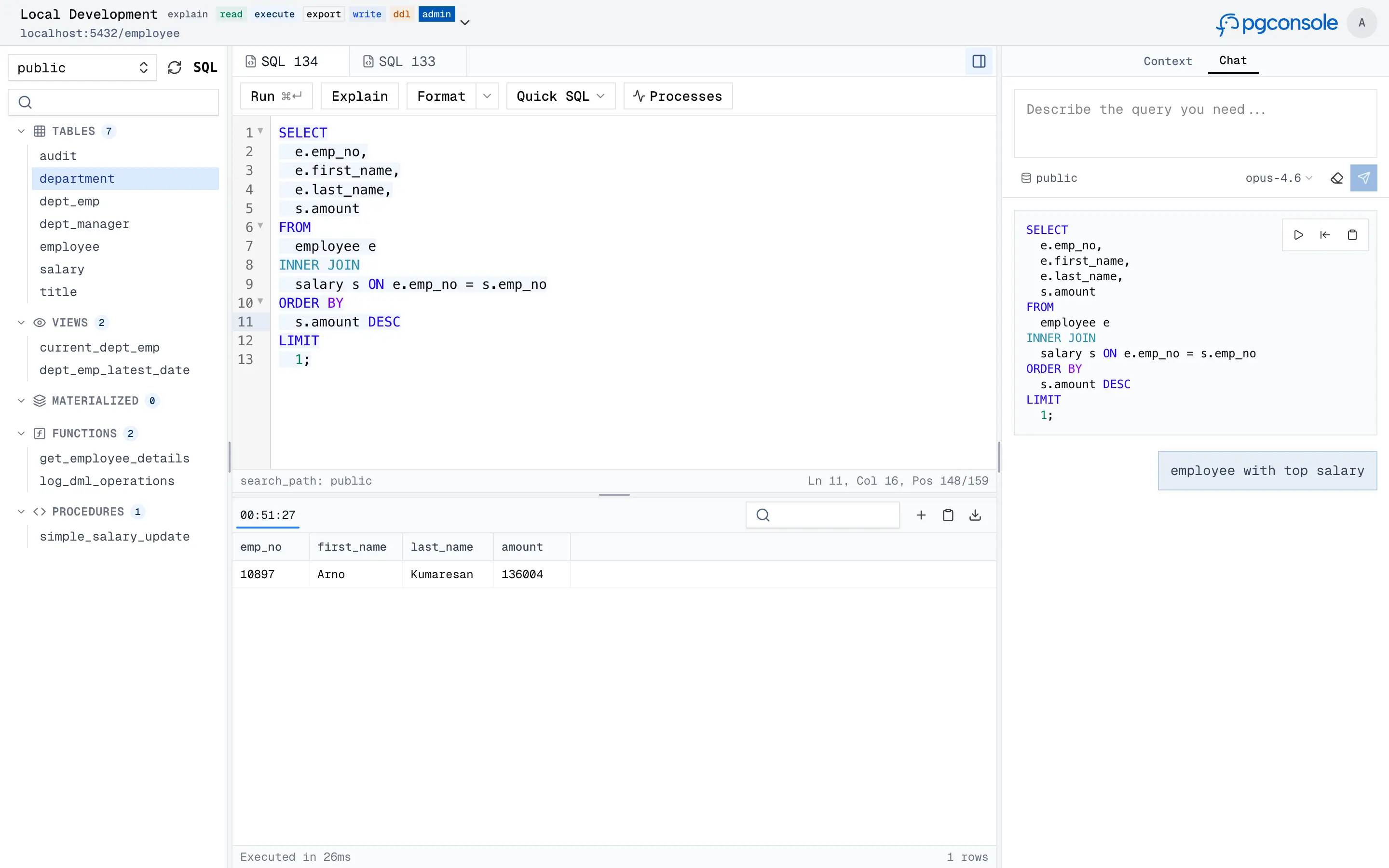
pgconsole is a web-based PostgreSQL editor. Single binary, single config file, no database required. Connect your team to PostgreSQL with access control and audit logging built in.
docker run -p 9876:9876 -v /path/to/pgconsole.toml:/etc/pgconsole.toml ghcr.io/nfuchen/pgconsoleRun without a config mount to start in demo mode with a bundled sample database.
helm install pgconsole ./helm-chartOverride config inline:
helm install pgconsole ./helm-chart \
  --set-file config=pgconsole.toml
Or customize via values.yaml:
image:
  repository: ghcr.io/nfuchen/pgconsole
  tag: "1.3.0"

config: |
  [[connections]]
  id = "production"
  name = "Production"
  host = "db.example.com"
  port = 5432
  database = "myapp"
  username = "app"
  password = "secret"

ingress:
  enabled: true
  className: nginx
  hosts:
    - host: pgconsole.example.com
      paths:
        - path: /
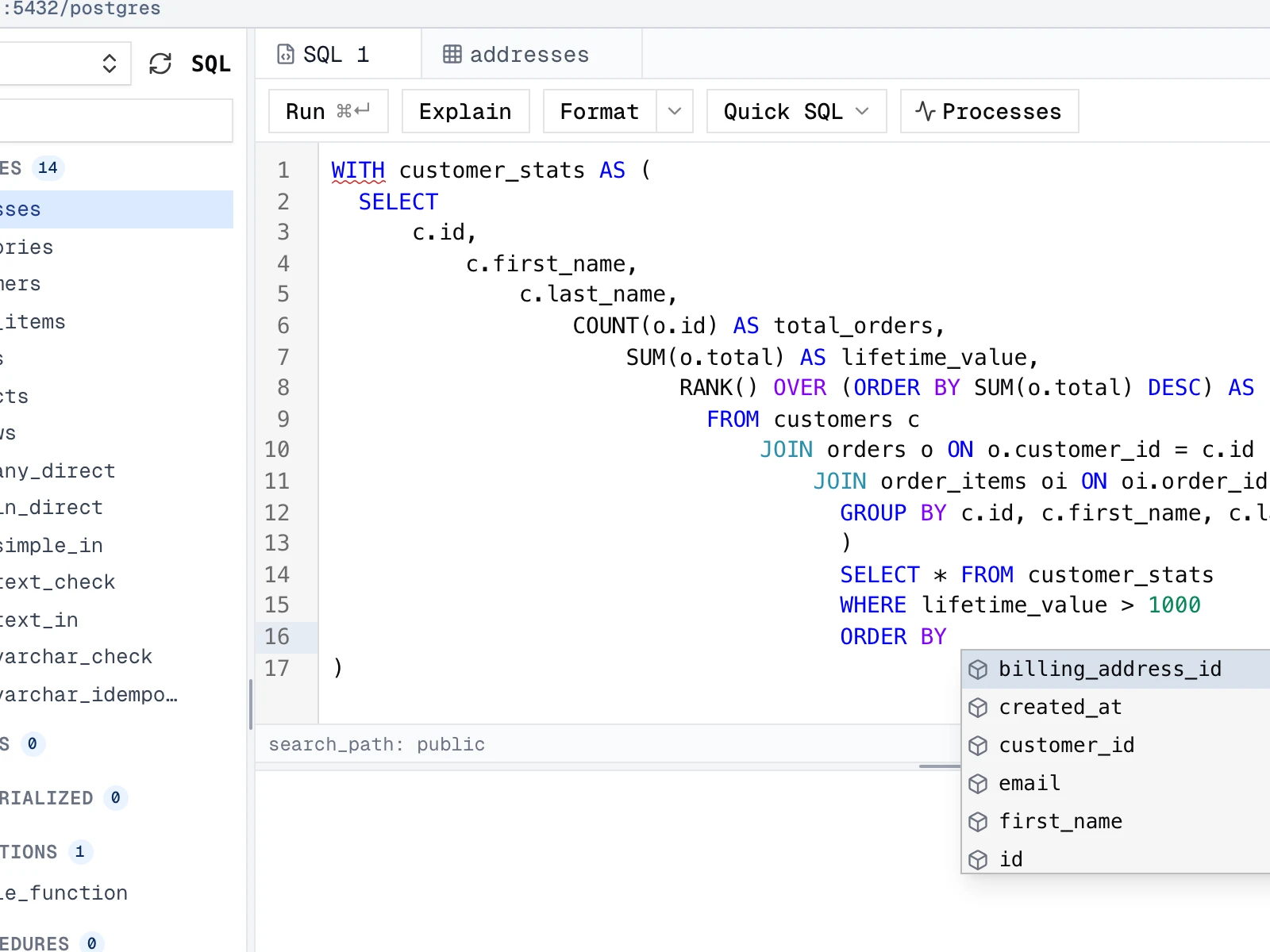
pathType: PrefixA full-featured SQL workspace with real-time intelligence powered by a PostgreSQL parser — not regex.
- Autocomplete — context-aware suggestions for tables, columns, joins, and CTEs
- Formatting — pretty-print or collapse SQL to one line
- Error detection — red underlines with hover tooltips
- Code folding — collapse
SELECT,WITH, and other blocks - Function signature help — parameter hints as you type
|
Query results appear in a virtual-scrolling grid. With write permission, you can edit data directly — all changes are staged locally and previewed before execution.
- Double-click a cell to edit, or use the row detail panel
- Add, delete, and duplicate rows
- Staged changes are color-coded: green (INSERT), amber (UPDATE), red (DELETE)
- Preview generated SQL and optionally run an AI risk assessment before executing

|
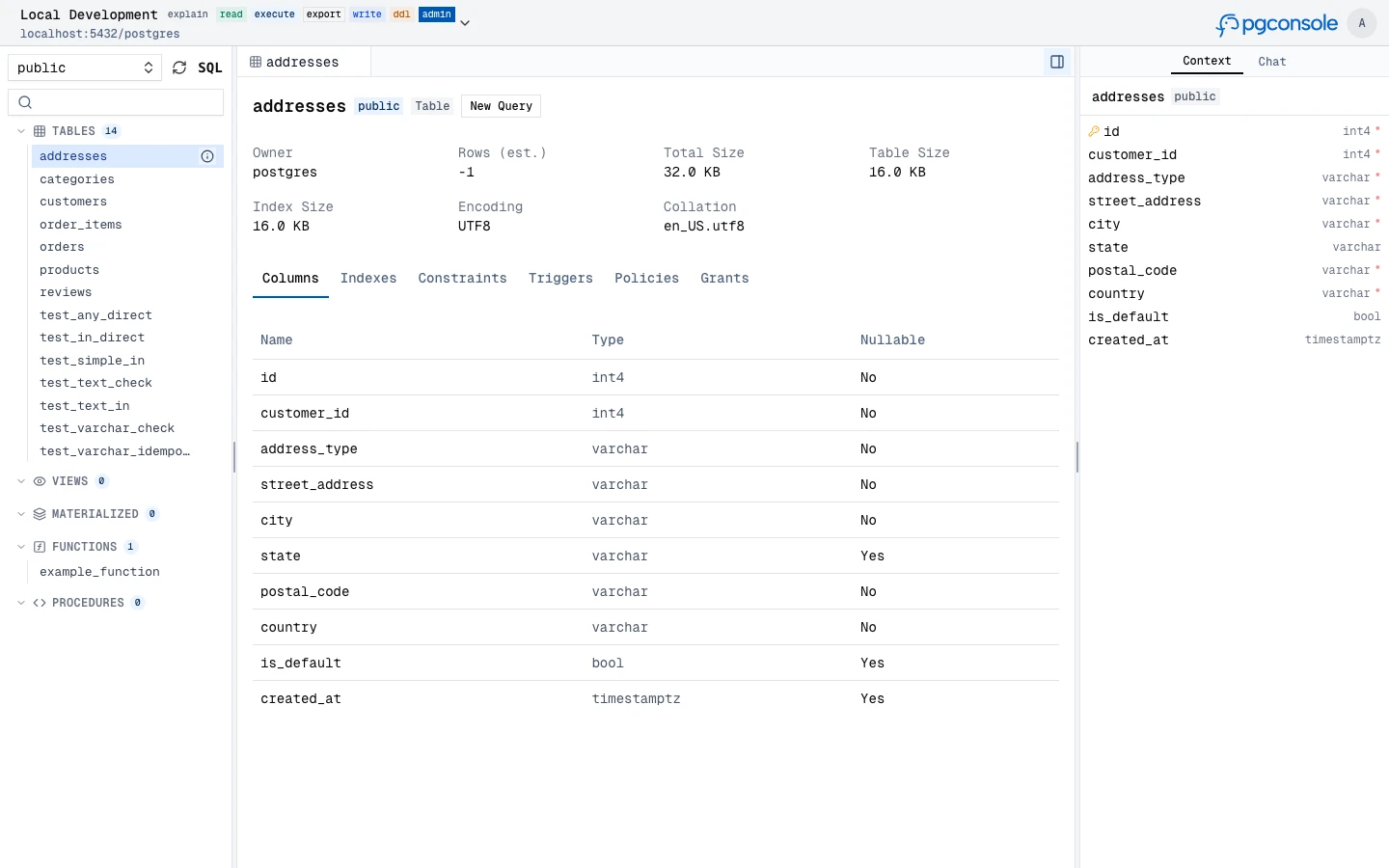
Browse and inspect database objects — tables, views, materialized views, functions, and procedures — with full metadata, indexes, constraints, triggers, and grants.
|
Generate, explain, fix, and rewrite SQL with an AI assistant that understands your schema context. Supports OpenAI, Anthropic, and Google providers.
- Text-to-SQL — describe a query in natural language, get SQL back
- Explain SQL — get plain-language explanations of any query
- Fix SQL — AI-powered error correction from inline linting
- Rewrite SQL — optimize queries for performance or readability
- Risk assessment — analyze staged changes for potential risks before execution

|

|
Fine-grained IAM controls who can read, write, or administer each connection. Permissions are enforced at the application layer — no database roles needed.
- Default deny — users have no access unless a rule explicitly grants it
- Connection-scoped — permissions are granted per connection, not globally
- Disjoint permissions —
read,write,ddl,admin,explain,execute,exportare independent

|

|
Every query and login is recorded as structured JSON to stdout. Filter and forward to your log infrastructure.
{
  "type": "audit",
  "ts": "2024-01-15T10:32:15.456Z",
  "action": "sql.execute",
  "actor": "alice@example.com",
  "connection": "prod-db",
  "sql": "SELECT * FROM users WHERE active = true",
  "duration_ms": 45,
  "row_count": 150
}Everything lives in pgconsole.toml — connections, users, groups, access rules, AI providers. No database required.
[[connections]]
id = "production"
name = "Production"
host = "db.example.com"
port = 5432
database = "myapp"
username = "readonly"
password = "..."

[[iam]]
connection = "production"
permissions = ["read", "explain", "export"]
members = ["*"]

[[iam]]
connection = "production"
permissions = ["*"]
members = ["group:dba"]

[[ai.providers]]
id = "claude"
vendor = "anthropic"
model = "claude-sonnet-4-20250514"
api_key = "sk-ant-..."git clone https://github.com/NFUChen/pgconsole.git
cd pgconsole
pnpm install
pnpm dev # Start dev server (frontend + backend)
pnpm build # Production build
pnpm test # Run all testsThis project is a fork of pgplex/pgconsole, built and maintained by pgplex. The upstream project provides the full documentation, issue tracker, and community: