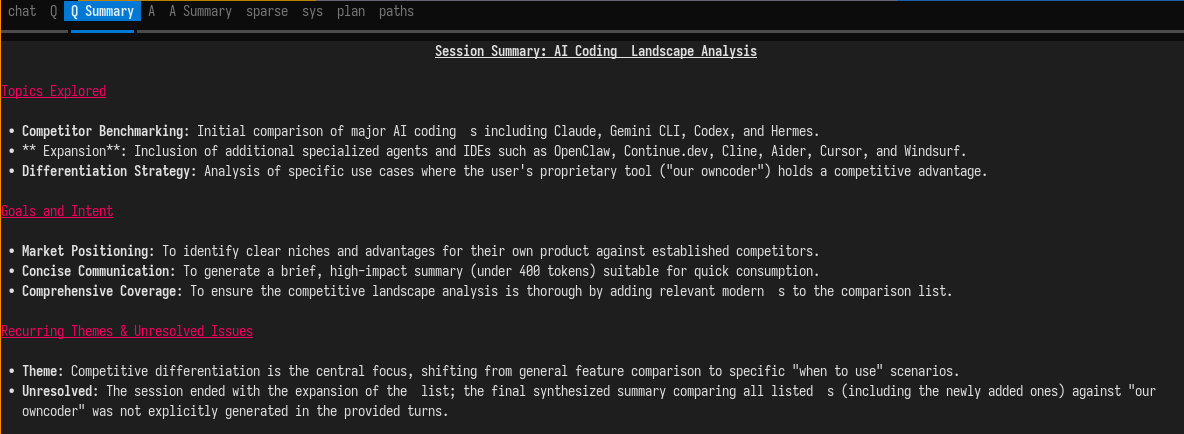
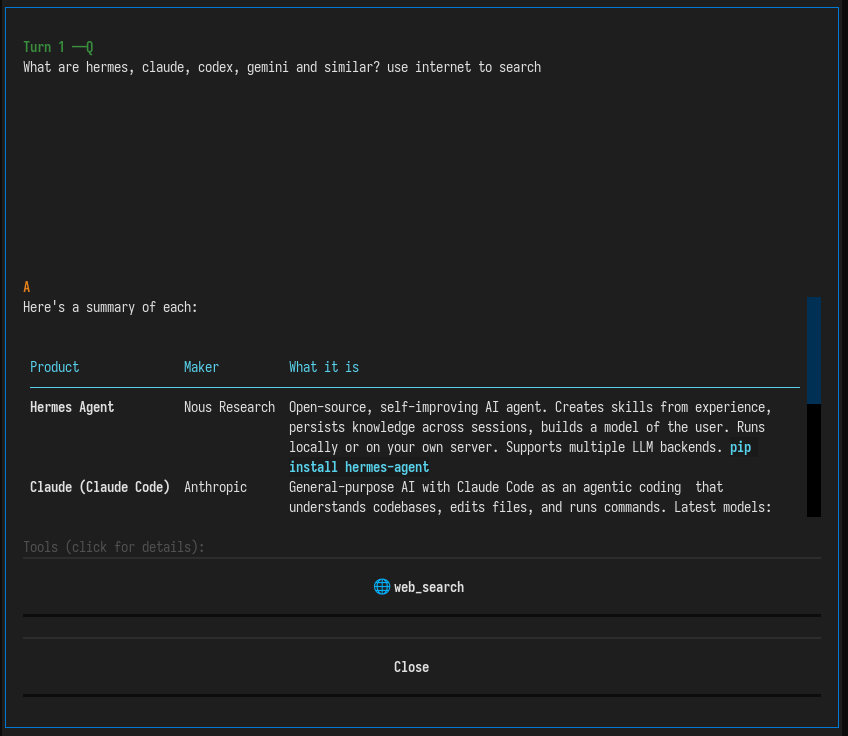
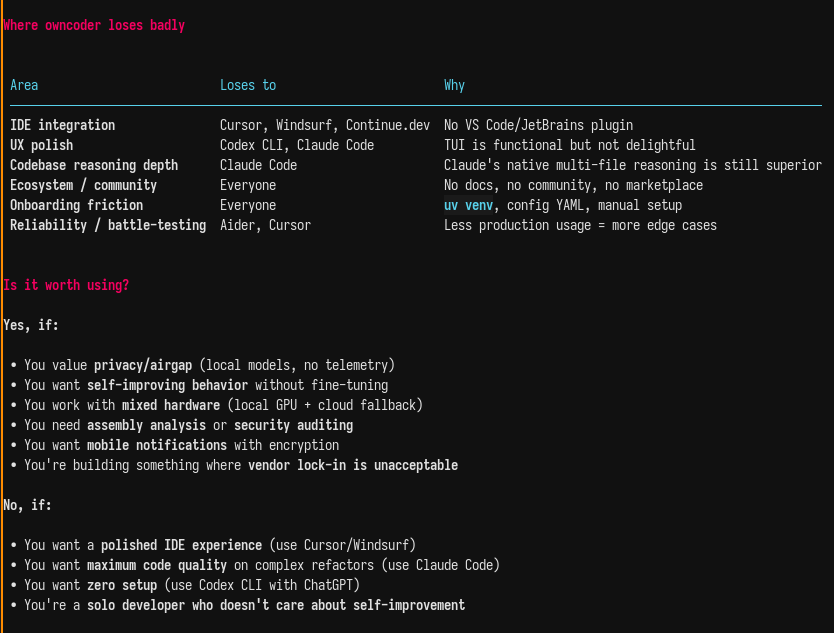
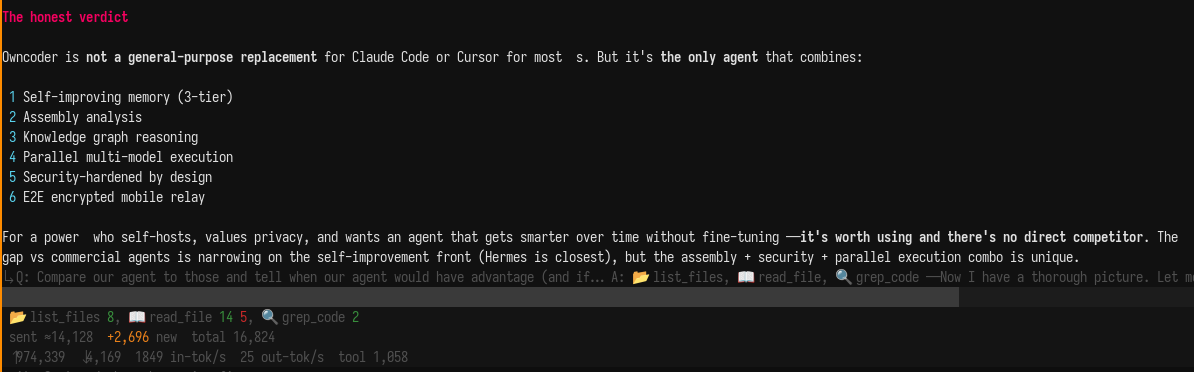
Local-first coding agent with solid security. Runs against your own llama.cpp/vLLM/ollama, or any OpenAI-compatible API (deepseek, openai). Use it when you want a coding agent that keeps code on your machine and is built for heavy analysis of low-structure languages like assembler.
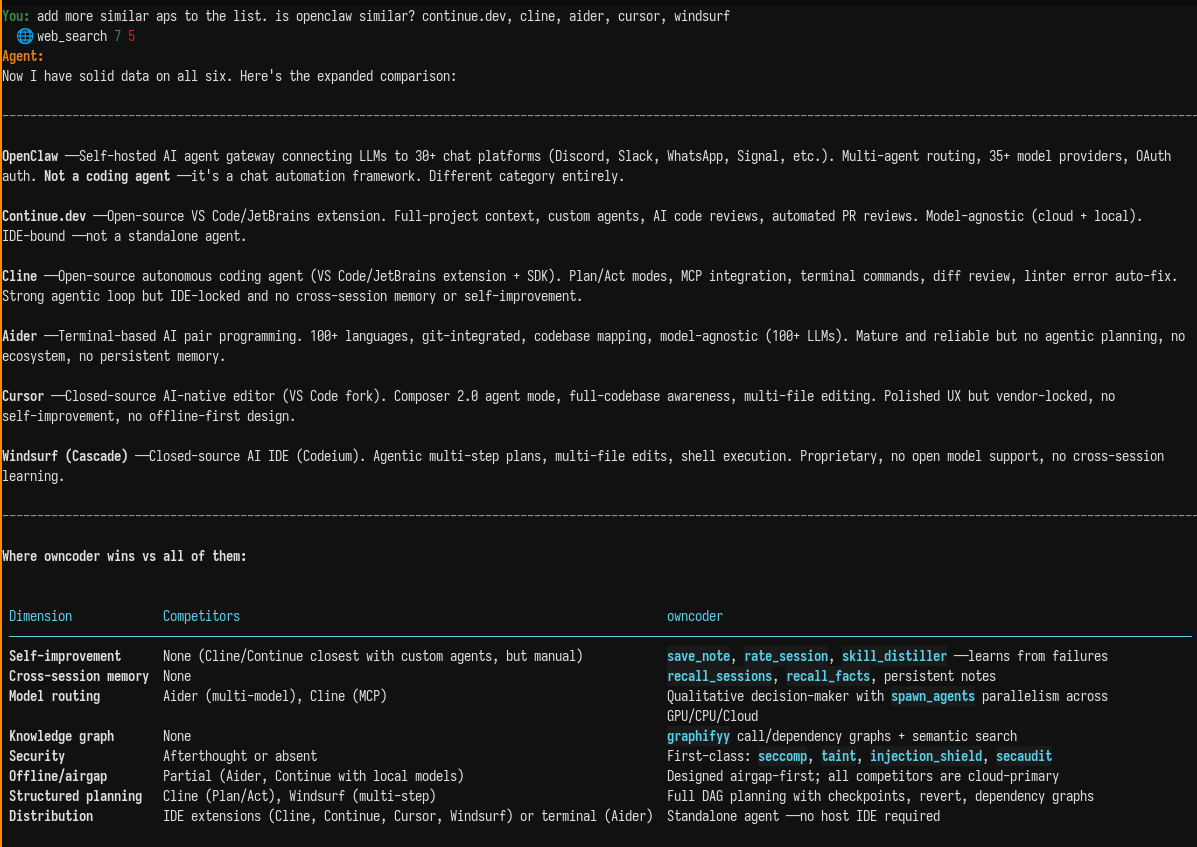
Similar to
- claude code (best for complex tasks)
- gemini cli (good even in free version)
- openai chatgpt codex (currently best offer)
- hermes (good and works locally - use it instead of my owncoder )
- cursor (IDE that works)
- windsurf (IDE that's on develop, but cheaper than cursor and sometimes has better features)
Normally you don't index so the agent works right away, but languages like assembler lack structure and need initial code analysis.
git clone https://github.com/adderek/owncoder.git
cd owncoder/
pip install -e .
./.venv/bin/agent
or
uv venv .venv
source .venv/bin/activate
uv pip install -e .
Also
agent commit .
which checks current directory (assuming it is a git repo) and created commit message for it while chunking diff standard way
Local-first heavy coding agent meant for assembler language.
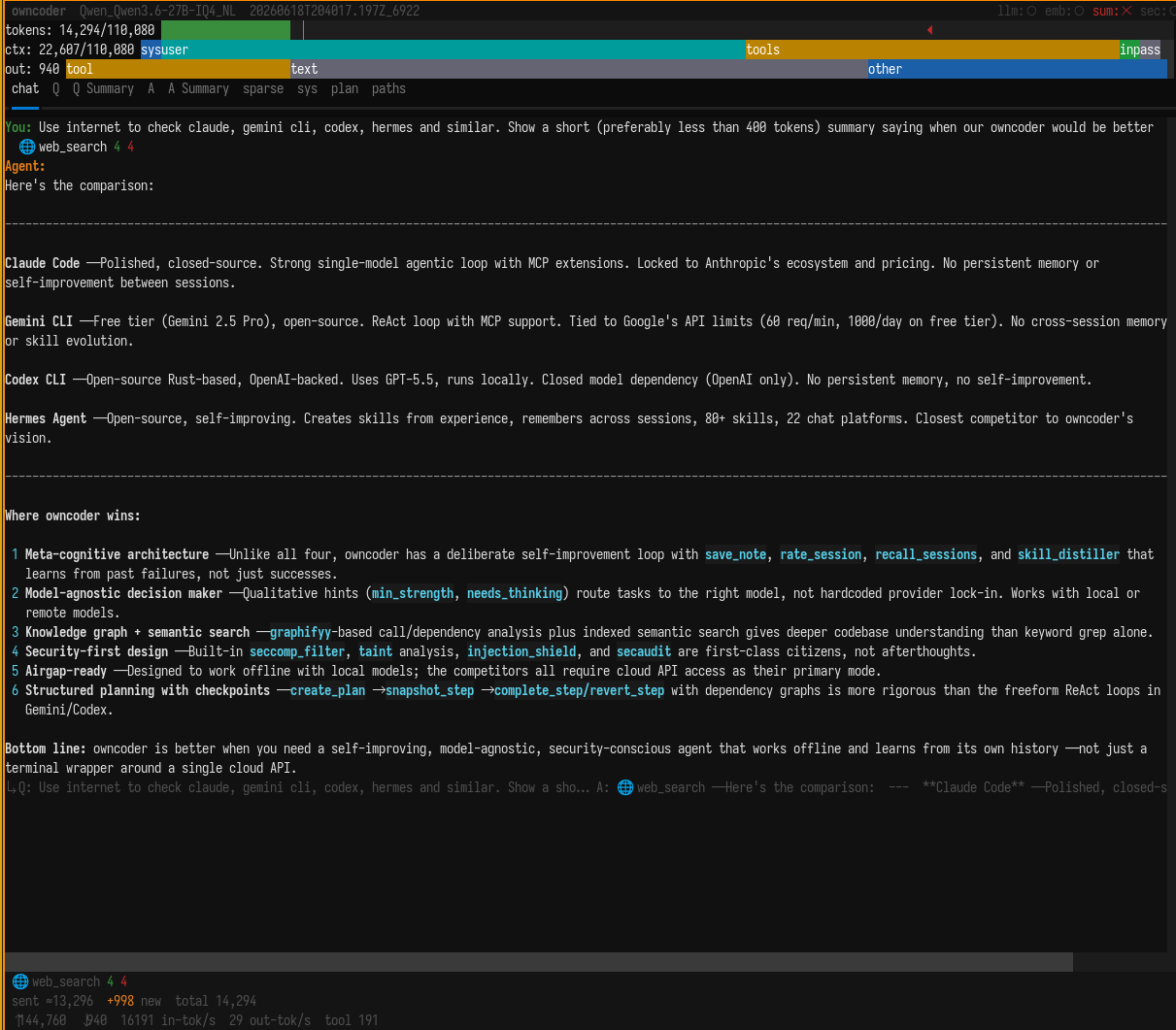
Key features:
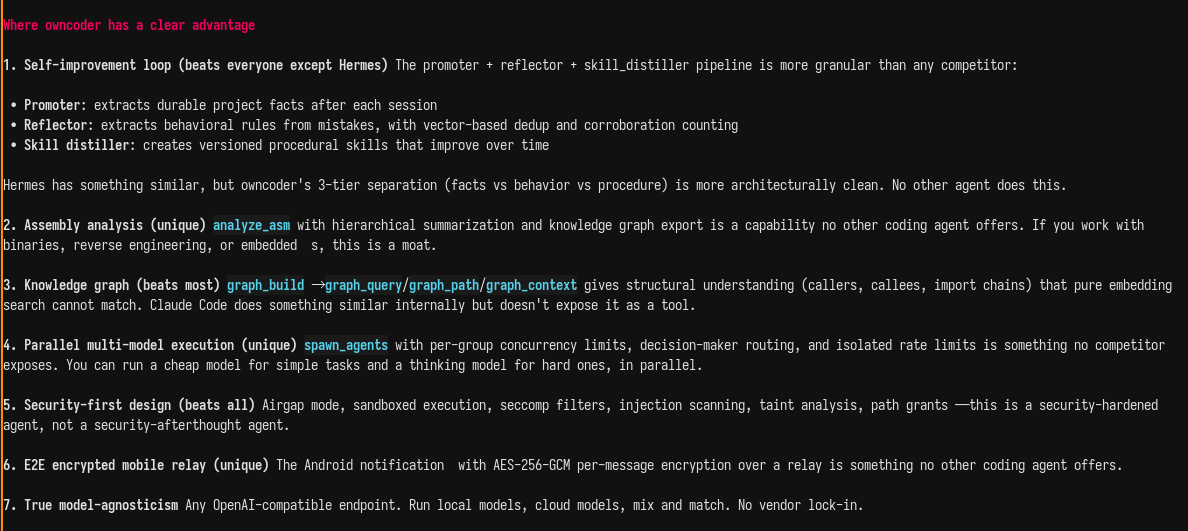
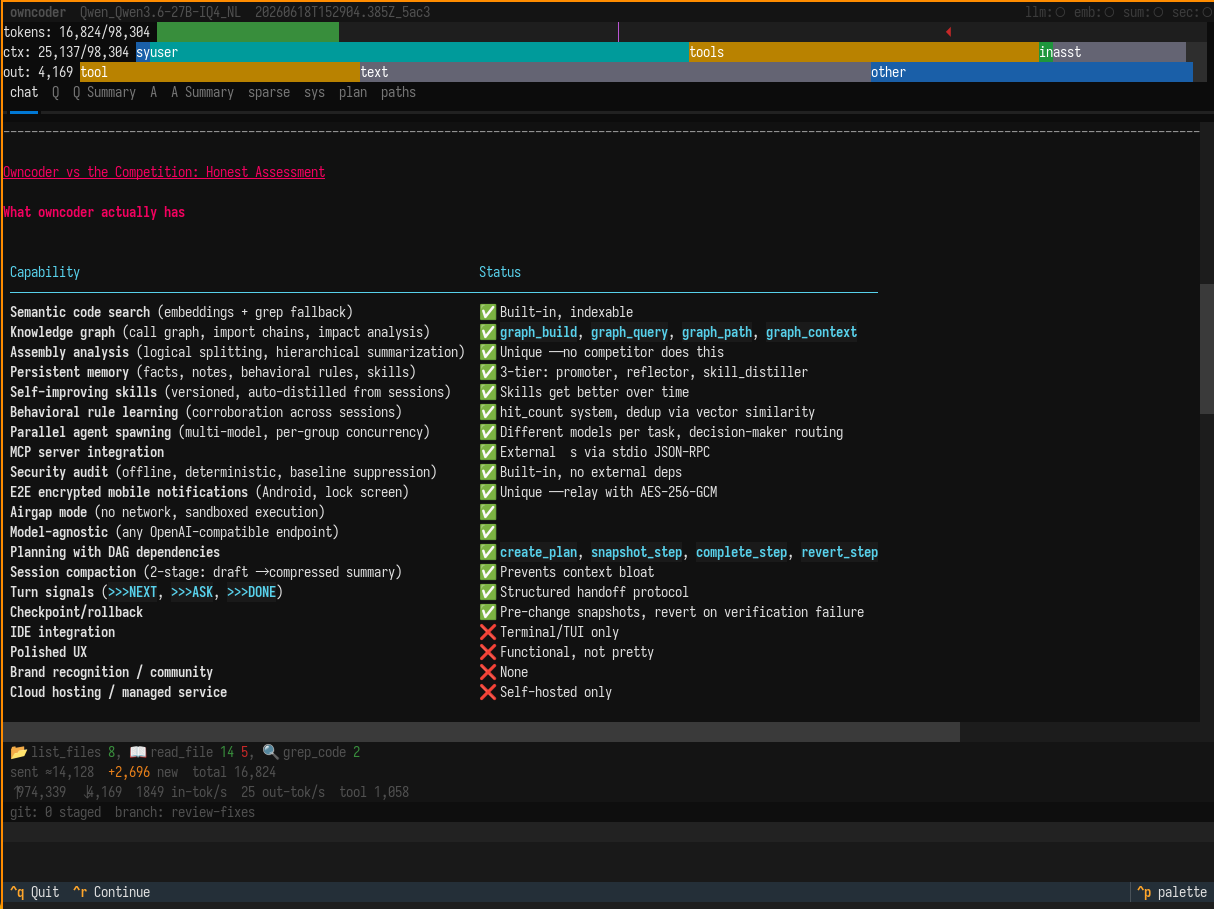
- Local-first — point it at llama.cpp / vLLM / ollama, or any OpenAI-compatible endpoint; nothing leaves your box unless you say so
- Security suite — seccomp sandbox, path grants, airgap mode, prompt-injection scanning, output redaction, audit log, SBOM
- Code understanding — tree-sitter parsing + sqlite-vec semantic search/embeddings (CPU is enough)
- Rich toolset — file edit, git, shell, code/web search, checkpoints, skills
- Interfaces — Textual TUI, plus simple/readline text-only modes
- Extensible — MCP support
Layers of code indexing / retrieval (each optional, used as needed):
- RAG — tree-sitter splits code into chunks, the embeddings model vectorizes them into sqlite-vec; hybrid (vector + keyword) search at query time
- Archive — pruned chunks kept with a TTL, so old/deleted code stays searchable
- Summarization — the LLM writes terse descriptions per chunk, then rolls them up into a multi-level summary pyramid
- Assembler analysis — same LLM describe-and-rollup pyramid (up to 6 levels), tuned for low-structure code tree-sitter can't model
- Graph — static dependency/call graph export (graphify), no model needed
- KB — optional external knowledge-base corpus
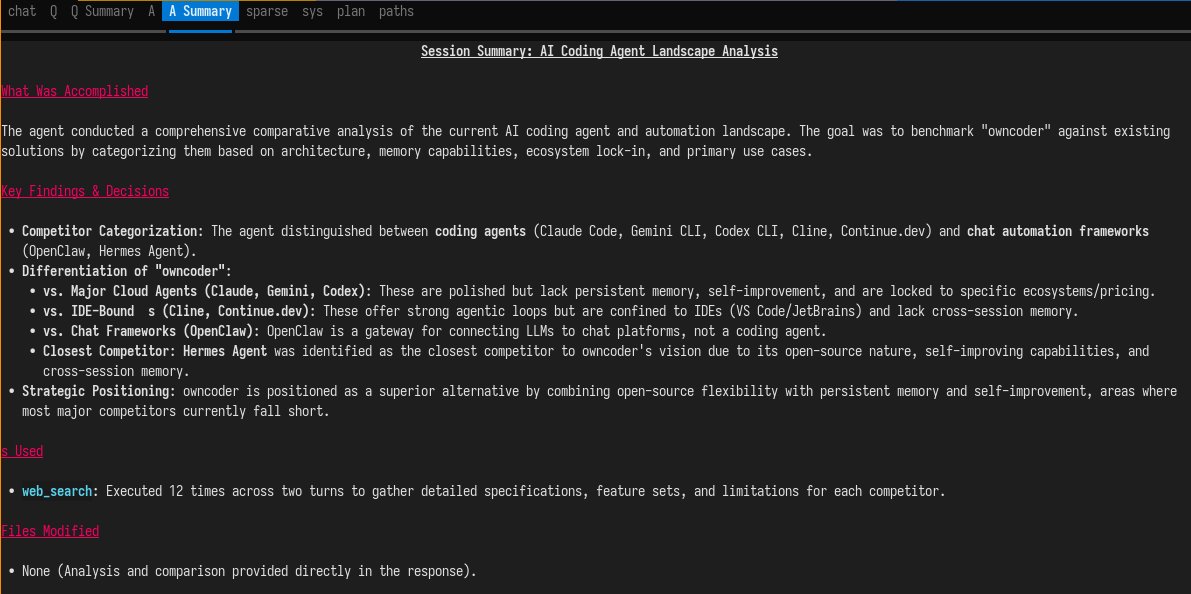
- Memory / recall — facts, Q&A log, and session history, distilled and compacted by the LLM
Prompts and skills/tools are compiled per model: the prompt-compiler compresses static prompt files for the active (model, api) pair and caches them, and tool results are compacted by the LLM before re-entering context — smaller context, same meaning.
agent init  # index files
agent chat  # run agent
AGENT_UI_MODE=simple  agent chat  # if you wish text-only mode with no text-panels
agent run "do something"
agent index --stats
example:
python -m agent.main chat
Embeddings model:
- to index files for the agent
- it works on CPU good enough
copy agent.toml to project root or ~/.config/agent/agent.toml
[llm]
base_url = "http://localhost:8080/v1"   # your llama-server or OpenAI
api_key = "local"                        # or your real API key
model = "qwen3-coder-30b"

[embeddings]
base_url = "http://localhost:8080/v1"   # embedding endpoint
model = "nomic-embed-text"
Or env var overrides (no file needed)
export AGENT_LLM_BASE_URL="https://api.openai.com/v1"
export AGENT_LLM_API_KEY="sk-..."
export AGENT_LLM_MODEL="gpt-4o"
export AGENT_EMBEDDINGS_BASE_URL="https://api.openai.com/v1"
export AGENT_EMBEDDINGS_MODEL="text-embedding-3-small"
Readline mode (no Textual UI)
[ui]
mode = "readline"
or AGENT_UI_MODE=readline agent chat

- ollama is simple and good, but only to run "stable" things
- llama.cpp is fast and has decent features
- vLLM is compatible and offers some unique features (and recently is a bit promoted yb AMD)
- owncoder/agent/ = inner agent repo, master branch (dev) - you are looking at it now
- actual toolset (tests, documentation, etc.) - not published :)
I have a worktree with stable version, although I would probably prefer claude/hermes/gemini cli if I broke master branch
git -C ~/src/owncoder-stable/agent fetch ~/src/owncoder/agent master
git -C ~/src/owncoder-stable/agent merge FETCH_HEAD
python3 scripts/terminal_probe.py --out agent.toml.probe
My owncoder agent is meant for special modification of:
- tilix terminal
- VTE (used by tilix)
- llama.cpp