Acceessible direct from browser http://IP:CAM_PORT
Acceessible direct from cloud server http://IP:SRV_PORT/?camera_name
Light weight camera designed to run on small ARM Linuxes. Plays animated jpg in the browser, Captures images or movie on motion / time lapse.
--
* Save this content in a file install.sh.
* chmod +x ./install.sh
* ./install.sh
* rm ./install.sh
--
#!/bin/bash
sudo adduser $USER video
sudo apt-get install git
sudo apt install cmake build-essential
git clone https://github.com/circinusX1/lili
sudo apt-get install libv4l-dev
sudo apt install libjpeg-dev
sudo apt install libswscale-dev
sudo apt-get install libavcodec-dev libavformat-dev # (optional with code changes)
sudo apt-get install v4l-utils # (optional to adjust luminosity)
cd liveimage
rm bin
mkdir bin
cmake .
make
## rename konf file
cp ./liveimage.sample_konf bin/liveimage.konf
cp ./liveimage bin
echo "edit and configure liveimage.konf"
echo "Thx"
Browse the konf file and make adjustments.
Create the I{'save_loc'} location and give RW access for the user that runs liveimage (aka: www-data:you & 775)
- HP x86_64 Linux with incorporated webcam
- R-PI 3 with USB Camera
- Nano Pi with USB camera and wifi USB dongle supporting AP
- C.H.I.P with USB camera. The USB cable was changed to allow external power to USB camera due camera higher amperage
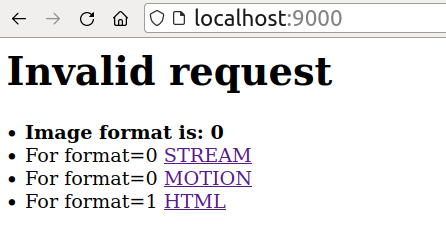
http://CAM_IP:9000    <-  shows the streams
# for mpeg encoding only the stream would work. This is experimental. For now user jpg format only
http://CAM_IP:9000/?html
http://CAM_IP:9000/?stream
http://CAM_IP:9000/?motion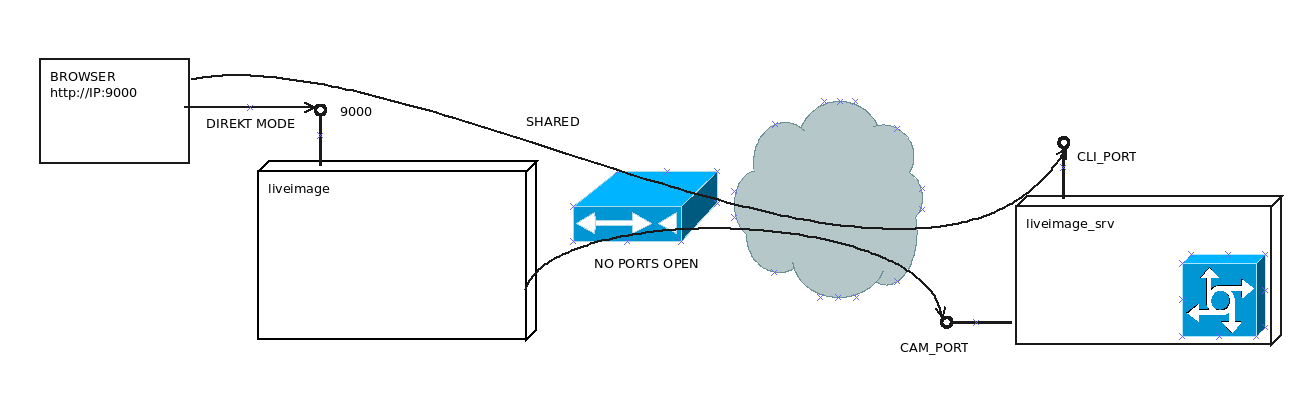

- If is configured for motion & record @conf file and motion is detected it connects to server and start sending images at the rate of 'cast_fps' .
- The server would record these in 'records'@ conf.
- Upon on_maxseq@conf would run the script. The provided script assembles the jpgs in a mov file.
- For that you need on the server the ffmpeg.
- The server link is: http:serverip:cliport/password where the password is the configured password in config file.
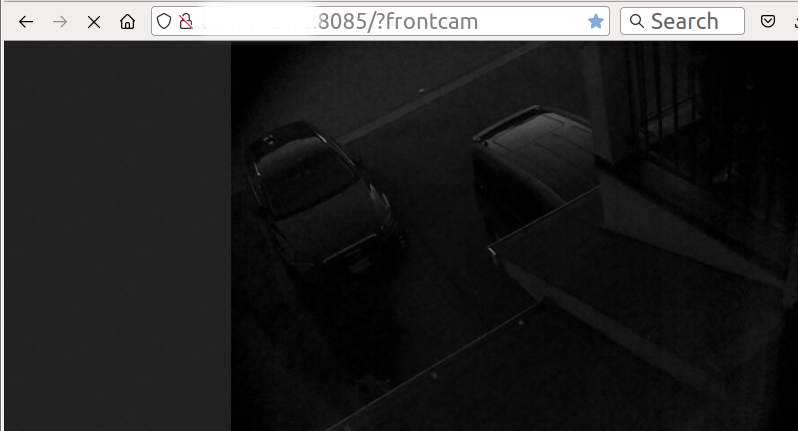
- That would show available camera streams. Like: http:serverip:8085/?frontcam
- When the links is clicked the camera would detect that a user wants to look
- camera checks every 'pool_intl'@liveimage.konf) seconds for a server event. (like user wants to see)
- Then start casting the images.
- As long the user looks at the cam or a motion is detected the images are also saved.
- Software related music:
*
*


