Modern web application for searching and creating video clips from the popular Polish series "Ranczo."
This is a web UI for RANCZO_KLIPY API


Dla polskiej wersji dokumentacji, zobacz README.pl.md.
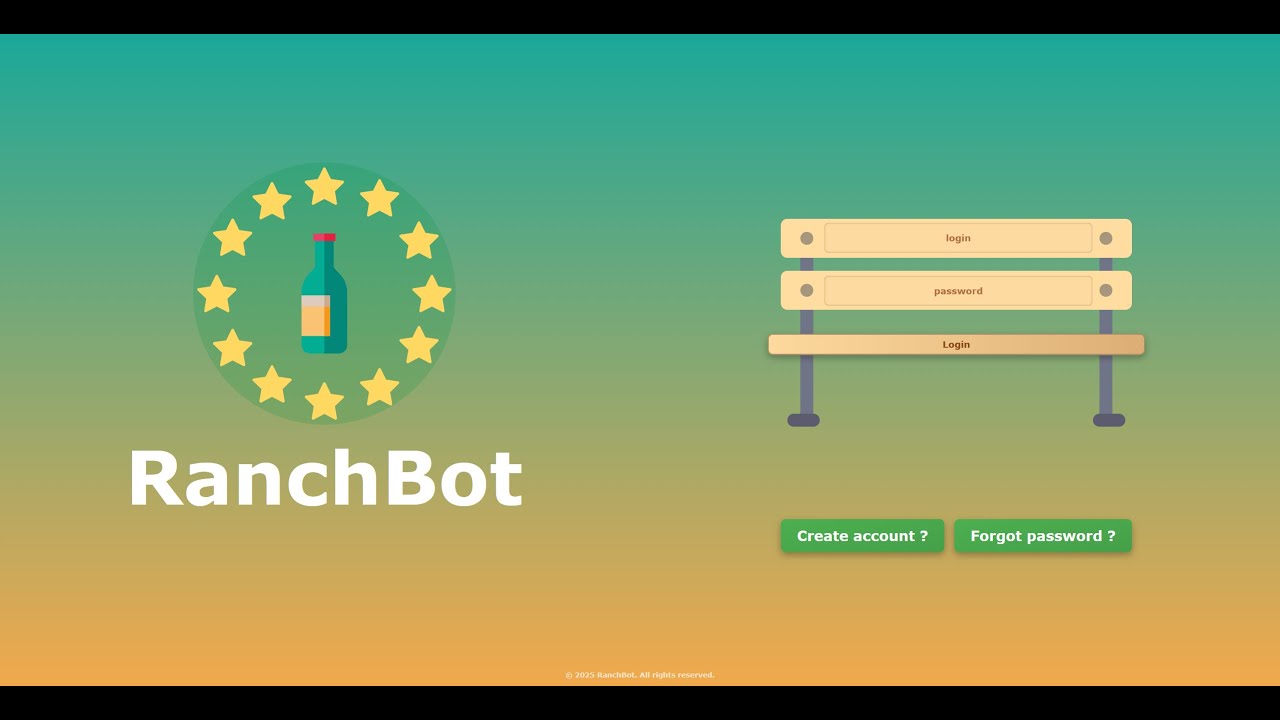
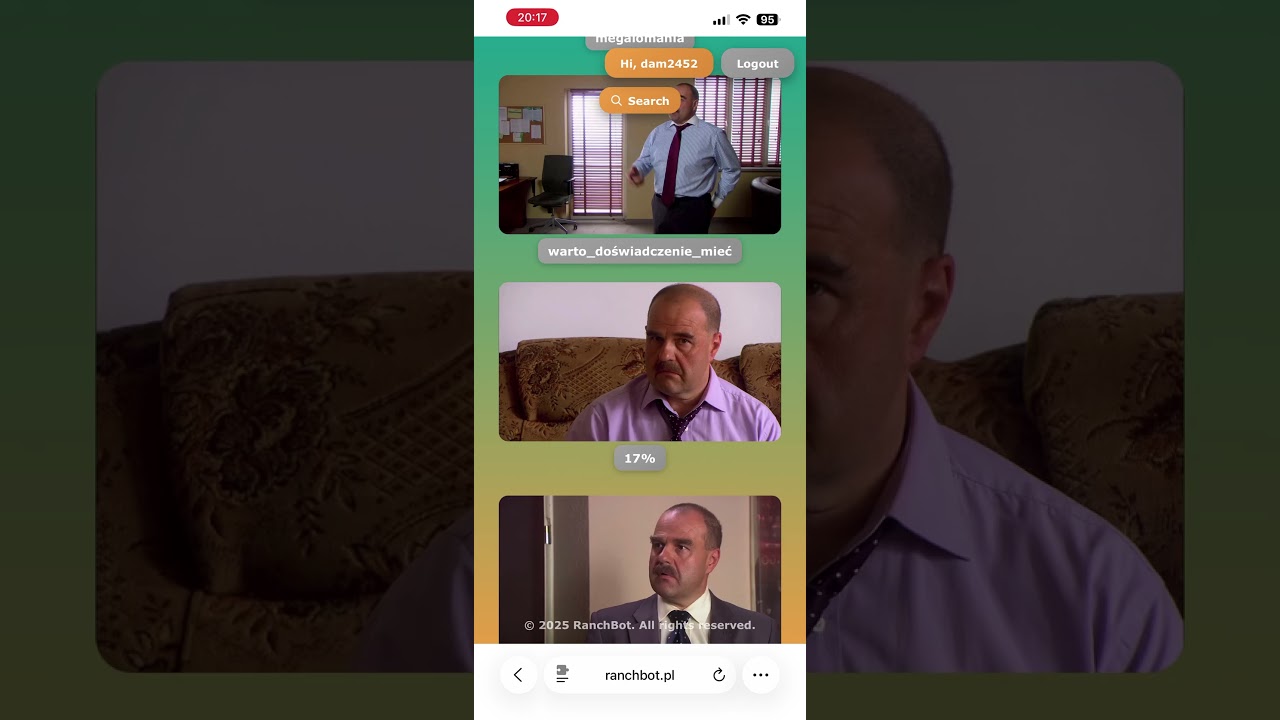


 Desktop - Home Page |
 Mobile - Search |
 Desktop - Saved Clips |
 Mobile - Search Results |
- Search for quotes and dialogues from the series
- Fast and accurate text-based search
- Real-time search results
- View video clips with selected scenes
- Download clips in MP4 format
- Save favorite clips to personal collection
- Automatic thumbnail generation with caching
- Fine-tune clip start and end times
- Preview changes in real-time
- Create custom compilations
- Secure session-based authentication
- Personal clip collections
- User preferences
- Works perfectly on desktop, tablet, and mobile
- Touch-optimized mobile interface
- Progressive Web App ready
- HTTP-only session cookies
- JWT token validation
- API proxy for secure communication
- CORS configuration
- Vue 3 - Progressive JavaScript framework
- TypeScript - Type safety
- Vite - Fast build tool
- Pinia - State management
- Vue Router - Client-side routing
- Tailwind CSS - Utility-first CSS
- FastAPI - Modern Python web framework
- Uvicorn - ASGI server
- Pydantic - Data validation
- httpx - Async HTTP client
- Pillow - Image processing
- python-jose - JWT handling
- Docker - Containerization
- Caddy - Web server for production
System:
- Node.js 20.19+ or 22.12+
- Python 3.10+
- Docker (optional, but recommended)
Backend Dependencies:
- FastAPI, Uvicorn, Pydantic, httpx, Pillow, python-jose, passlib
Frontend Dependencies:
- Vue 3, TypeScript, Vite, Pinia, Vue Router, Axios, Tailwind CSS
# 1. Clone the repository
git clone https://github.com/dam2452/RanchBotWeb.git
cd RanchBotWeb

# 2. Configure environment
cp .env.example .env
# Edit .env with your settings

# 3. Build and start all services
docker-compose up -d

# View logs
docker-compose logs -f

# Stop services
docker-compose down
Access:
- Application: http://localhost:8880
- Backend API: http://localhost:8000
# 1. Clone the repository
git clone https://github.com/dam2452/RanchBotWeb.git
cd RanchBotWeb

# 2. Setup Backend
cd backend
python -m venv ../.venv
source ../.venv/bin/activate  # Windows: ..\.venv\Scripts\activate
pip install -r requirements.txt

# Configure environment
cp .env.example .env
# Edit .env with your settings

# 3. Setup Frontend
cd ../frontend
npm installTerminal 1 - Backend API:
cd backend
source ../.venv/bin/activate  # Windows: ..\.venv\Scripts\activate
python -m uvicorn app.main:app --reload --port 8000
Terminal 2 - Frontend:
cd frontend
npm run dev
Access:
- Frontend: http://localhost:5173
- Backend API: http://localhost:8000
The application uses Docker Compose with the following services:
- backend - FastAPI application server
- frontend - Caddy web server serving Vue.js application
# Build and start all services (production)
docker-compose up -d

# View logs for specific service
docker-compose logs -f backend

# Restart specific service
docker-compose restart backend

# Stop all services
docker-compose down

# Rebuild after code changes
docker-compose up -d --buildPOST /auth/login- Login user and create sessionGET /auth/logout- Logout current sessionPOST /auth/logout-all- Logout from all sessionsGET /auth/user- Get current user information
GET /clips?action=get_clips- Get user's saved clipsGET /clips/video/{clip_id}- Get video file for a specific clipGET /clips/thumbnail/{clip_id}- Get thumbnail for a specific clipPOST /clips/save- Save clip to user collectionPOST /clips/delete- Delete clip from user collection
POST /api/json- Proxy JSON API requestsPOST /api/video- Proxy video API requests (returns blob)POST /api/thumbnail- Generate thumbnail from videoPOST /api/adjust-preview- Adjust video timingPOST /api/batch-load- Parallel batch loading of clips
Set ENABLE_API_DOCS=True in backend/.env to access:
- Swagger UI: http://localhost:8000/docs
- ReDoc: http://localhost:8000/redoc
- Frontend (Vue 3) - User interface on port 5173/8880
- Backend (FastAPI) - API server on port 8000, proxies to external API
- External API (RANCZO_KLIPY) - Video processing service
cd backend

# Run tests
pytest tests/ -v

# Run specific test
pytest tests/test_auth.py -v

# Enable API documentation
echo "ENABLE_API_DOCS=True" >> .env

# Start with hot reload
python -m uvicorn app.main:app --reloadcd frontend
# Type checking
npm run type-check
# Lint and fix
npm run lint
# Build for production
npm run build
# Preview production build
npm run preview# RanchBot API
RANCHBOT_API_URL=http://your-api-url:8077/api/v1
DEV_JWT_TOKEN=your_jwt_token_here
# Session & Security
SECRET_KEY=your-secret-key-here
SESSION_MAX_AGE=86400
# CORS
ALLOWED_ORIGINS=http://localhost:5173,http://localhost:3000
# Server
HOST=0.0.0.0
PORT=8000
RELOAD=True
ENABLE_API_DOCS=FalseRANCHBOT_API_URL=http://your-api-url:8077/api/v1
SECRET_KEY=your-secret-key-here
SESSION_MAX_AGE=86400
ALLOWED_ORIGINS=http://localhost:8880Contributions are welcome! Please feel free to submit a Pull Request.
- Fork the repository
- Create your feature branch (
git checkout -b feature/AmazingFeature) - Commit your changes (
git commit -m 'Add some AmazingFeature') - Push to the branch (
git push origin feature/AmazingFeature) - Open a Pull Request
- v2.1.0 - Removed RabbitMQ, simplified to direct async processing
- v2.0.4 - Optimized Docker builds and caching
- v2.0.0 - Complete rewrite with Vue.js + FastAPI
- v1.0.0 - Original PHP version (archived in
PHP-v1-Versionbranch)
This project is licensed under the MIT License - see the LICENSE file for details.
Interested in using RanchBot Web? Contact via Telegram: @dam2452
GitHub: @dam2452
If you like this project and would like to support its development, consider getting me a mamrot!
