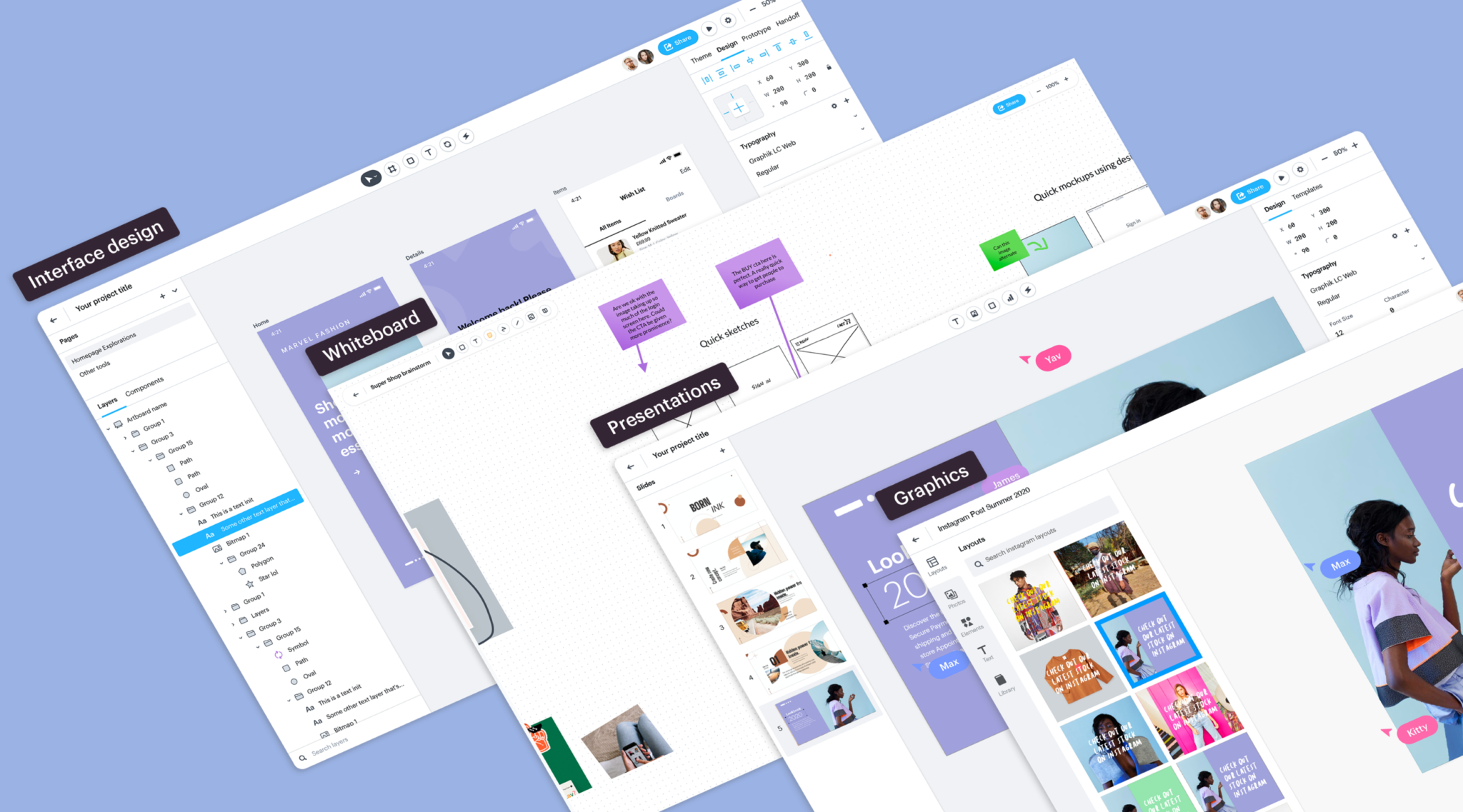
Togetherly is your ultimate real-time collaboration hub, effortlessly breaking geographical barriers. Communicate ideas with interactive whiteboards. Create organizations, invite members, and start and schedule screens seamlessly. Join with thousands of users in a session, performing 80% faster than competitors without lag. Fast, efficient, and powered by Next.js and Convex, it's the ultimate choice for boosting productivity in institutions and corporate meetings.
This innovative space fosters creativity and synergy as team members
collectively visualize and brainstorm on a shared digital canvas. Emphasizing
efficiency, we go beyond mere visualization by providing a repository of
assets tools, templates, and resources that enhance the collaborative
process.
-
Clone the repository:
git clone https://github.com/Abhishek-Mallick/Togetherly.git cd Togetherly -
Set up Enviornment Variables
- Create a
.env.localfile on the base of the directory. On the.env.localfile add the variables:CONVEX_DEPLOYMENT= NEXT_PUBLIC_CONVEX_URL= NEXT_PUBLIC_CLERK_PUBLISHABLE_KEY= CLERK_SECRET_KEY= LIVEBLOCKS_SECRET_KEY= CLERK_ISSUER_URL= NEXT_PUBLIC_CLERK_AFTER_SIGN_IN_URL=/ NEXT_PUBLIC_CLERK_AFTER_SIGN_UP_URL=/ - Get your Clerk credentials by creating a new Clerk app on their dashboard - this will handle all the authentications and
organizations- Allow Google Authentication and organizational support.
- Get your Convex credentials by creating your convex application in the Convex dashboard our scripts will take care of making all the initial schemas
- Create a
- Starting convex server
npx convex dev
- Start Client
 npm install
 npm run dev


