Problem description:
Forms that are launches on secondary screen with different DPI (eg. primary = 150% or 144, secondary = 100% or 96) have incorrectly scaled fonts.
Expected behavior:
Correctly scaled fonts.
Minimal repro:
WinFormsApp2.zip
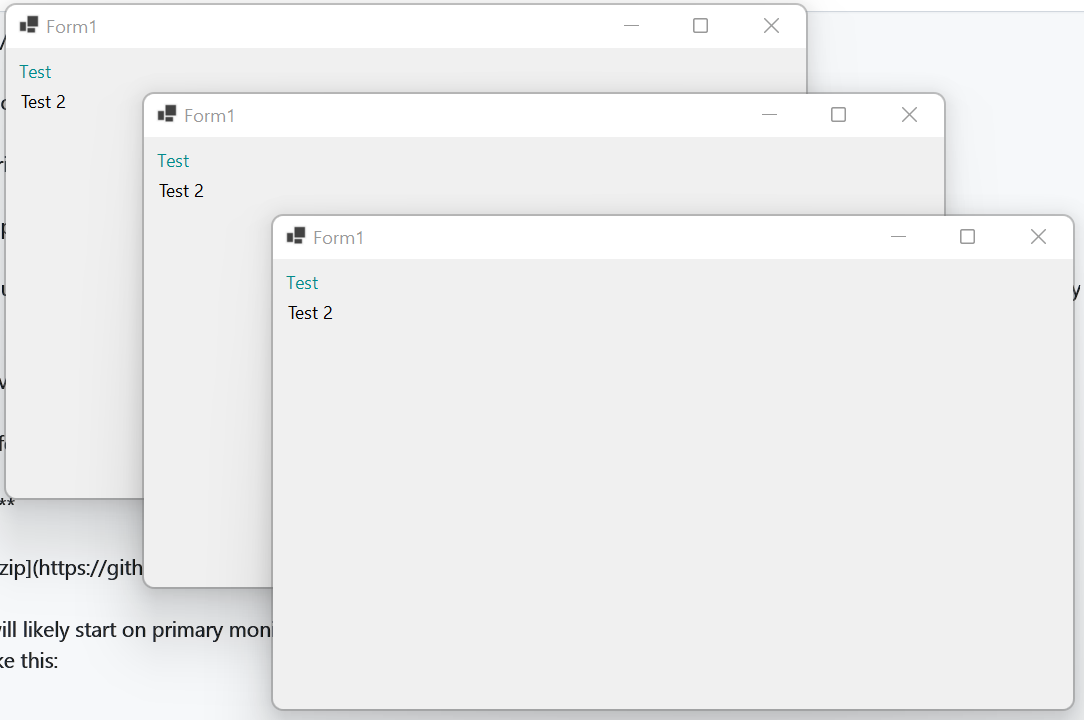
Run the app, it will likely start on primary monitor. Clicking on the form with create a new form above the parent one. On primary screen it looks like this:
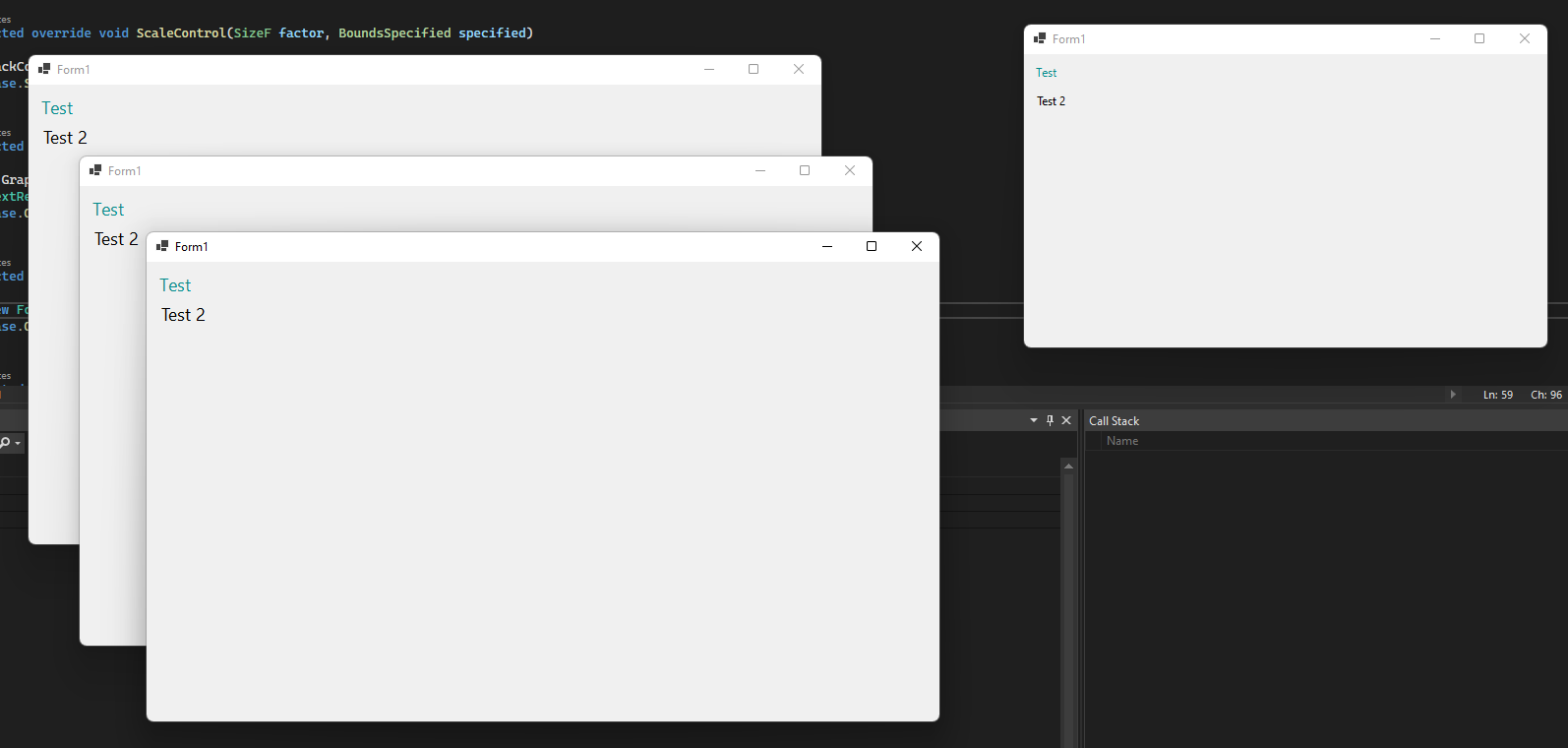
Move one of the windows on secondary screen a click on it. The new windows on the secondary screen look like this (upper left one on the screenshot is original form dragged from primary screen):


.NET Core Version: 6.0 RTM
Have you experienced this same bug with .NET Framework?: No
Problem description:
Forms that are launches on secondary screen with different DPI (eg. primary = 150% or 144, secondary = 100% or 96) have incorrectly scaled fonts.
Expected behavior:
Correctly scaled fonts.
Minimal repro:
WinFormsApp2.zip
Run the app, it will likely start on primary monitor. Clicking on the form with create a new form above the parent one. On primary screen it looks like this:
Move one of the windows on secondary screen a click on it. The new windows on the secondary screen look like this (upper left one on the screenshot is original form dragged from primary screen):