
This is a port of Terminal.app Peppermint color theme to iTerm2. Peppermint was originally developed by Noah Frederick.
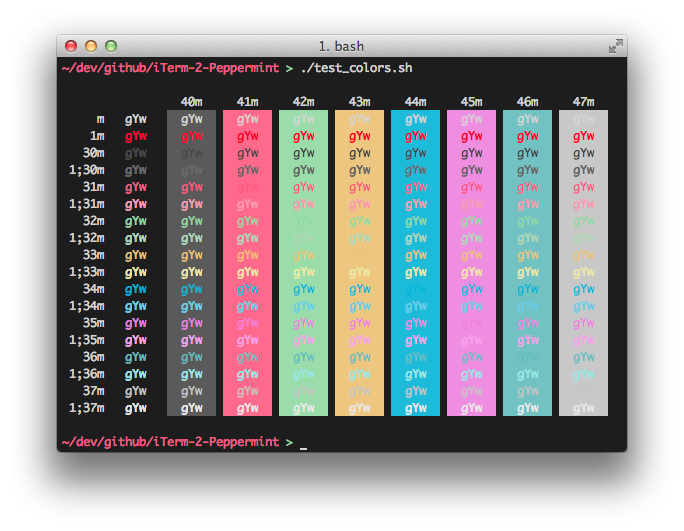
- Open Preferences pane on the Profiles tab in iTerm
- Switch to the Colors tab and import the
Peppermint.itermcolors(drop-down in the lower right corner)
Cursor
- Set to Vertical
Text Rendering
- Disable Draw bold in bold font
- Enable Draw anti-aliased text with thin strokes
Window appearance
- Transparency to 10-15%
- Blur to 40-50%