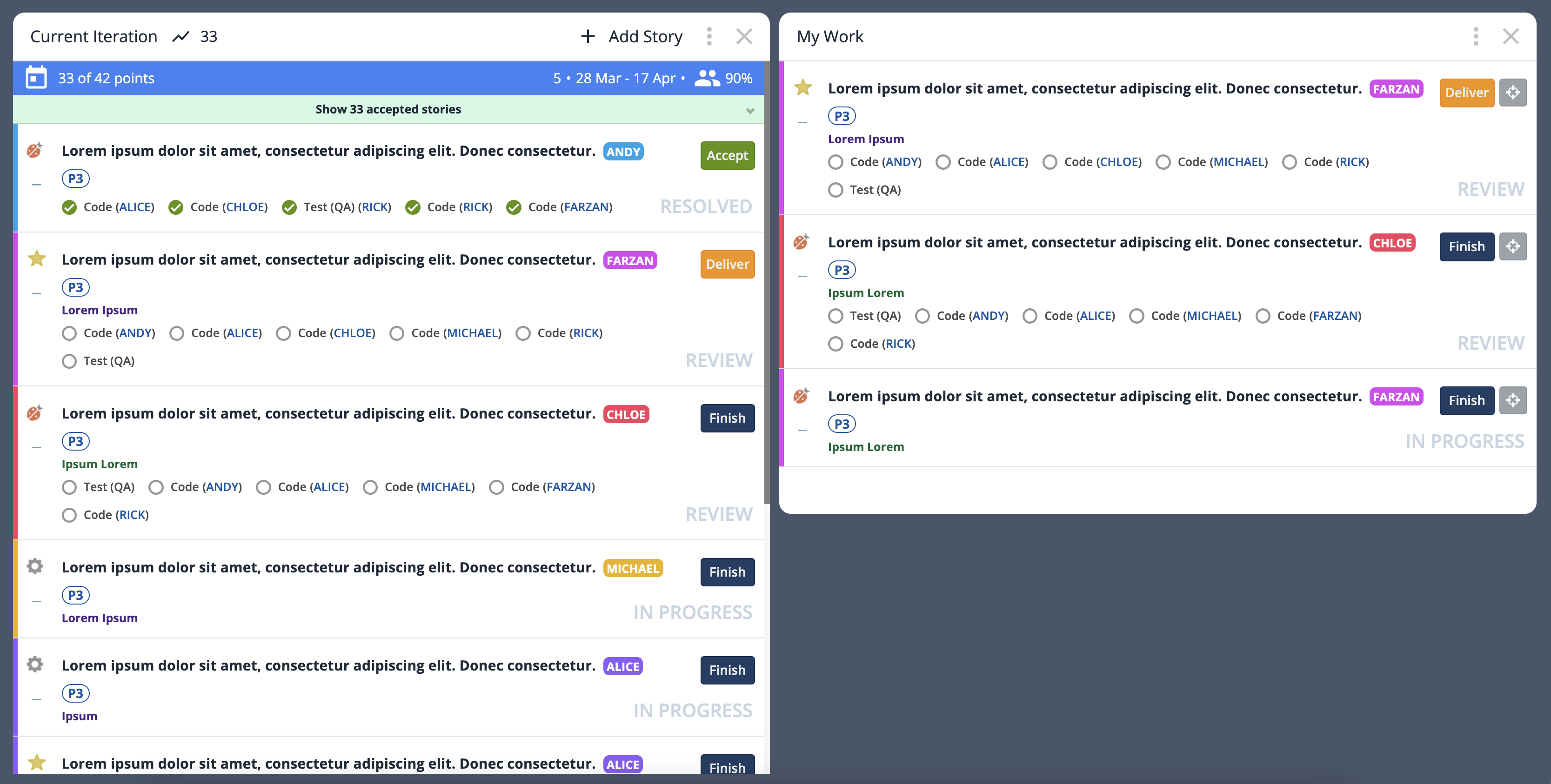
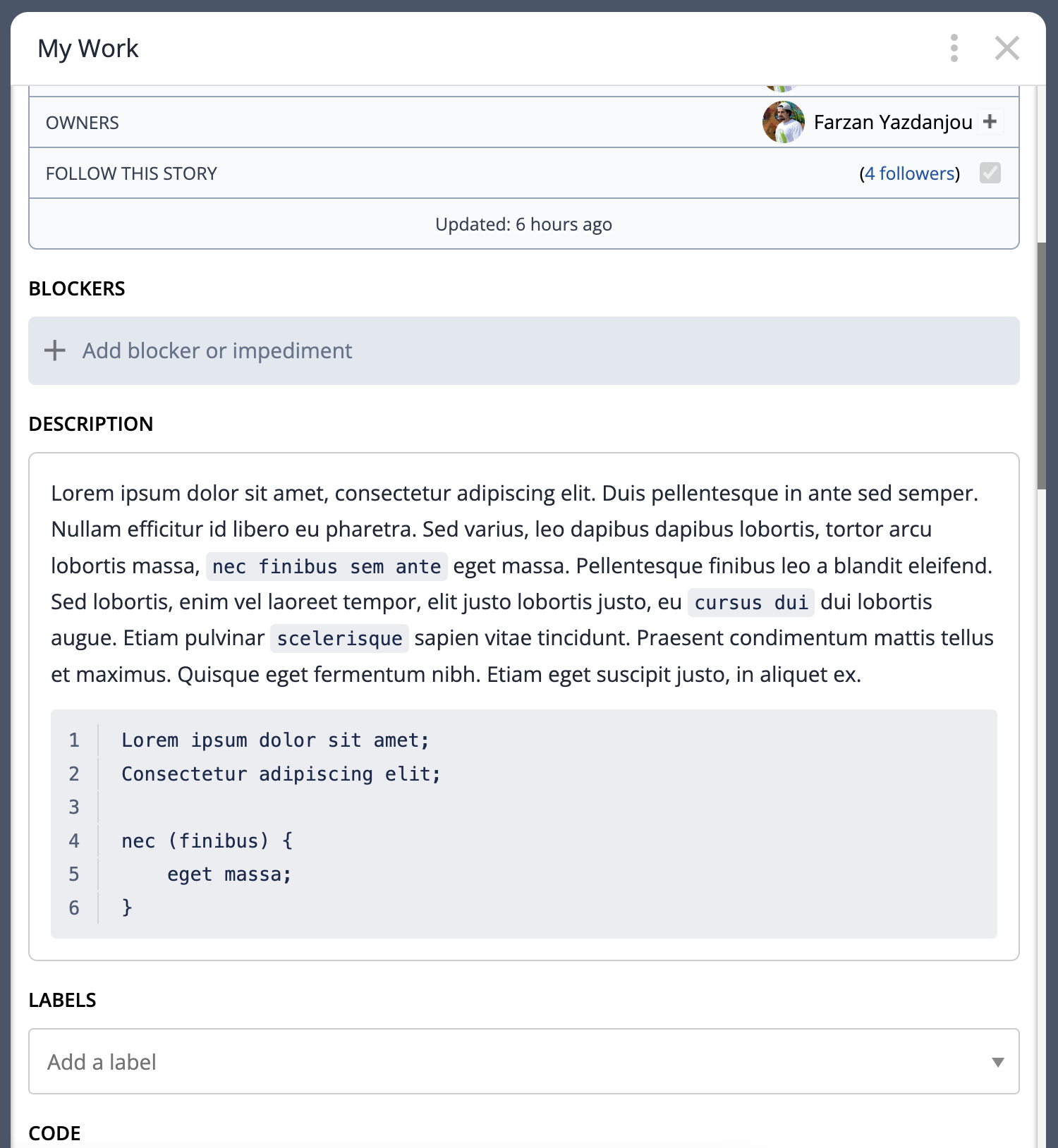
Pivotal Tracker Styler is a Chrome extension that enhances the look and feel of Pivotal Tracker, making it more enjoyable and visually appealing. If you've ever used Pivotal, you know that the UI is lacking pizazz - that's where this extension comes in!
Now Available on the Chrome Web Store
- Clone this repository
- Go to your Chrome Extensions and turn on "Developer Mode" on the top right
- Click "Load Unpacked" on the top left and select this repository
- Refresh Pivotal Tracker
- Go to your Chrome Extensions
- Locate the Pivotal Tracker Styler card and hit the refresh button after any changes to the repository
- If any changes cause errors, try Removing and Re-adding the extension
- Enhanced background and text colors for better text readability
- Color-coded ticket-owner labels for easy identification
- Better inline code and code block styling with line numbers
- Expanded ticket details and comments section
- Streamlined ticket actions for efficiency
- Optional clear ticket status (SCRUM) displayed as gray text (excluding unstarted tickets)
- Optional removal of REJECT button from ticket preview - still available in the expanded view
- Optional removal of ticket selector button for a cleaner interface (re-activatable during ticket organization)
- Optional feature to gray out unstarted tickets, promoting the completion of in-progress tasks
- Optional feature to discretely display how many days remain until the end of each sprint
- More features will be added as I run into ideas :)