



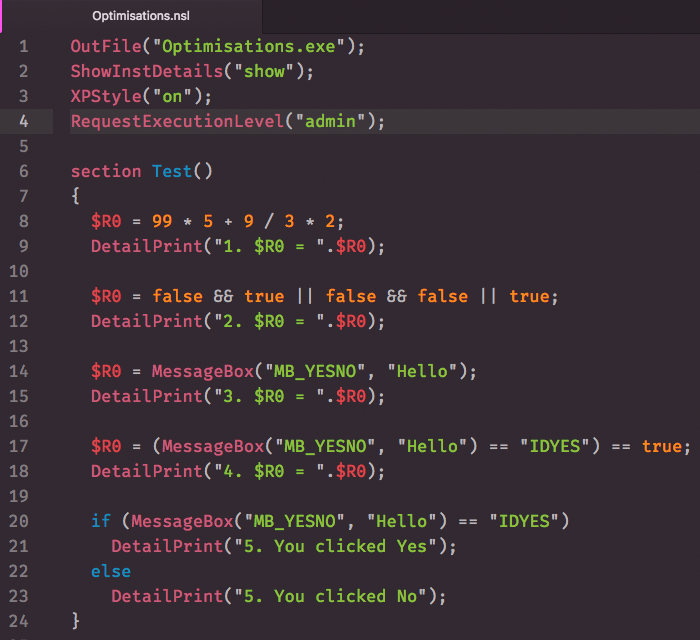
Atom language support for nsL Assembler, including grammar, snippets and build system
Note
The following guide assumes that you're by now using Pulsar, a
community-driven fork of the Atom editor. Should you still be using Atom, use
apm command instead of ppm.
Install language-nsl from the editor's
Package Manager
or the command-line equivalent:
$ ppm install language-nslChange to your Atom packages directory:
Windows
# Powershell
$ cd $Env:USERPROFILE\.pulsar\packages
:: Command Prompt
$ cd %USERPROFILE%\.pulsar\packagesLinux & macOS
$ cd ~/.pulsar/packages/Clone repository as language-nsl:
$ git clone https://github.com/idleberg/atom-language-nsl language-nslInside the cloned directory, install its dependencies:
$ ppm ciBuild the source:
$ ppm run buildThis package automatically installs third-party packages it depends on. You can prevent this by disabling the Manage Dependencies option in the package settings.
As of recently, this package contains a build system to translate nsL code into NSIS script and transpile it. To do so, select Nsl Assembler: Save & Transpile” from the command-palette or use the keyboard shortcut.
Make sure to specify the path for nsL.jar in the package settings. There you can also customize the flags for the transpiler.
Example:
"language-nsl":
  pathToJar: "%PROGRAMFILES(X86)%\\NSIS\\NSL\\nsL.jar"
customArguments: ["/nopause", "/nomake"]Should you already use the build package, you can install the build-nsl provider to build your code.
This work is licensed under The MIT License.

