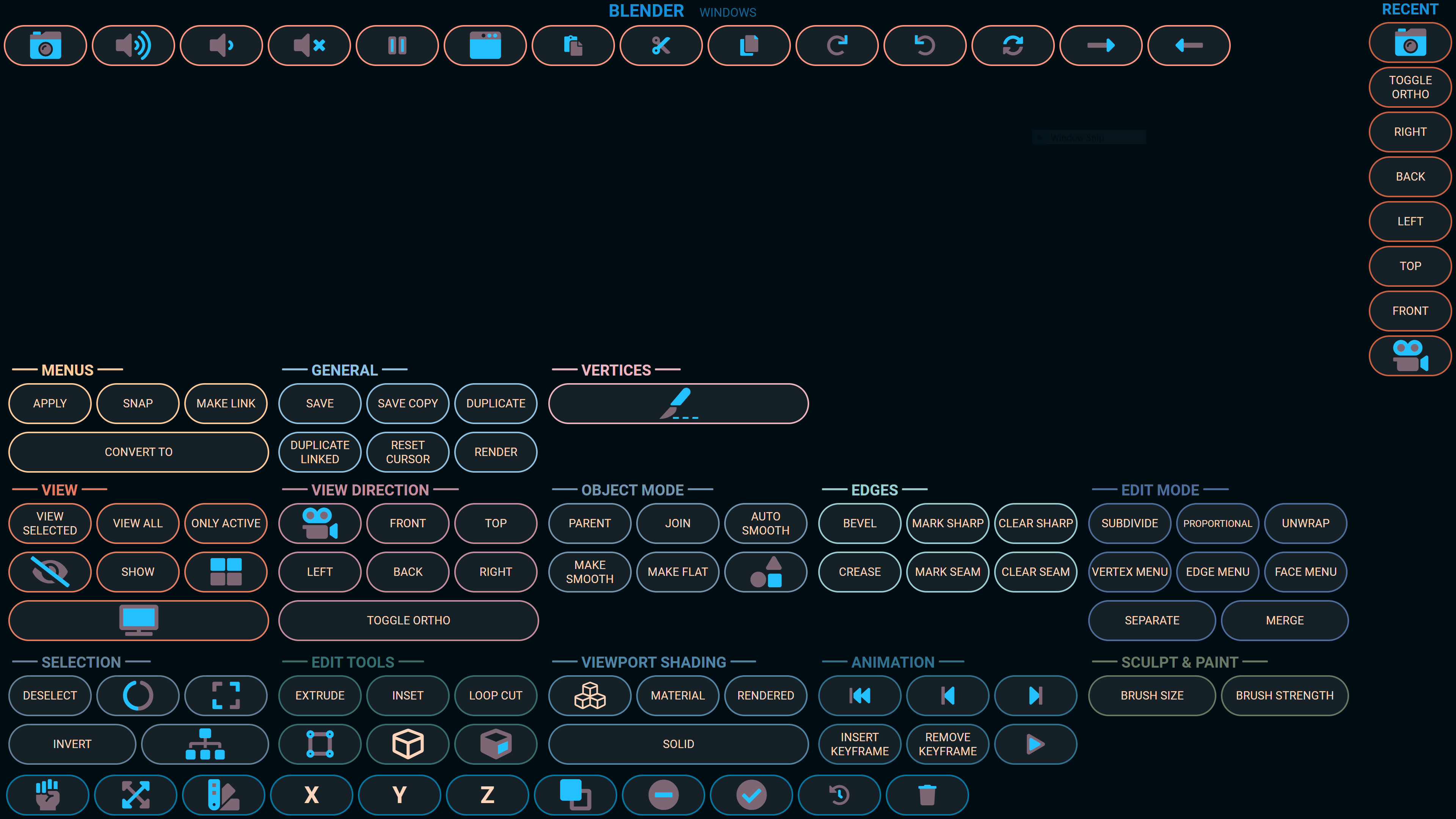
This project was created for a touch screen laptop to send commands to a machine running Blender 2.8x.
- Server: node Express app that provides endpoints for receiving keyboard shortcuts, python commands, and a few Windows shortcuts such as volume controls.
- Client: React frontend that provides a dashboard of buttons that send commands to the Express app.
The client and server can both be served via http://localhost:3001 by executing:
npm run build
npm run sendkeys
- Configurable button layout * Button groups and tags
In the project directory, you can run:
Runs the backend ExpressJS app on port 3001.
Send keys example:
GET /send/keys/a?modifiers=asc
a=alt s=shift c=ctrl
Application settings:
GET /settings
Use this for development hot module reloading.
Runs the React app in the development mode on port 3000.
Open http://localhost:3000 to view it in the browser.
The page will reload if you make edits.
You will also see any lint errors in the console.
Builds the React app for production to the build folder.
It correctly bundles React in production mode and optimizes the build for the best performance.
The build is minified and the filenames include the hashes.
Your app is ready to be deployed!
See the section about deployment for more information.
- Using the Pie Menu Editor add-on, create a Macro Operator
- Edit it to open a .py file
- Assign it a shortcut key combo
- Update /server/serverSettings.json with the path to that .py file and the shortcut combo