ByteGuard adds a human verification step to your most consequential scripts. We use a mechanism similar to multifactor authentication for soliciting approval from team members before a function executes. This functionality can be used to safeguard against human error, workflow errors, and bugs in automation. Below are the steps to use byteguard-build-actions plugin.
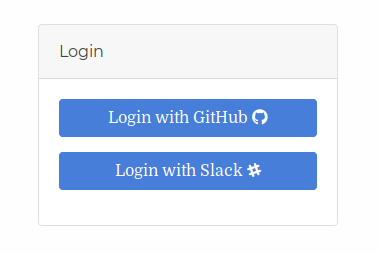
- go to link https://byteguard.io/accounts/login/
- Login with either Github or Slack

- This page will open.

- You will get an API Token with login automatically.
- You need to specify name of your task and message.
- Choose an answer format(Approval, Numeric, Text etc.)
- Choose a Consensus Rule(single,simple majority,many etc.)
- Add people with phone or email id.
- Select a language(bash,javascript,python).
- Click on Create Task
- Now you will see step4 Integrate in which you will get three bash script/javascript/python codes. *To prompt the participants for a response, use the following code snippet: *To check the responses gathered so far: *To delete the current task:
- In these responses you will see task id of the task you have created.
- Now on Jenkins got to your project -> configure -> Add Build Step -> ByteGuard Build Actions

- Enter your API TOKEN in Token field and Task ID in Product field.
- Now people who were added to this task will get notifications during build.