NOTE: This project is under development and is not production ready!
This application connects to the user's Spotify account in order for the application to keep track of their play history. By allowing the application to save all the data, it makes it possible to generate more data/status from the user's use of Spotify at any time. As an example, this makes it possible to keep track on how much music the user has been listening to for the last year/month/week/day (depending on when the user first connected/stated to use this application).
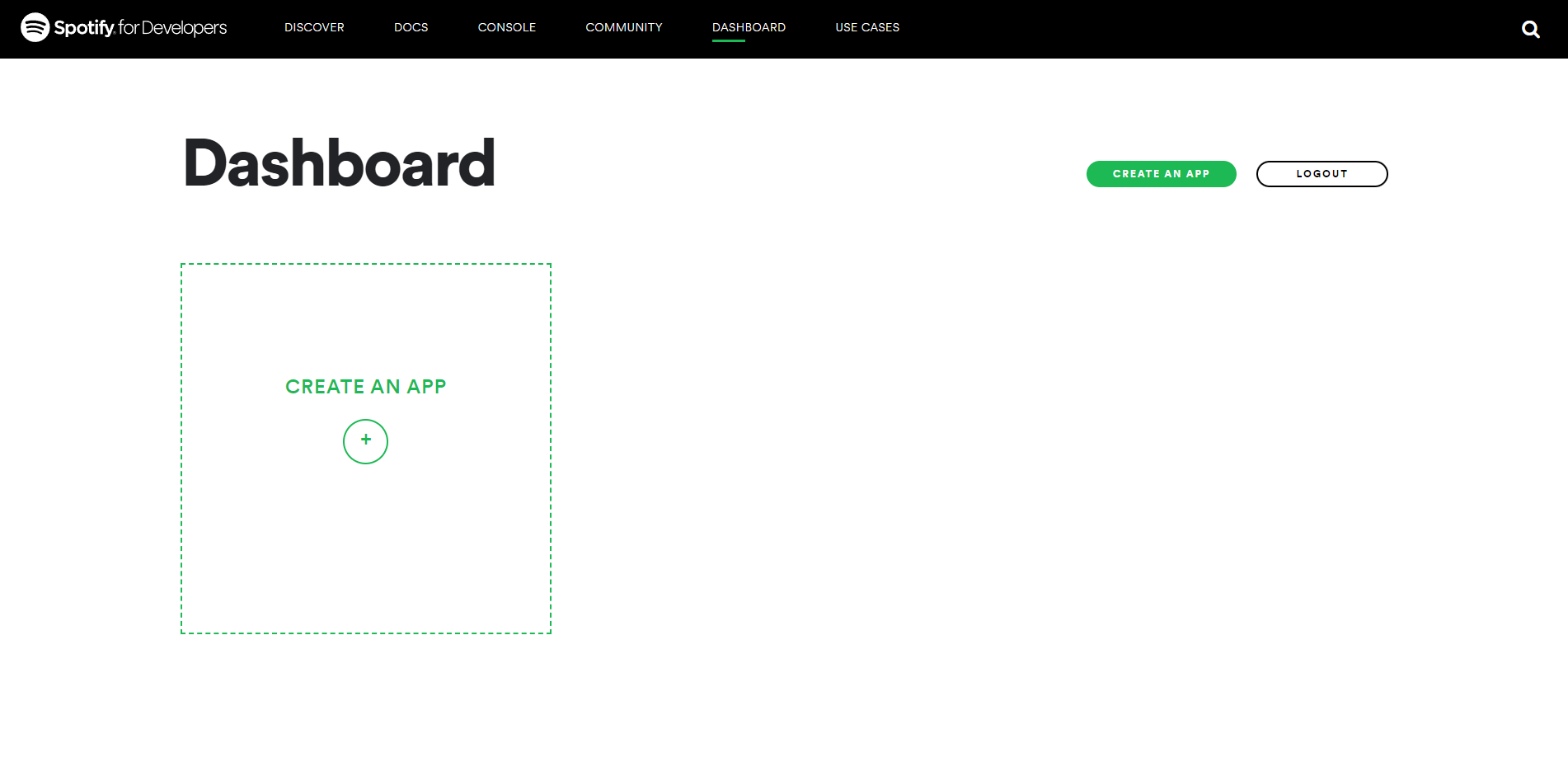
First step is to create a new spotify application, you can do so from your dashboard on spotify
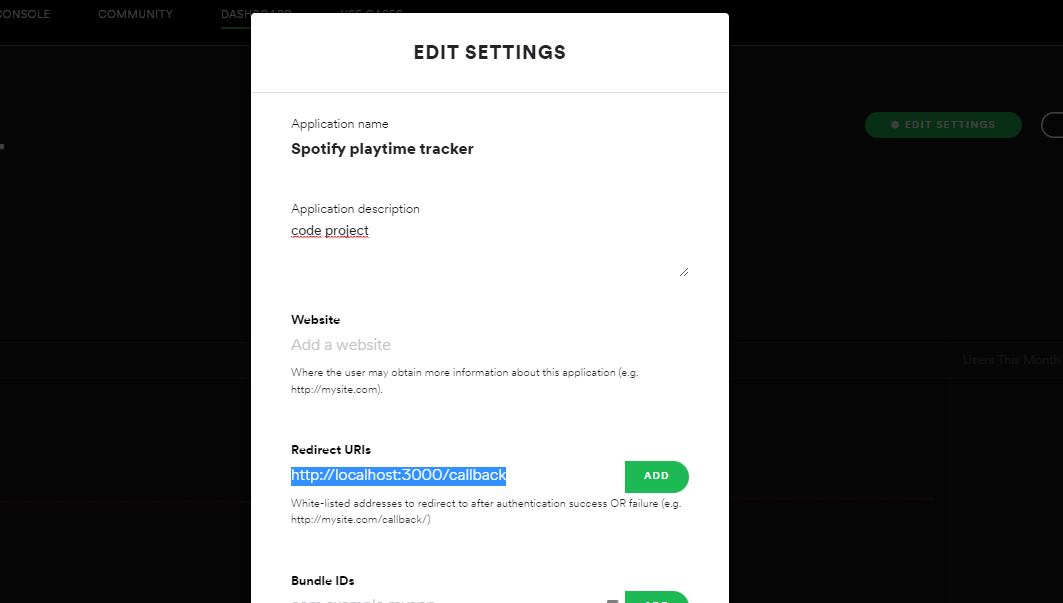
When the application is created, you may want to whitelist a callback uri for the application to prevent unwanted access. You can do this by clicking "Edit Settings" and then entering the wanted uri (default http://localhost:3000/callback).
To run this project, you will need to add the following environment variables to your .env file
| Variable | Description |
|---|---|
PORT |
The port to run the server on |
CALLBACK_URL |
The callback url defined in the Spotify application |
SPOTIFY_CLIENT_ID |
The client id is the id of the spotify application found in your dashboard |
SPOTIFY_CLIENT_SECRET |
The secret is displayed after clicking SHOW CLIENT SECRET below the client id on the spotify application |
MONGO_URI |
The mongodb connection uri, this is used to store the the users playhistory |
JWT_SECRET |
The secret to hash the jwt token with |
TOKEN_SECRET |
the secret to hash the access and refresh token in the database with |
As of this state of the project, after you have started the appliation you can go to the following path. From here you wil receive a cookie __userToken including a jwt token allowing you to see the status of your own worker/user
http://localhost:3000/login
You should then be able to see the status of the current user/worker by the following path
GET /worker/<userid>If needed, you are able to resume or pause the user/worker from running
GET /worker/<userid>/pause
GET /worker/<userid>/resume