Annotating an existing PNG screenshot results in a file twice as big when saved to disk #257

Description

Hi. I am using ksnip v1.9.1 and have noticed that anytime I open a PNG file, add some annotation and save it back to disk, the PNG file increases.
For example, the following screenshot wights 88kB initially:
$ ls -al before.png
.rw-rw-r-- 88k mvalais 13 Oct 15:36 before.png

$ file before.png
before.png: PNG image data, 1492 x 942, 8-bit/color RGBA, non-interlaced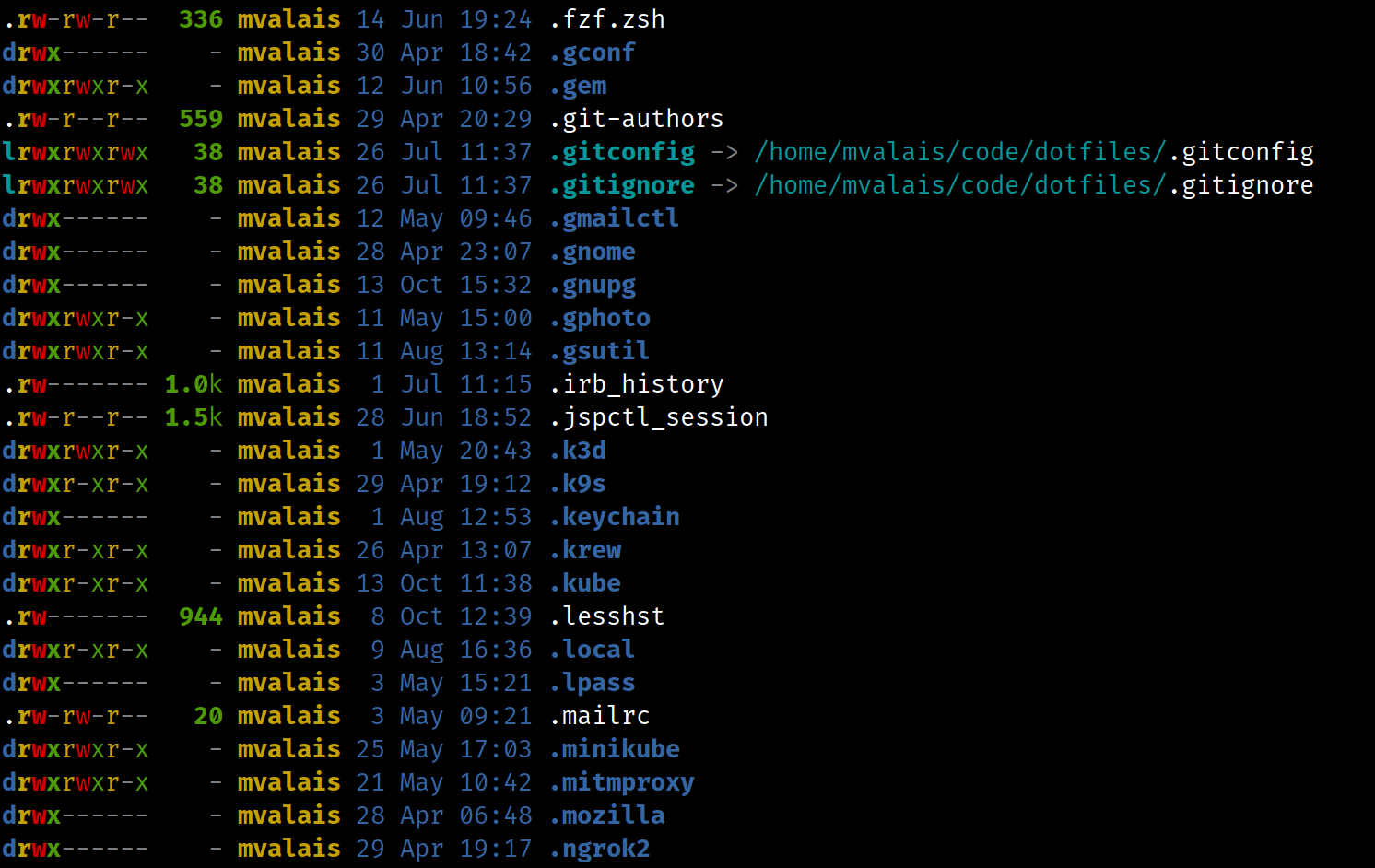
I opened it in ksnip v1.9.1, and annotated it (the red curve) with a width of 5.
$ ls -al after.png
.rw-rw-r-- 154k mvalais 13 Oct 15:40 after.png

$ file after.png
after.png: PNG image data, 2984 x 1884, 8-bit/color RGBA, non-interlaced
I then opened the annotated file and annotated it again:
$ ls -al everafter.png
.rw-rw-r-- 360k mvalais 13 Oct 15:44 everafter.png

$ file everafter.png
everafter.png: PNG image data, 5968 x 3768, 8-bit colormap, non-interlaced
The PNG size doubles every time I save the file to disk; as a consequence, annotating the same file multiple times in a row by opening it, annotating it, saving it, and closing it in ksnip leads to a file bigger and bigger.
I took a look at the code and I found that the scaleFactor is set to 2.0 on my machine. That happens in kImageAnnotator's AnnotationArea.cpp:
QImage AnnotationArea::image()
{
	auto scaleFactor = mDevicePixelRatioScaler->scaleFactor();
	auto scaledSceneSize = this->sceneRect().size().toSize() * scaleFactor;

	// ...

	return image;
}
I have tried hardcoding scaleFactor to 1.0, which fixes the issue:
QImage AnnotationArea::image()
{
	auto scaleFactor = 1.0
	auto scaledSceneSize = this->sceneRect().size().toSize() * scaleFactor;

	// ...

	return image;
}
With 1.0, annotating, saving, and then reopening the same PNG file does not lead to an increase in file size.
What is the purpose of devicePixelRatioScaler? Do I get 2.0 because I use a hidpi screen (4k scaled to 150%)?