Input question on AnswerEdit is now a type=number field#2251
Conversation


Codecov Report
@@           Coverage Diff            @@
##           develop    #2251   +/-   ##
========================================
  Coverage    81.48%   81.48%
========================================
  Files          293      293
  Lines        14066    14066
========================================
  Hits         11462    11462
  Misses        2604     2604
Continue to review full report at Codecov.
|


|
@nucleogenesis Could you please fix all failing tests and also cover the new situation in specs for both |
|
Components and utils related to assessment items editor have detailed test suite that is supposed to serve as documentation of various state too as there's quite lots of them, so it would be good to keep it up to date. |

|
Thanks @MisRob - I've updated the tests and all should pass now! |
|
@nucleogenesis I've just tested new inputs on the local dev server and although I can't type in non-numeric values, it seems to be possible to copy-paste them. |
|
@MisRob I'm not able to enter any character other than I spent some time hacking at this but I didn't find it easy to ensure that the If you're experiencing something different (ie, you can put other letters than |

There was a problem hiding this comment.
I finally got a chance to dig into this and found that in Chrome, I was unable to enter non-numeric input. For some reason though, Firefox let me type in whatever I wanted. I was also able to paste non-numeric inputs in both Firefox and Chrome.
Just recently I worked on something similar to this for assessment items, using @input and @paste filters: https://github.com/learningequality/studio/pull/2098/files
The main difference there is that those filters were made for integers, whereas in this case I take it other kinds of numbers should also be allowed?
|
That's really helpful @micahscopes - I think this is going to be a bit more involved than I initially thought. If target browsers are not taking the Also - then we need to decide what kinds of non-numerics are allowed. Do we allow Then for floats, do we force adding I think that whatever decision we make should be included in the frontend both in Kolibri and Studio so that Learners and content creators are on the same page from the start about what kinds of inputs are accepted. And piling on in general, the more complex this gets the more brittle we will end up getting because we're currently using regular expressions - saying "you can have So - in summary - the easiest thing to do is to allow signed floats because the rules for that are easy enough to do reliably with RegEx. We will need to apply the rules in Studio and Kolibri (possibly creating a Will return to this with some feedback from anybody who is interested - will raise a tension in next week's meeting. |
|
Also - our decision needs to consider backward compatibility. Studio currently permits So this PR as it is seems to basically match current Studio - but that doesn't mean we shouldn't aim for improvement - we just need to make sure that we won't break people's exercises when they open them in the new Studio. |
 nucleogenesis
force-pushed
the
numerics-only-for-input-question
branch
from
nucleogenesis
force-pushed
the
numerics-only-for-input-question
branch
from
4eff6d5 to
33e284f
Compare
|
I rebased this so it will be good to merge. Following up on our discussion in Monday's meeting, can you verify that Firefox isn't permitting characters besides Additionally - the conflict I fixed just added a |

 MisRob
left a comment
MisRob
left a comment
MisRob
left a comment
There was a problem hiding this comment.
can you verify that Firefox isn't permitting characters besides e - even when copy-pasting
Unfortunately, I can still write and also copy-paste non-numeric characters besides e in Firefox (80.0.1 64-bit, Ubuntu)

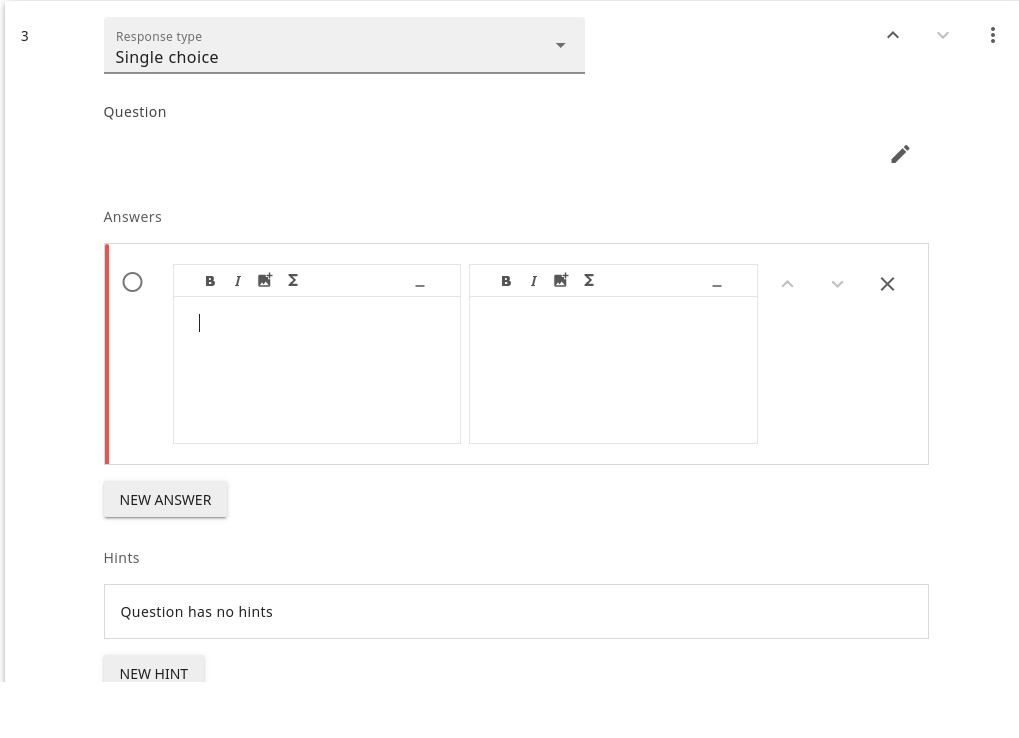
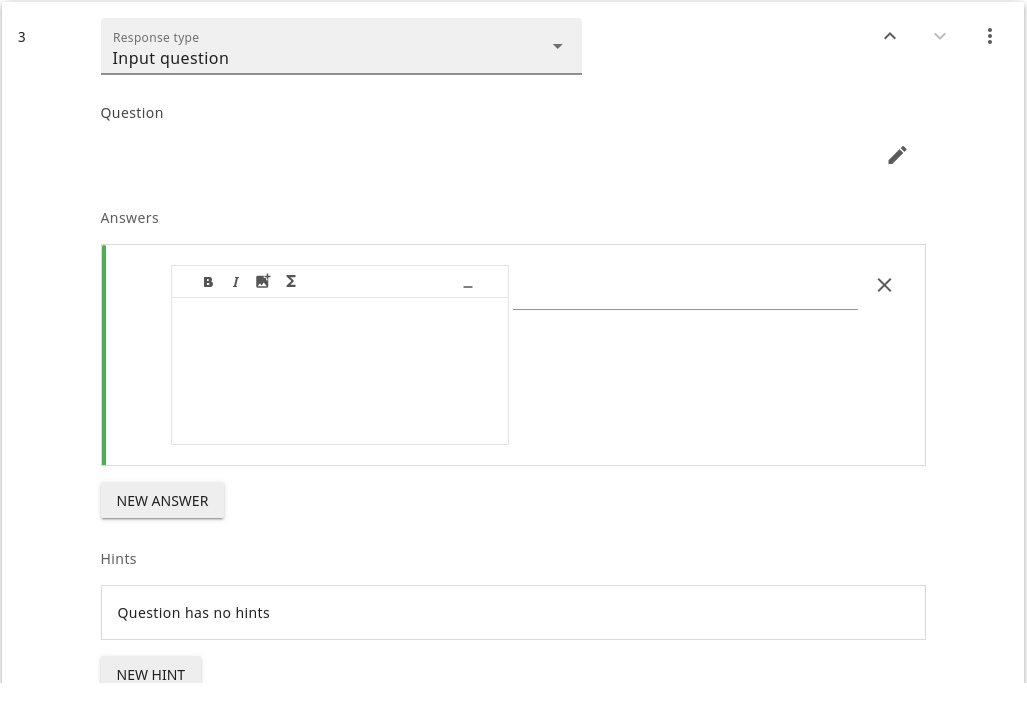
- One extra markdown editor component is rendered after adding a new answer. Please see the comment related to
keep-alive.
|
@nucleogenesis Taking into account that it would be good to get this update in before the bug hunt, I think it's fine to merge this after the problem with one extra editor is fixed (2). Regarding (1), it's okay to open a follow-up issue. cc @rtibbles |

- Also ensure that all answers are cast to number type or removed
  when changing the kind of question it is.
- regex used to remove alphabetical answers when switching to question_input now accepts float and signed numbers
- tests test that incorrect data is removed properly
- tests also updated to account for using VTextField for question_input using shallowMount for one of the it() blocks since VTextField doesn't render output to the DOM with mount
removed some vendor styles that the linter got mad about.
nucleogenesis
force-pushed
the
numerics-only-for-input-question
branch
from
7e2602b to
6abd2ce
Compare
 micahscopes
left a comment
micahscopes
left a comment
micahscopes
left a comment
There was a problem hiding this comment.
After much deliberation, @nucleogenesis and I decided to get this in for now, in spite of a remaining, relatively complex issue where Firefox users can still type and paste non-numeric input, since Firefox doesn't support type="number" on input elements.
I'm going to file a followup issue about the need for a good numeric input component in KDS tomorrow. VTextField doesn't quite do what we want for numeric input types. Ideally, we'd be able to block any input that doesn't pass the validation rules, but VTextField doesn't have a good way of doing that.
 micahscopes
dismissed
MisRob’s stale review
micahscopes
dismissed
MisRob’s stale review
We decided to break out remaining issues into followup issues.
4 participants


Description
When editing an answer, Input fields can only accept numeric values.
Also - if you change from one question type to the Input question type any answers you've added to the previous question type will be removed if they include anything other than numbers.
The modal confirmation already says something along the lines of "if you change you will lose non-numeric answers".
Adds a validation string for non-numeric values:
Issue Addressed (if applicable)
Fixes #2199
Steps to Test
NEW TO TEST:
In Chrome and Firefox, enter valid and invalid values. If you ever blur away from an invalid field, you should see the validation error. Note that
eis allowed in an exponentiation context,+ and -are allowed to sign the values and floats are valid as well.Old instructions for testing below:
numbertype (ie,123123123is what I mean but1f2for123 456are not - but you should test the latter examples too)correct(green) and the "valid" number type questions remain.Please review the styling as well.
I removed the browser-native up/down number arrowsharder to do than expected cross-browser while keeping thetype="number"Also test anything and everything related to creating questions with Input question type.
Implementation Notes (optional)
At a high level, how did you implement this?
updateAnswersToQuestionTypeutil to better handle changing to the Input question type so that it removes all non-numeric answers. Tested with regex/^[0-9]+$/