
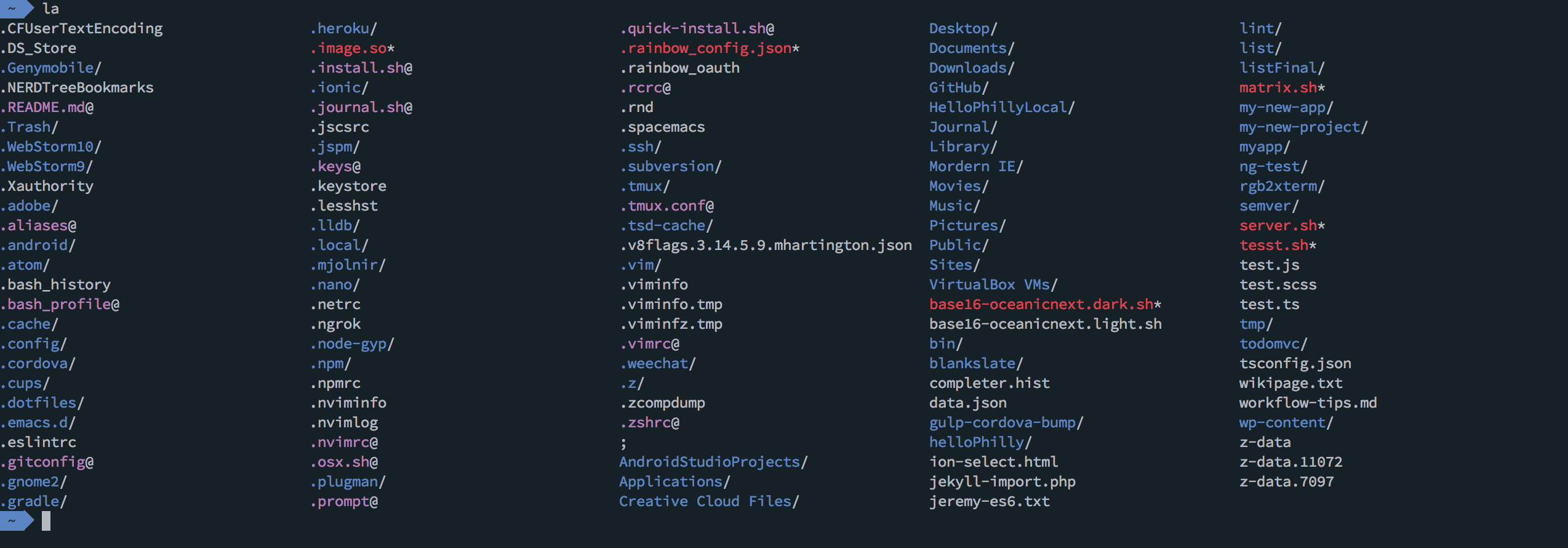
- On iTerm2, go to Preferences > Profiles > Colors
- Click on Load Presets > Import
- Load the theme by clicking on Load Presets and selecting it
This theme is updated to work with only 256 color. Iterm2 has support for 256 colors, as well as True Colors in the nightly builds.
If you're also using my Oceanic-next colorscheme in regular vim, you'll want to use this iterm colorscheme. Vim uses the anis colors from the terminal settings and that interferes with the color scheme.