docs(react-switch): cleanup stories & docs #23217
There are no files selected for viewing
This file contains hidden or bidirectional Unicode text that may be interpreted or compiled differently than what appears below. To review, open the file in an editor that reveals hidden Unicode characters.
Learn more about bidirectional Unicode characters
| Original file line number | Diff line number | Diff line change |
|---|---|---|
| @@ -0,0 +1,7 @@ | ||
| { | ||
| "type": "none", | ||
| "comment": "cleanup stories & docs", | ||
| "packageName": "@fluentui/react-switch", | ||
| "email": "olfedias@microsoft.com", | ||
| "dependentChangeType": "none" | ||
| } |
This file contains hidden or bidirectional Unicode text that may be interpreted or compiled differently than what appears below. To review, open the file in an editor that reveals hidden Unicode characters.
Learn more about bidirectional Unicode characters
This file contains hidden or bidirectional Unicode text that may be interpreted or compiled differently than what appears below. To review, open the file in an editor that reveals hidden Unicode characters.
Learn more about bidirectional Unicode characters
This file contains hidden or bidirectional Unicode text that may be interpreted or compiled differently than what appears below. To review, open the file in an editor that reveals hidden Unicode characters.
Learn more about bidirectional Unicode characters

This file contains hidden or bidirectional Unicode text that may be interpreted or compiled differently than what appears below. To review, open the file in an editor that reveals hidden Unicode characters.
Learn more about bidirectional Unicode characters
| Original file line number | Diff line number | Diff line change |
|---|---|---|
| @@ -1,5 +1,15 @@ | ||
| <details> | ||
| <summary> | ||
| Best Practices | ||
| </summary> | ||
|
|
||
| ### Layout | ||
|
|
||
| - When people need to perform extra steps for changes to take effect, use a check box instead. For example, if they must click a "Submit", "Next", or "OK" button to apply changes, use a check box. | ||
|
|
||
| ### Content | ||
|
|
||
| - Only replace the On/Off labels if there are more specific labels for the setting. For example, you might use Show/Hide if the setting is "Show images". | ||
| - Keep descriptive text short and concise—two to four words; preferably nouns. For example, "Focused inbox" or "WiFi". | ||
|
|
||
| </details> | ||
|
Member
Author
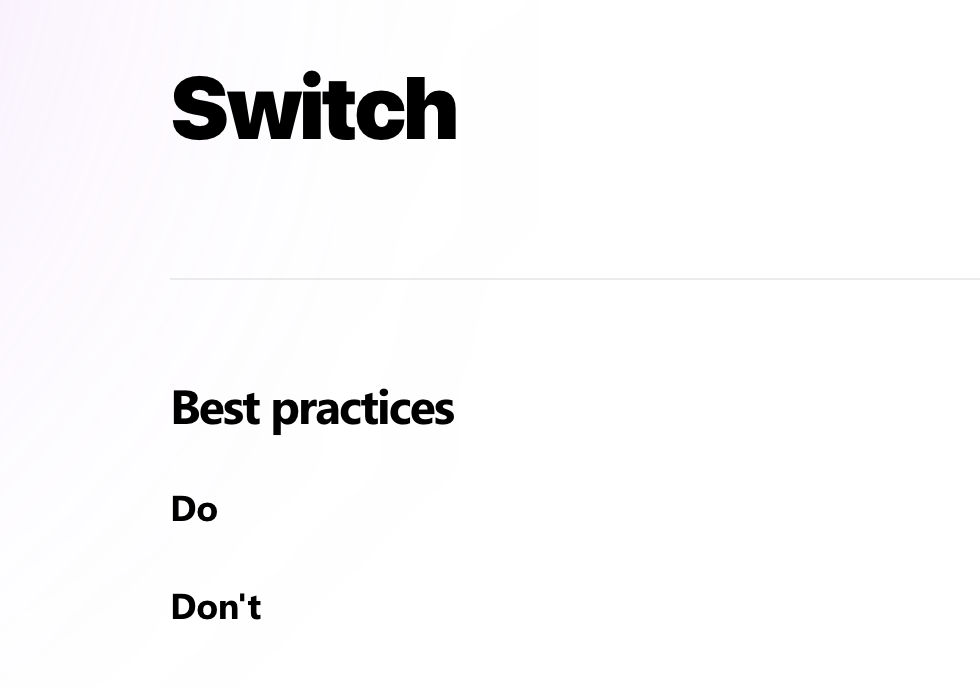
There was a problem hiding this comment. Added best practices & component description, took it from existing docs (https://developer.microsoft.com/en-us/fluentui#/controls/web/toggle). We will probably need to follow up on it to cleanup, but it's better than we have currently:
|
||
This file contains hidden or bidirectional Unicode text that may be interpreted or compiled differently than what appears below. To review, open the file in an editor that reveals hidden Unicode characters.
Learn more about bidirectional Unicode characters
| Original file line number | Diff line number | Diff line change |
|---|---|---|
| @@ -0,0 +1 @@ | ||
| A switch represents a physical switch that allows someone to choose between two mutually exclusive options. For example, "On/Off" and "Show/Hide". Choosing an option should produce an immediate result. |
Add this suggestion to a batch that can be applied as a single commit.
This suggestion is invalid because no changes were made to the code.
Suggestions cannot be applied while the pull request is closed.
Suggestions cannot be applied while viewing a subset of changes.
Only one suggestion per line can be applied in a batch.
Add this suggestion to a batch that can be applied as a single commit.
Applying suggestions on deleted lines is not supported.
You must change the existing code in this line in order to create a valid suggestion.
Outdated suggestions cannot be applied.
This suggestion has been applied or marked resolved.
Suggestions cannot be applied from pending reviews.
Suggestions cannot be applied on multi-line comments.
Suggestions cannot be applied while the pull request is queued to merge.
Suggestion cannot be applied right now. Please check back later.
There was a problem hiding this comment.
Choose a reason for hiding this comment
The reason will be displayed to describe this comment to others. Learn more.
As we have own definition we need to exclude existing ones for
checked&defaultChecked. It also solves problem with the description for props.Before
After