DetailsList Example Accessibility Fixes, Bugs 5 & 12#7256
Merged
Conversation


 natalieethell
changed the title
natalieethell
changed the title

KevinTCoughlin
approved these changes
Nov 29, 2018
 KevinTCoughlin
left a comment
KevinTCoughlin
left a comment
KevinTCoughlin
left a comment
Member
There was a problem hiding this comment.
Fantastic usability improvement to this example! Works well in my testing now that I can actually test this example 😄.


Member
|
|


Closed
8 tasks

This file contains hidden or bidirectional Unicode text that may be interpreted or compiled differently than what appears below. To review, open the file in an editor that reveals hidden Unicode characters.
Learn more about bidirectional Unicode characters
Sign up for free
to subscribe to this conversation on GitHub.
Already have an account?
Sign in.
3 participants


Add this suggestion to a batch that can be applied as a single commit.This suggestion is invalid because no changes were made to the code.Suggestions cannot be applied while the pull request is closed.Suggestions cannot be applied while viewing a subset of changes.Only one suggestion per line can be applied in a batch.Add this suggestion to a batch that can be applied as a single commit.Applying suggestions on deleted lines is not supported.You must change the existing code in this line in order to create a valid suggestion.Outdated suggestions cannot be applied.This suggestion has been applied or marked resolved.Suggestions cannot be applied from pending reviews.Suggestions cannot be applied on multi-line comments.Suggestions cannot be applied while the pull request is queued to merge.Suggestion cannot be applied right now. Please check back later.
Pull request checklist
$ npm run changeDescription of changes
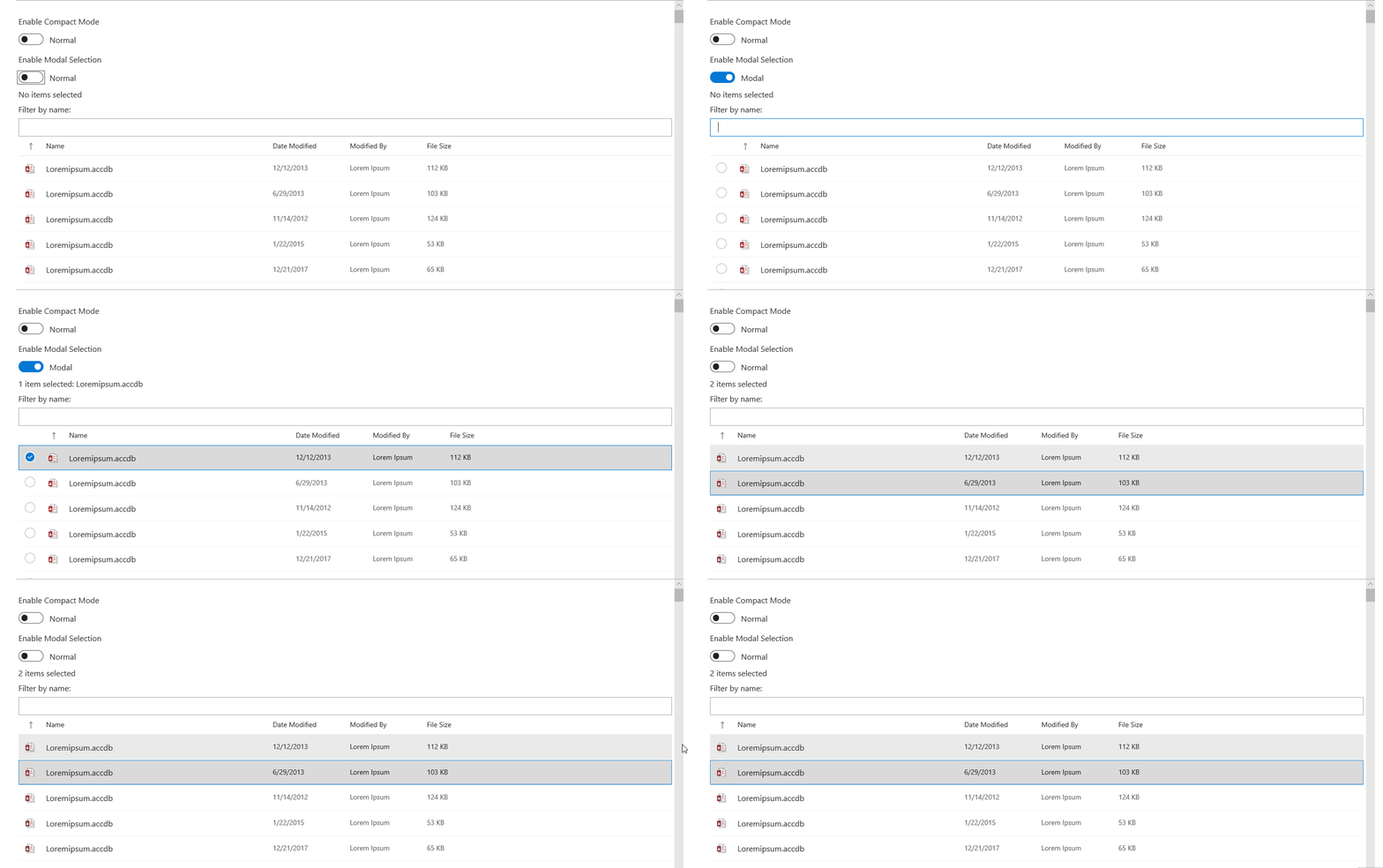
These changes fix some bugs in the DetailsList Documents Example. A user should now be able to use their keyboard to select multiple rows in the list without the modal selection toggle switching off.
Before:
After:
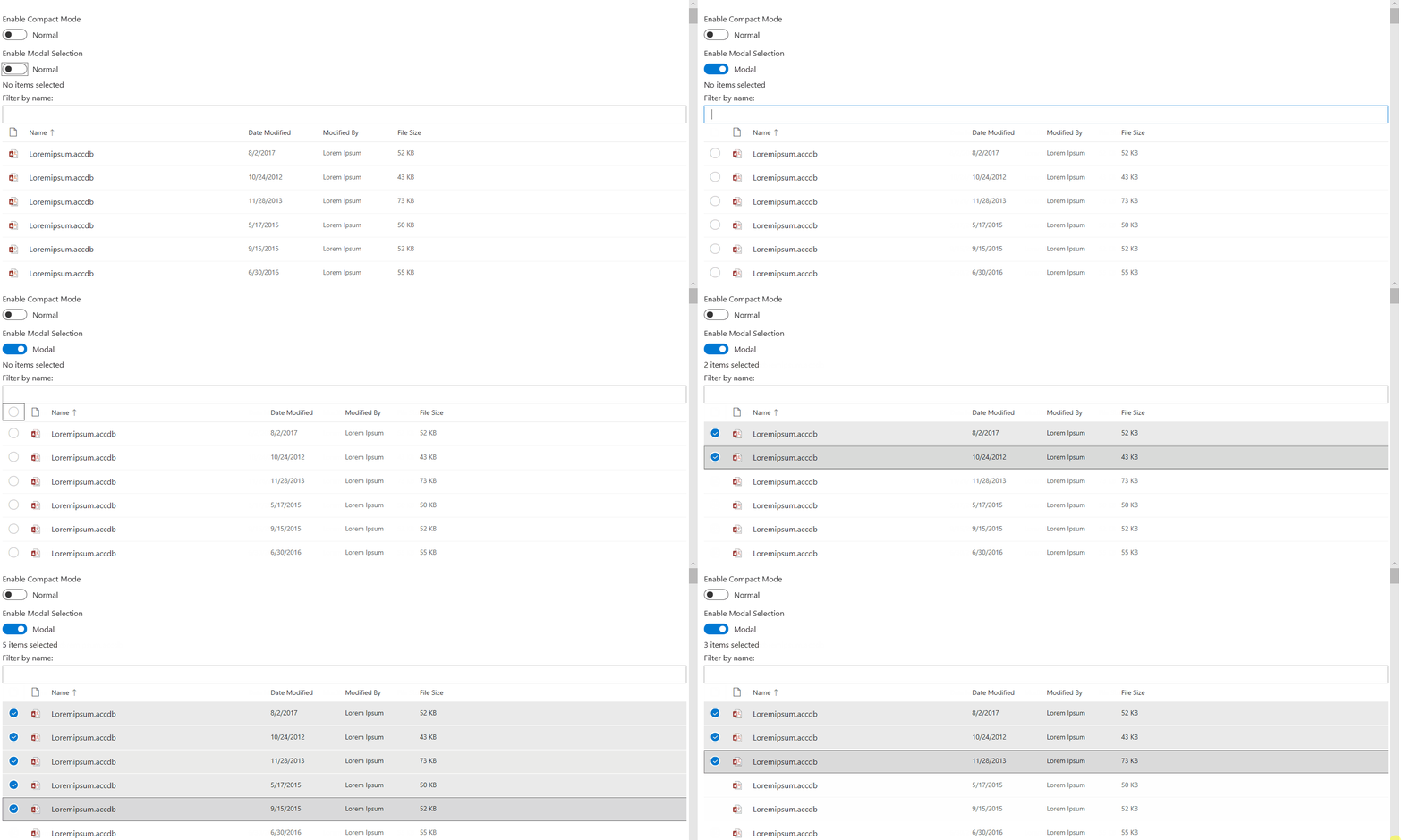
The aria label for the File Type column header is now more informative, letting the user know that it can be activated to sort the column on file type. The screen reader will now read out "Column operations for File type, Press to sort on File type".
Focus areas to test
Go to the main DetailsList example. Observe the changes.
Microsoft Reviewers: Open in CodeFlow