Note: Items 1 & 2 are addressed; leaving open to track enhancement idea in item 3 and updated issue title to reflect that idea
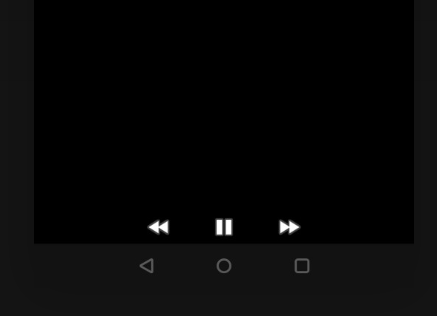
PROBLEM 1 - music controls not working
Steps to reproduce
Open music filetry to pause it
Screenshot: music controls not responsive.
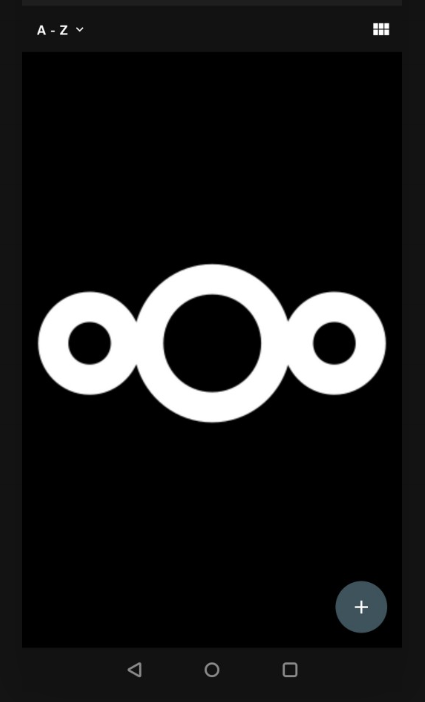
PROBLEM 2 - exiting & re-opening music player renders weird layout
Steps to reproduce
1. Open music file
2. hit HOME to minimize it
3. open it again from multitasking view
A non-responsive layout is rendered with no music controls, FAB and some elements from main view:
PROBLEM 3 - tapping music player notification produces no response
Steps to reproduce
- play music
- hit HOME to return to homescreen
- tap nextcloud music player notification
Nothing happens. I believe the player should open.
Android version: 10
Device model: OP5T
Nextcloud app version: 3.13.0
Nextcloud server version: 19
Note: Items 1 & 2 are addressed; leaving open to track enhancement idea in item 3 and updated issue title to reflect that idea
PROBLEM 1 - music controls not working
Steps to reproduceOpen music filetry to pause itScreenshot: music controls not responsive.PROBLEM 2 - exiting & re-opening music player renders weird layout
Steps to reproduce1. Open music file2. hit HOME to minimize it3. open it again from multitasking viewA non-responsive layout is rendered with no music controls, FAB and some elements from main view:PROBLEM 3 - tapping music player notification produces no response
Steps to reproduce
Nothing happens. I believe the player should open.
Android version: 10
Device model: OP5T
Nextcloud app version: 3.13.0
Nextcloud server version: 19