Skip to content
This repository was archived by the owner on Feb 20, 2020. It is now read-only.

Menu bar not working correctly with Dash to Panel in GNOME #46

@alicerunsonfedora

Description

@alicerunsonfedora
  • Your OS: Fedora 27 (4.14.18-300.fc27.x86_64 from running uname -r)
  • App version: 0.2.6

Note:

  • Steps to reproduce the issue:

    1. Install the "Dash to Panel" extension for GNOME Shell (and TopIcons-Plus, to restore system tray icons).
    2. Install Mstdn and configure normally.
  • What exactly happens:
    Imgur

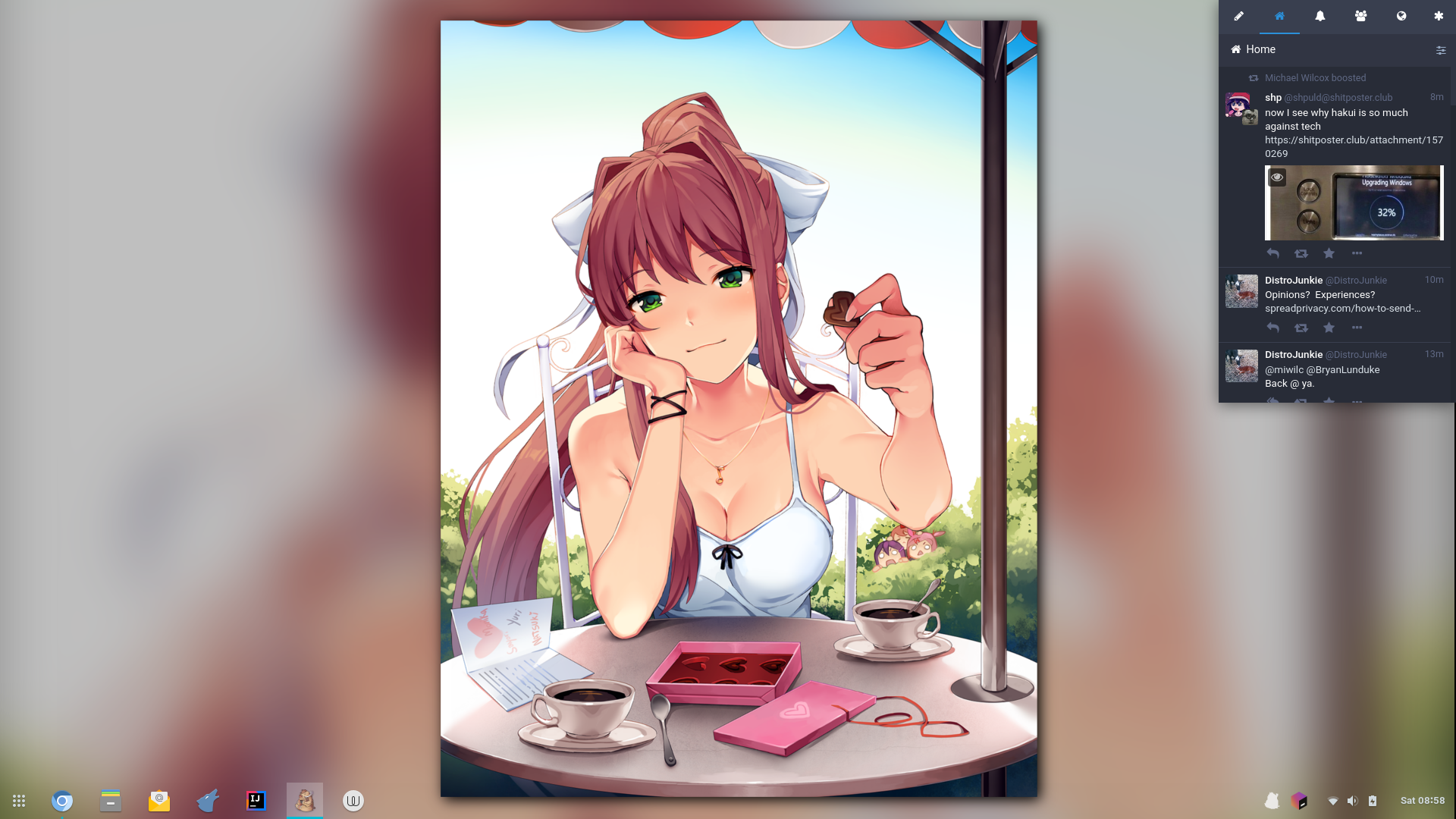
    • The app will work normally and will display Mastodon content just fine. However, the app seems to get confused as to where exactly the system tray icon is. I installed the Dash to Panel and TopIcons-Plus extensions to GNOME Shell, which places itself on the bottom of the screen. However, I assume that Mstdn is not taking note of that and it is still thinking that the GNOME panel is up at the top, forcing itself to inhabit the upper right-hand corner of the screen.
    • Switching to windowed mode remedies it, but it's not a permanent solution that works as the icon in the system tray will disappear.

Metadata

Metadata

Assignees

No one assigned

    Labels

    No labels
    No labels

    Projects

    No projects

    Milestone

    No milestone

    Relationships

    None yet

    Development

    No branches or pull requests

    Issue actions