Part of epics #3, #4, #105
We are still deciding on which email service to use, but the code for this can be started to the extent possible before that decision is made. We can test email locally.
What type of user is this for? [volunteer/supervisor/admin/all
all (volunteers most immediately)
Where does/should this occur?
login & user email
Description
When a user clicks forgot your password and submits "Send me reset password instructions," a reset password email should be triggered and sent by the system to the user email provided. That email should direct to a [future work, not in this issue] password reset page.
References:
https://github.com/heartcombo/devise/wiki/How-To:-Allow-users-to-edit-their-password
Email Text
Subject line: Create a password & set up your account
Hello [volunteer display name],
A CASA/Prince George’s County volunteer console account has been created for you. This console is for logging the time you spend and actions you take on your CASA case. You can log activity with your CASA youth, their family members, their foster family or placement, the DSS worker, your Case Supervisor and others associated with your CASA case (such as teachers and therapists).
Your console account is associated with this email. If this is not the correct email to use, please stop here and contact your Case Supervisor to change the email address. If you are ready to get started, please set your password. This is the first step to accessing your new volunteer account.
[button text = Set your password]
Please reach out to your Case Supervisor if you experience any difficulties or have questions.
- CASA/Prince George’s County
Screenshots:
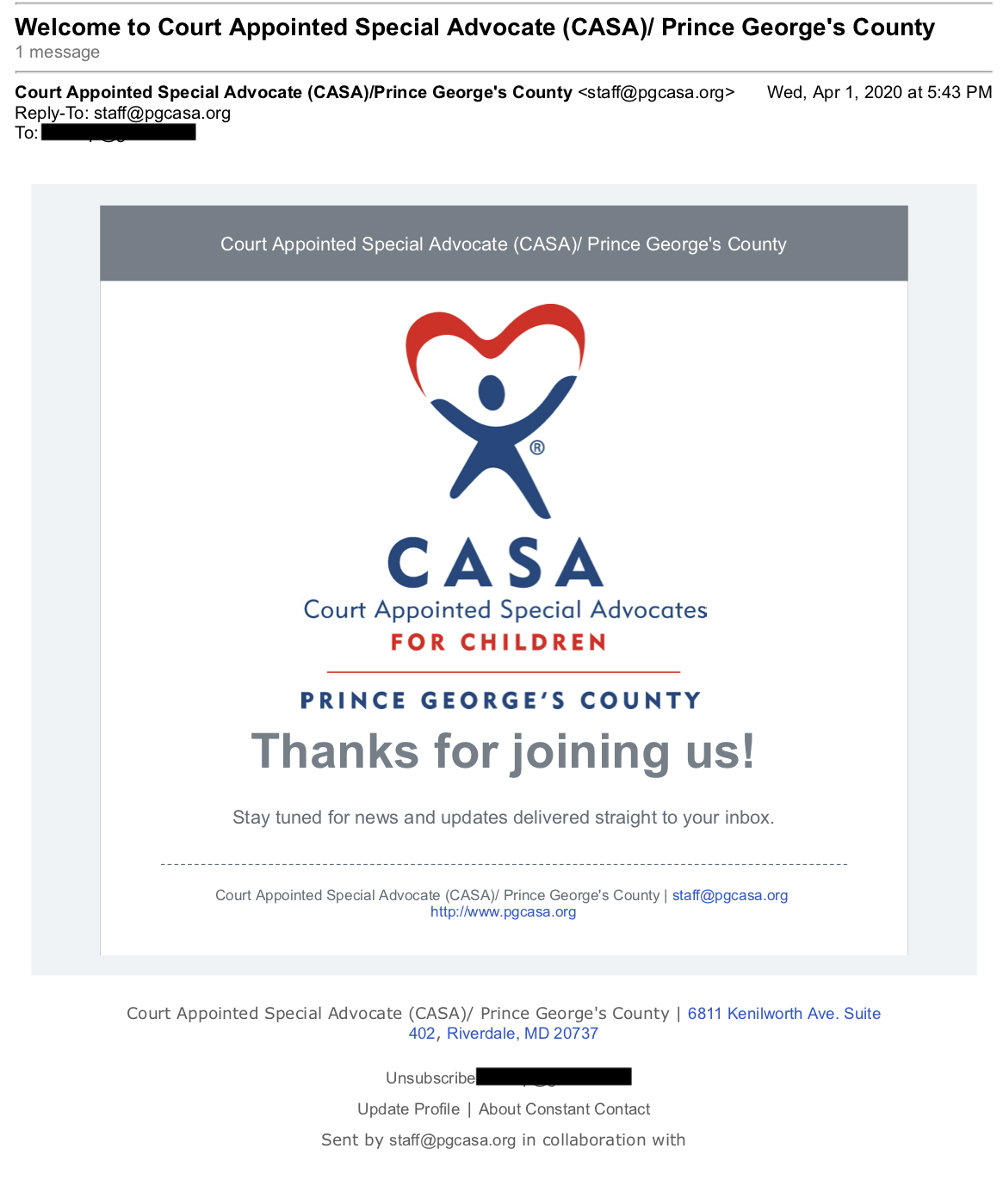
Here is what a PG CASA email looks like:
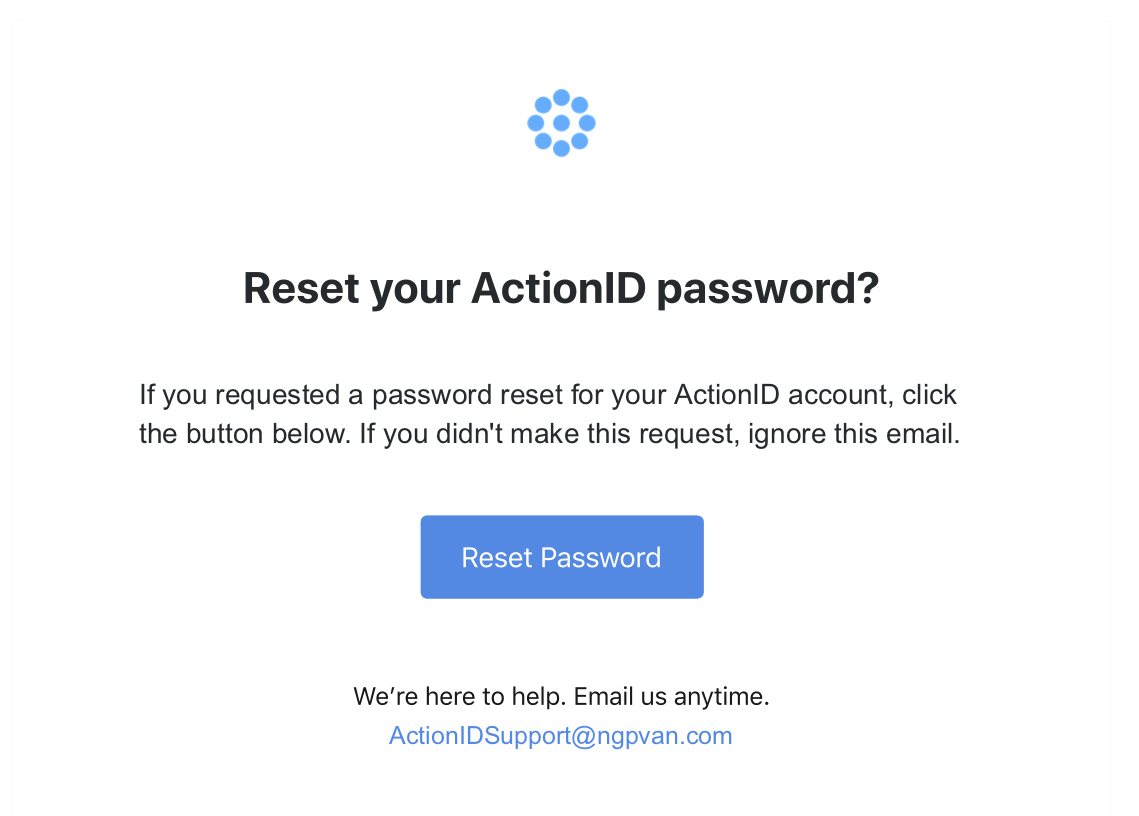
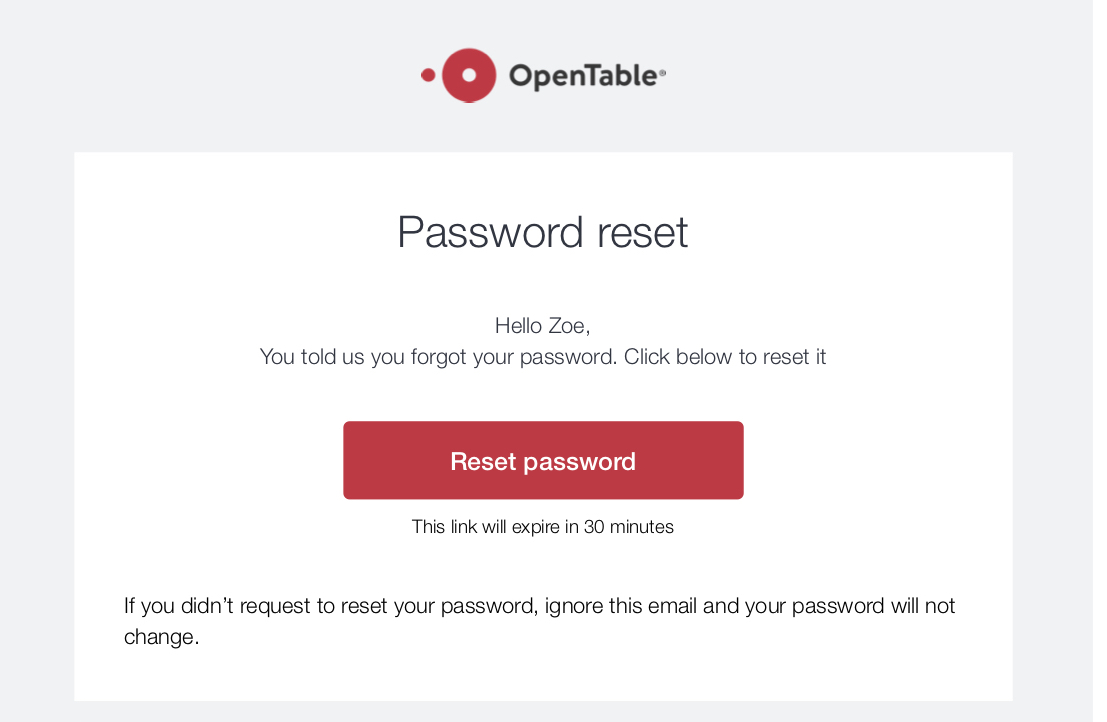
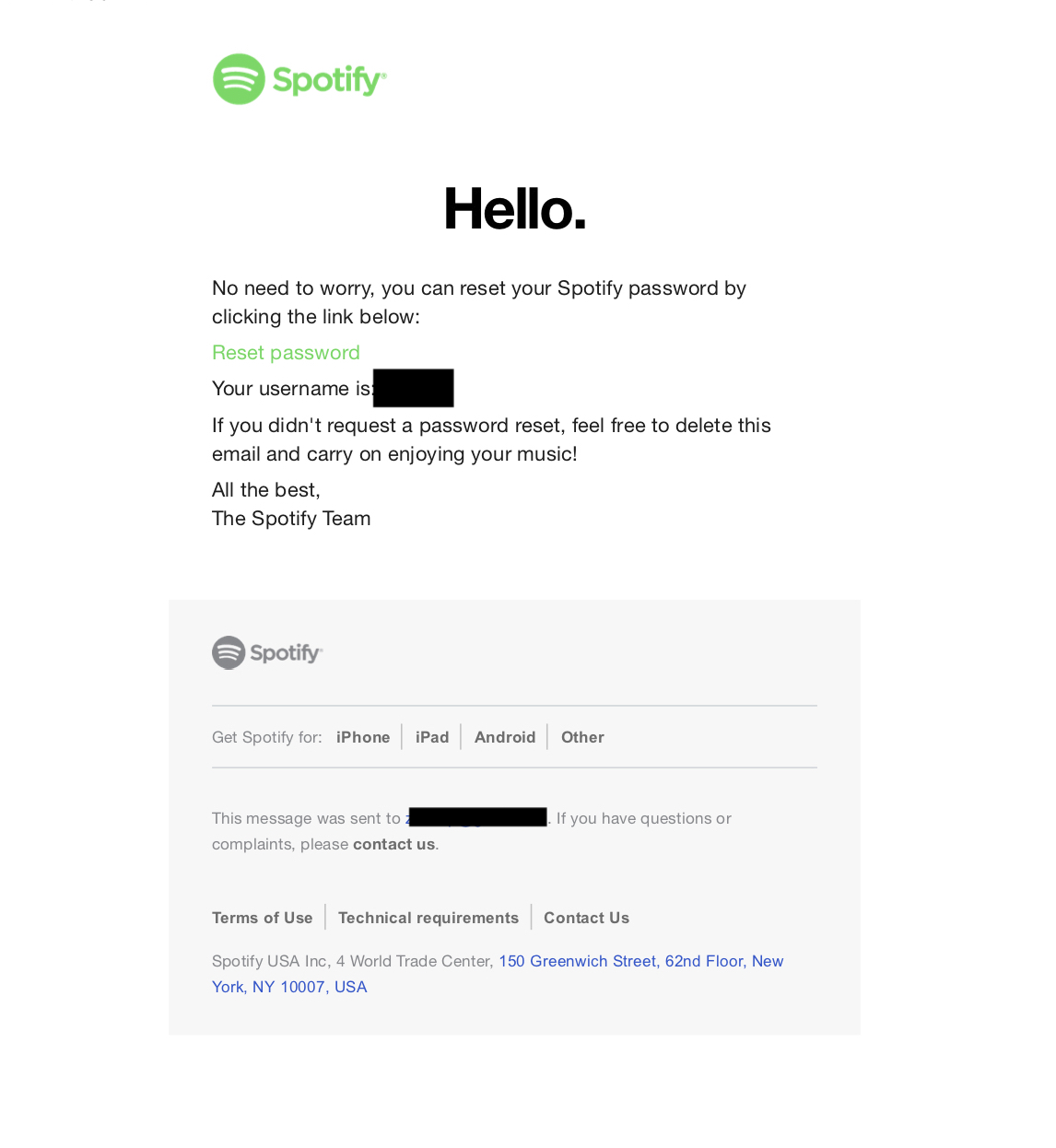
And here are some examples of password reset emails.
Relates to issues: #22, #23


Part of epics #3, #4, #105
We are still deciding on which email service to use, but the code for this can be started to the extent possible before that decision is made. We can test email locally.
What type of user is this for? [volunteer/supervisor/admin/all
all (volunteers most immediately)
Where does/should this occur?
login & user email
Description
When a user clicks forgot your password and submits "Send me reset password instructions," a reset password email should be triggered and sent by the system to the user email provided. That email should direct to a [future work, not in this issue] password reset page.
References:
https://github.com/heartcombo/devise/wiki/How-To:-Allow-users-to-edit-their-password
Email Text
Subject line: Create a password & set up your account
Hello [volunteer display name],
A CASA/Prince George’s County volunteer console account has been created for you. This console is for logging the time you spend and actions you take on your CASA case. You can log activity with your CASA youth, their family members, their foster family or placement, the DSS worker, your Case Supervisor and others associated with your CASA case (such as teachers and therapists).
Your console account is associated with this email. If this is not the correct email to use, please stop here and contact your Case Supervisor to change the email address. If you are ready to get started, please set your password. This is the first step to accessing your new volunteer account.
[button text = Set your password]
Please reach out to your Case Supervisor if you experience any difficulties or have questions.
Screenshots:

Here is what a PG CASA email looks like:
And here are some examples of password reset emails.



Relates to issues: #22, #23