
A client to play chess in your terminal. All this work are inspired and based in the original gambit from Maas Lalani. I get it and build gambitsrv, a simple server in Go to manage chess games between human players. Gambit is specially designed to work on a unix shared server (aka tilde or similar)
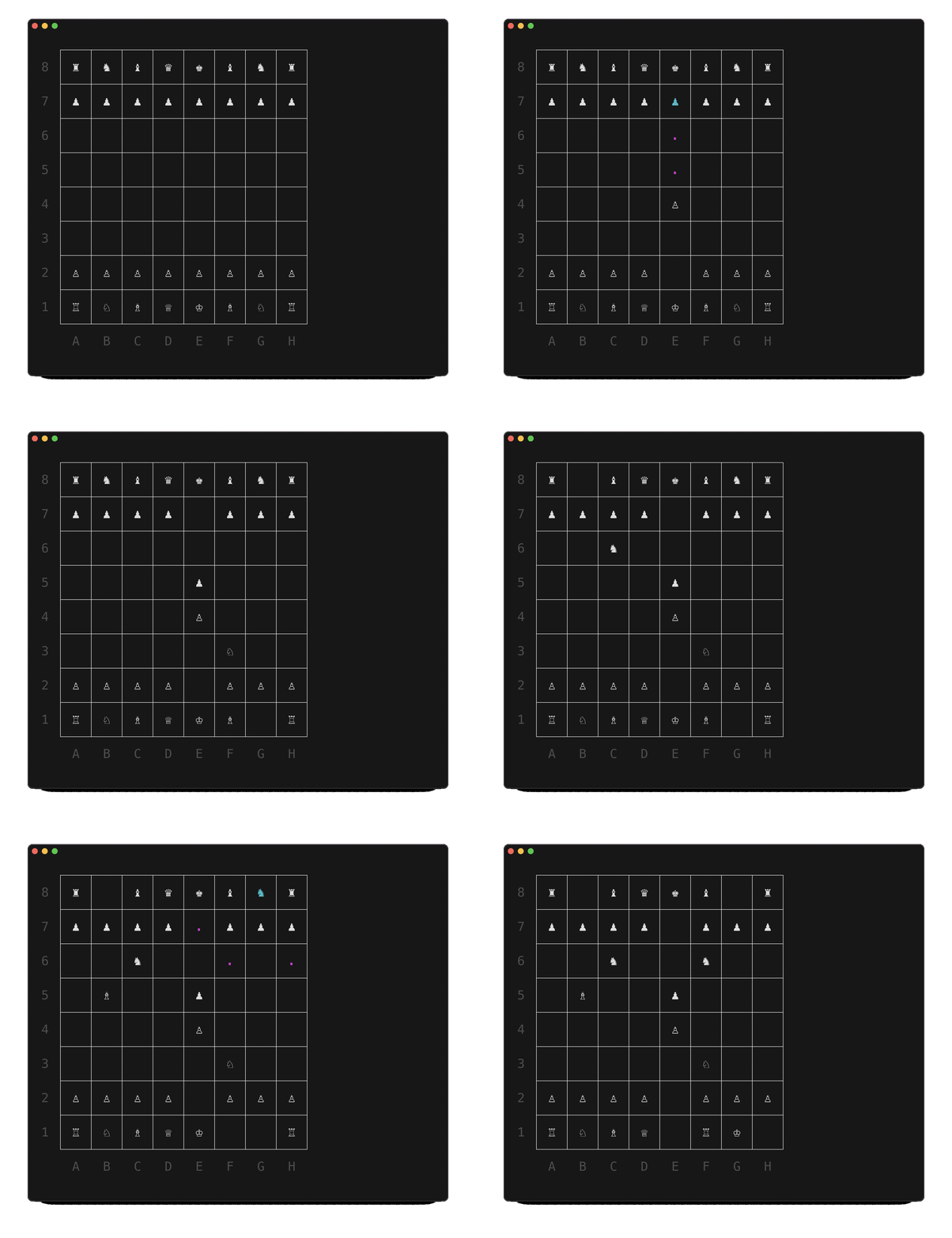
There are two ways to move in gambit:
- Type out the square the piece you want to move is on, then type out the square to which you want to move the piece.
- With the mouse, click on the target piece and target square.
You can create a new a game by running:
gambit
Then, you get the game id from the server. You should comunicate it to the other player. If the game has been created by other player, you can join with:
gambit -g <id-of-game>
You can press ctrl+f to flip the board to give a better perspective for the second player.
-u: Use a name in the game. By default gambit use your login name-p: Use a different port to connect to gambitsrv. By default it uses 22022-h: Show the help