
트위터 클론코딩 토이 프로젝트 API Server
클라이언트 : https://github.com/swj9707/twitter-clone-client
어드민 : https://github.com/swj9707/twitter-clone-admin
위키 : https://github.com/swj9707/twitter-clone-api-server/wiki
SNS 서비스의 백엔드 설계 및 개발 공부 목적의 프로젝트입니다.
현재 v1.0.0 가 프리 릴리즈 되었습니다. 안정화 후 최종 배포 예정입니다.


- JWT 기반 인증
- 트윗 생성 및 삭제
- 좋아요, 리트윗
- 댓글
- 프로필 조회 및 수정
- 자신이 작성한 트윗, 리트윗, 댓글 및 좋아요 조회
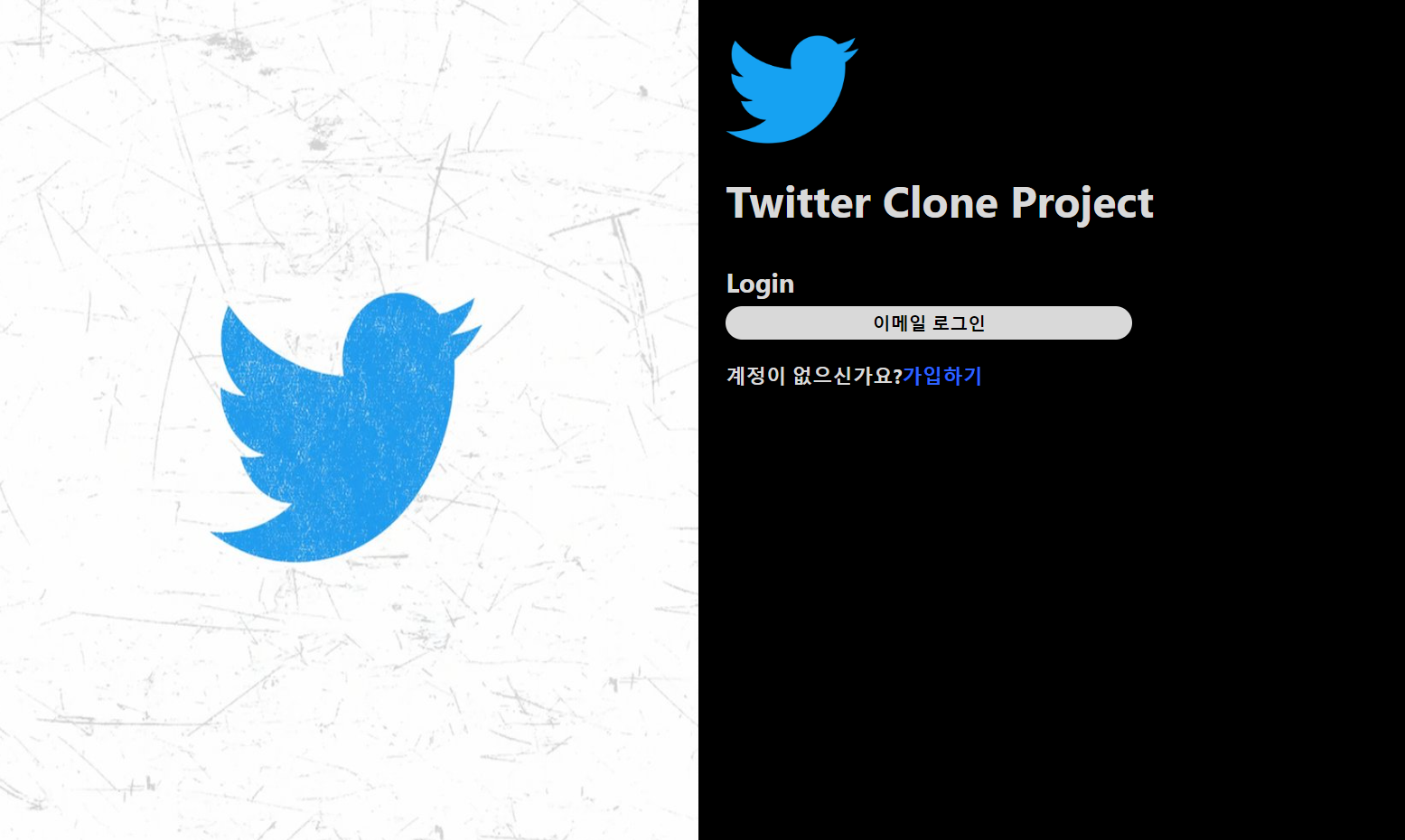

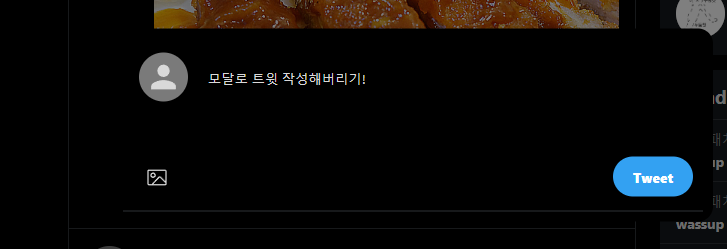
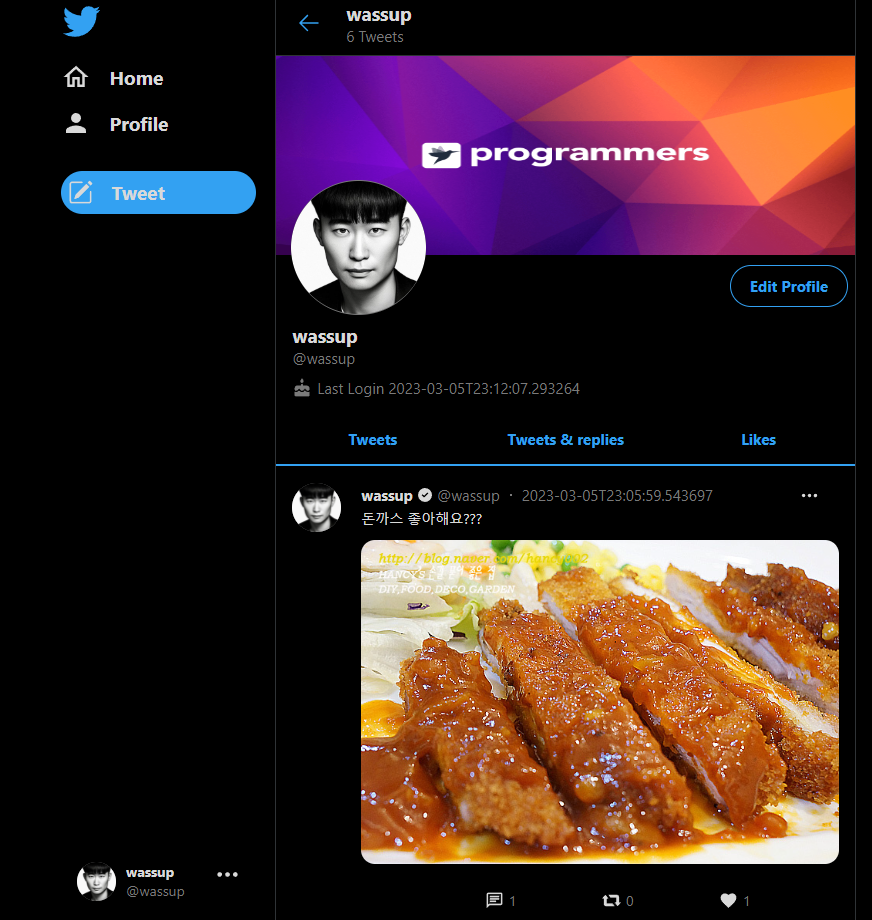
- Web Client 를 다운받는다.
- Docker compose 를 통해 인프라 셋업을 한다.
로컬에서 돌릴 땐 위의 셋업으로 진행합니다. nginx.conf는 아래와 같습니다.
version: "3.8"
services:
  cdn-server:
    container_name: twitter-clone-cdn-server
    image: nginx:latest
    restart: always
    ports:
      - 8082:8082
    volumes:
      - ./cdn/nginx.conf:/etc/nginx/nginx.conf
      - ./cdn/data:/static_files
    environment:
      - TZ=Asia/Seoul

  mysql:
    container_name: twitter-clone-db
    image: mariadb:latest
    volumes:
      - ./db/conf.d:/etc/mysql/conf.d
      - ./db/data:/var/lib/mysql
      - ./db/initdb.d:/docker-entrypoint-initdb.d
    ports:
      - 3306:3306
    env_file: .env
    command:
      - "--character-set-server=utf8mb4"
      - "--collation-server=utf8mb4_unicode_ci"

  redis:
    image: redis:alpine
    command: redis-server --port 6379
    container_name: twitter-cloud-redis
    hostname: twitter-clone-redis
    labels:
      - "name=redis"
      - "mode=standalone"
    ports:
      - 6379:6379
events {} http { server { listen 8082; root /static_files; location /files/ { add_header Content-disposition 'attachment; filename="$1"'; } location / { index index.html index.htm; } } } - API 서버 내 Application.yml 설정을 해 준 후 DB 설정을 해 준다.
spring:
  datasource:
    driver-class-name: org.mariadb.jdbc.Driver
    url: jdbc:mariadb://localhost:3306/twitter_clone_db_dev
    username: {root username}
    password: {root password}
  jpa:
    hibernate:
      ddl-auto: validate
  data:
    redis:
      host: localhost
      port: {redis port}
  output:
    ansi:
      enabled: always
jwt:
  security:
    key: {secret key}

file:
  ImageLocation: {image location}
  cdn:
    tweetImage: {cdn url}

spring-doc:
  api-docs:
    path: /docs

  swagger-ui:
    path: /swagger-ui
    display-request-duration: true

  cache:
    disabled: true