Fix link to oldDot#5359
Conversation


|
Did not have time to test this in other platforms, but I think we don't really care if this is broken because that flow is broken in mobile anyway. There is (or should be) another issue to change the button to say to log in to e.com in desktop. |
|
If we should test in other platforms, can someone please do that? This is a blocker for N6 and ideally all blockers should be resolved by EOD tomorrow. If no one can, I can do that tomorrow morning. |

| function openSignedInLink(url = '') { | ||
| API.GetAccountValidateCode().then((response) => { | ||
| const exitToURL = url ? `?exitTo=${url}` : ''; | ||
| const validateCodeUrl = `v/${currentUserAccountID}/${response.validateCode}${exitToURL}`; |

There was a problem hiding this comment.
How come there is no more exitTo param?
There was a problem hiding this comment.
The exitTo was there for the validate page to redirect to the page we wanted after validating. Now, we don't need it because we send users directly to the page we want, without any intermediary pages


I tested on Desktop. We could test on mobile, but I'm not sure if the experience on the OldDot side is too mobile friendly. Seems unlikely we'll improve it at this point. |


|
✋ This PR was not deployed to staging yet because QA is ongoing. It will be automatically deployed to staging after the next production release. |


|
PR is failing because of #5382 (comment) |
|
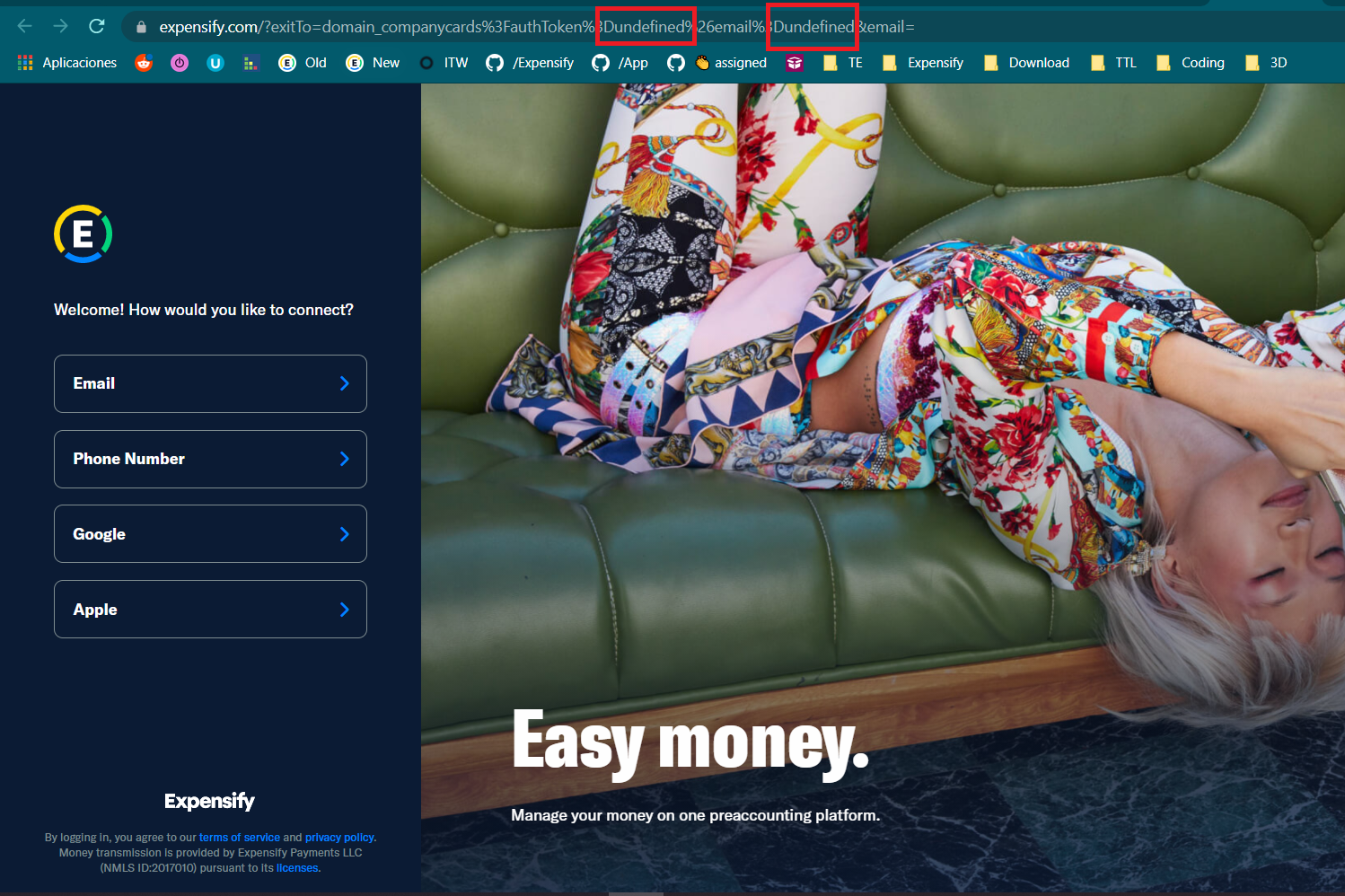
@iwiznia When testing this again I was redirected to E.com login instead of being signed in. I also noticed that the URL has Good news is that the button is clickable now and not completely unresponsive |

6 participants


Details
Fixed Issues
$ https://github.com/Expensify/Expensify/issues/177739
Tests
I tested both scenarios below on dev with carlos@expensifail.com and carlos+test@expensifail.com after @marcaaron pointed out that it wasn't working for him with an email that had a plus sign in it. So I added the encodeURIComponent call and tested with carlos+test.
That said, this only works if the account clicking manage cards is a domain admin, so this isn't quite working for all cases
QA Steps
Run both scenarios below with an email that doesn't have a plus sign in it, and one that does
Tested On
Screenshots
Web
Mobile Web
Desktop
iOS
Android