Enemy Spawning
Alpha ABS Z have embedded enemies spawning system
For using Spawning system you should set Spawn Map ID first in Plugin Parameters
- Create a map where you will store the ABS enemies (templates) for spawning

-
Add configurated ABS enemies on this map
-
Set Map ID to
Spawn Map IDplugin parameter
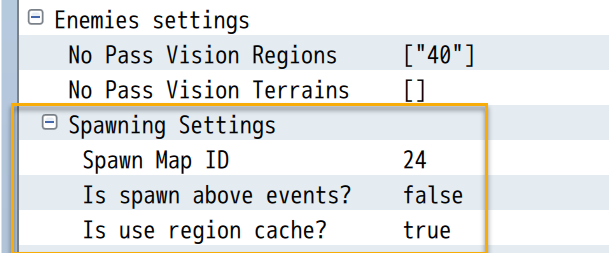
- Now you can use Spawning system
For spawning Enemies use script calls:
uAPI.spawnEnemy(ID, X, Y)
uAPI.spawnEnemy(ID, RegionID)
Where:
ID- event ID on template map Spawn Map ID
ID, X, Y, RegionID- all arguments is Extended Values
Example:
uAPI.spawnEnemy(1, 10, 20); // Spawn Enemy Event with ID 1 on 10, 20 (map coordinates)
uAPI.spawnEnemy(4, 50); // Spawn Enemy Event with ID 4 in Region 50 (any free random map cell)
uAPI.spawnEnemy([1, 2, 3], [50, 60, 80]); // Spawn Enemy Event with ID 1 or 2 or 3, in one of regions 50 or 60 or 80
uAPI.spawnEnemy("400|V", 100); // Spawn Enemy Event with ID from variable 400 in Region 100
uAPI.spawnEnemyForced(ID, X, Y)
uAPI.spawnEnemyForced(ID, RegionID)
Same, but without any map cell check, so enemy will be spawned anyway (even on not passable map cell)
uAPI.spawnEnemyAround(ID, X, Y, RADIUS); - spawn enemy around X,Y point (withing RADIUS)
ID, X, Y, RADIUS- all arguments is Extended Values
Example:
uAPI.spawnEnemyAround(1, 10, 20, 2); // Spawn Enemy Event with ID 1 around map cell [10, 20] within radius 2 (in map cells) uAPI.spawnEnemyAroundForced(ID, X, Y, RADIUS); - same, but without any map cell check
uAPI.spawnEnemyNearPlayer(ID, DIST); - spawn enemy around player within DIST (maximum distance)
ID, DIST- all arguments is Extended Values
uAPI.setSpawnEnemyAnimation(ID); - next spawning will be with animation (on spawned character)
ID- animation ID from database. 0 - no animation.
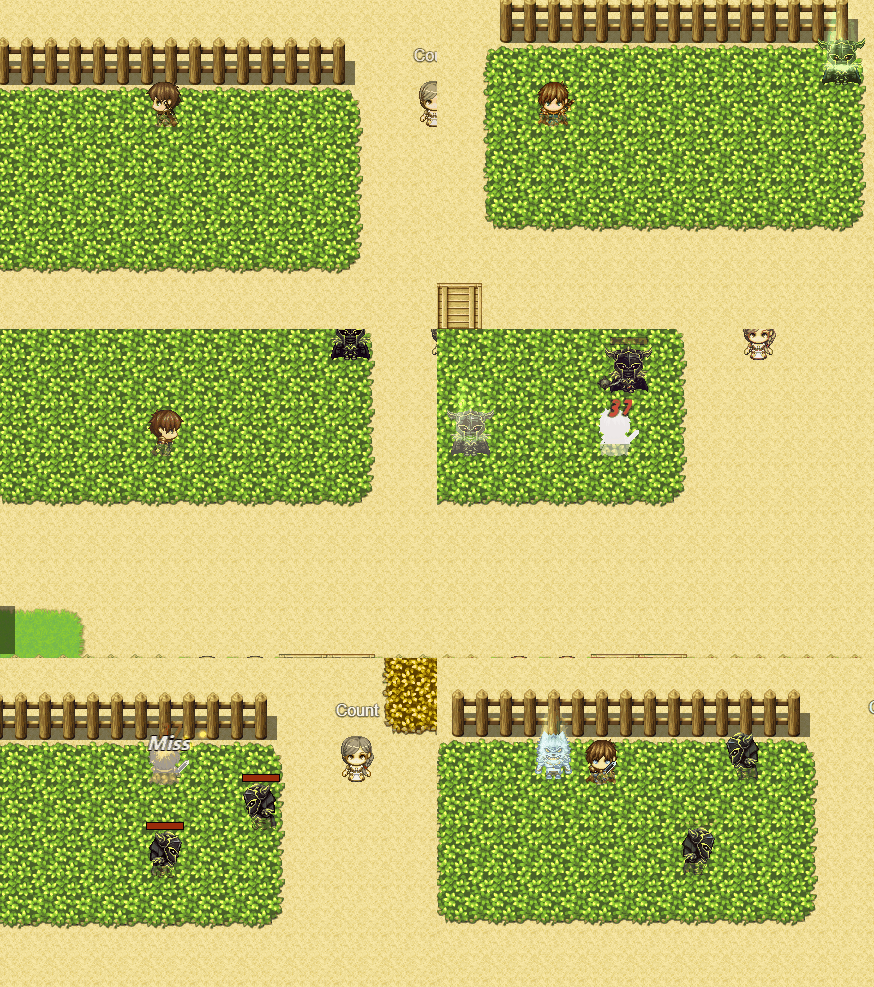
Methods, that can help you control spawning process:
uAPI.getLastSpawnedEnemy(); - return last spawned Enemy (Game_Event object) or null
uAPI.isEnemyBeenSpawned(); - returns true if enemy been spawned after last spawn script called
uAPI.getSpawnEnemiesAlive(); - returns alive spawned enemies count
See this page: Spawn Points
See this page: Map Encounters
You can create special event for blocking enemy spawning in certains map zones.
Add comment to event page disableSpawn:X, where X - radius in map cells around this event.

In this radius around event, enemies will not be able to spawn (if you call any spawn plugin command, except forced ones)
You can create many events or using different event pages for activate or deactivate this effect
disableSpawn comment