Shared Events
Shared events - it's global events that's starts for all players (on same map) in same time. This events is good for creating cutscenes.
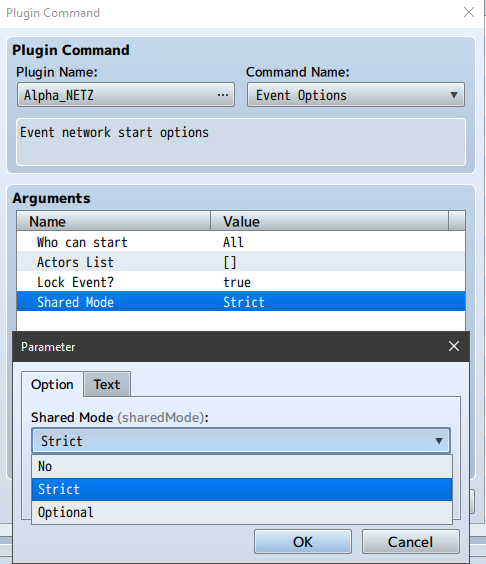
For set event as Shared event choose in plugin command Event Options Shared Mode Strict or Optional
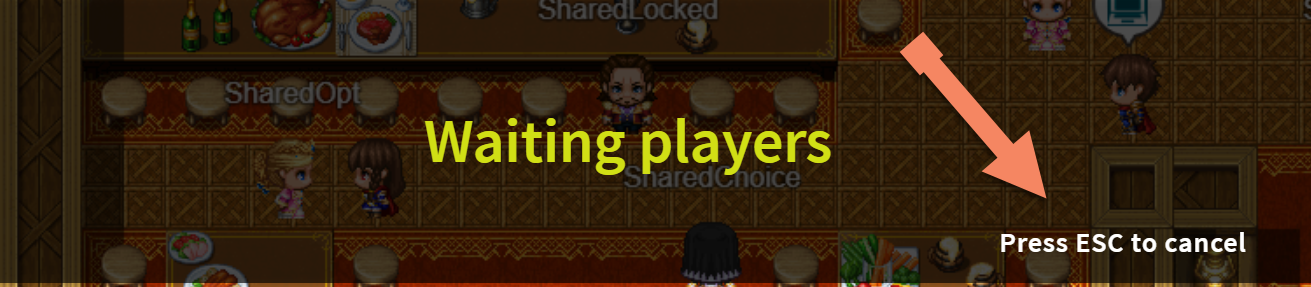
When player starts Shared event he should wait (game is freeze) until another players (on same map) will be free (not in menu or another event) for starts same event (automatically) too.
When player start Shared event he can cancel waiting another players (ESC key by default)
(but only on start, not on N wait command during event)
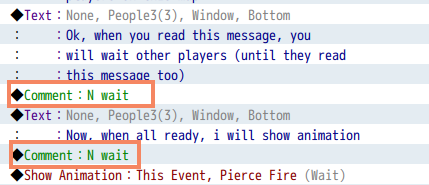
For wait (synchronize) all players on same position (line) in event, use comment: N wait before event command
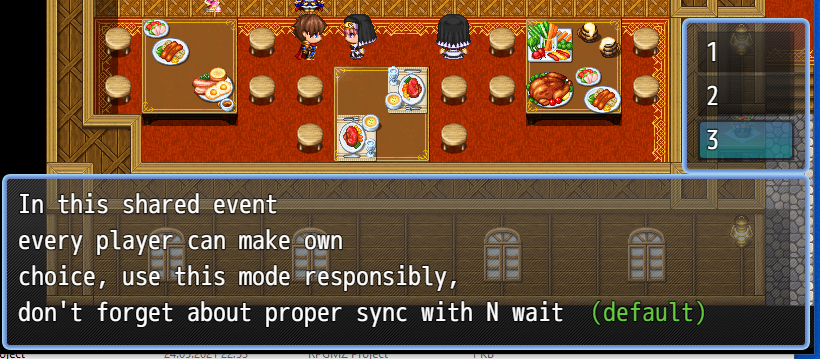
By default in Show Choices event command all players can make own choice. Use responsibly, can break event commands line synchronization.
If you want that only one player (event master, who starts shared event) can make choice, you should put comment command N choicesForMaster before Show Choices
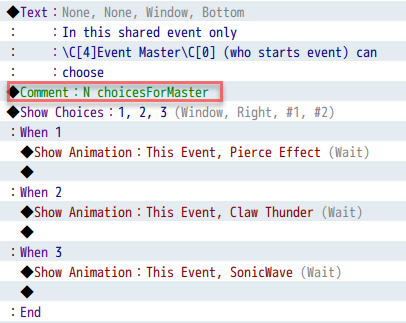
This is better if after choice you want keep synchronized event execution with N wait
SharedEvents in Demo Project